Pop-Ups
Embed a Survey in a Pop-Up
Embed a survey in a Whatfix Pop-up to receive users' opinions and feedback.
Note:
- Ensure that you have the survey form link handy before creating a Pop-up.
- Google Forms cannot be embedded in a survey.
Use the following steps to embed a survey in a Pop-up:
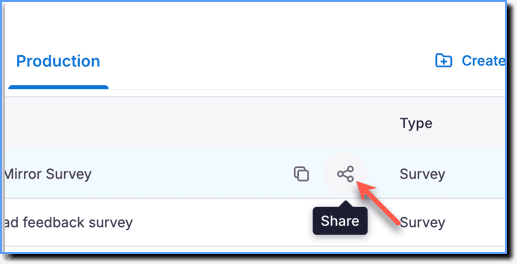
- Click the Share icon on the Survey segment you want.
Note:
Ensure that the Survey is pushed to production.
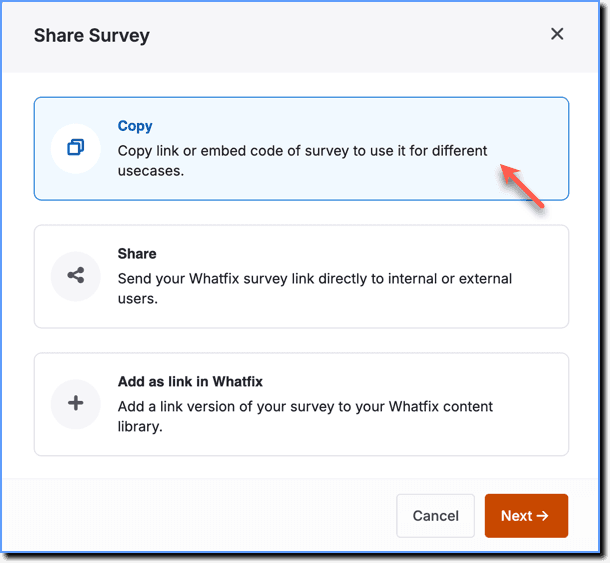
- On the Share Survey dialogue box, click Copy.
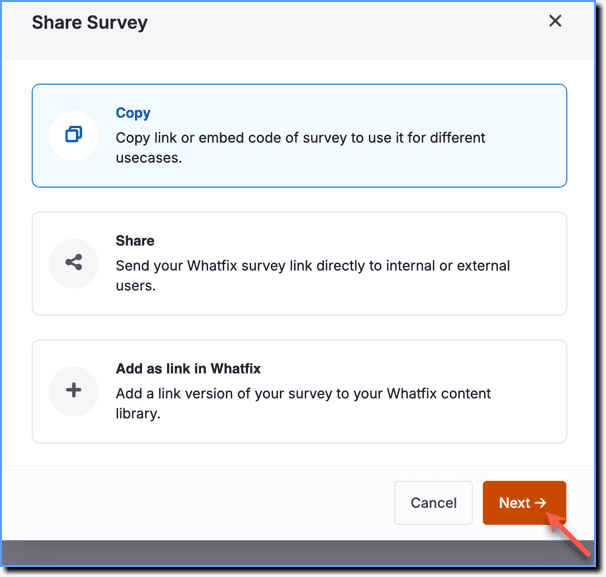
- Click Next.
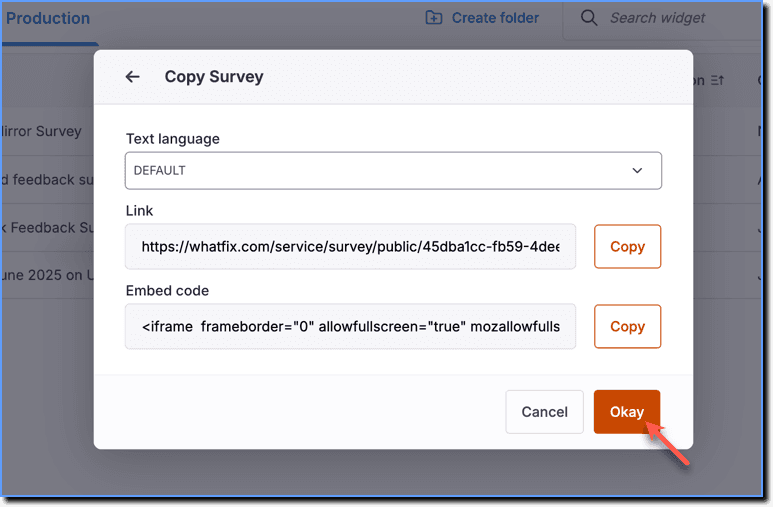
- Copy the Link or Embed code and then click Okay.
Note:
To paste the link in the Pop-up, see Attach URL to a Pop-up.