Whatfix Desktop Overview
Use the Preview Mode on the Whatfix Desktop Studio
Use Whatfix Preview Mode to review and see how your content appears in the end-user application. Find any errors that may have slipped in and rectify them before your end users face an issue.
Use the following steps to preview Whatfix content and widgets:
- Launch Whatfix Studio.

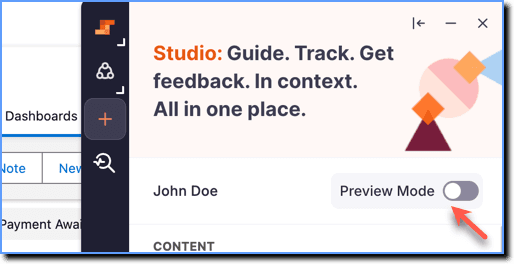
- Enable the Preview Mode toggle.
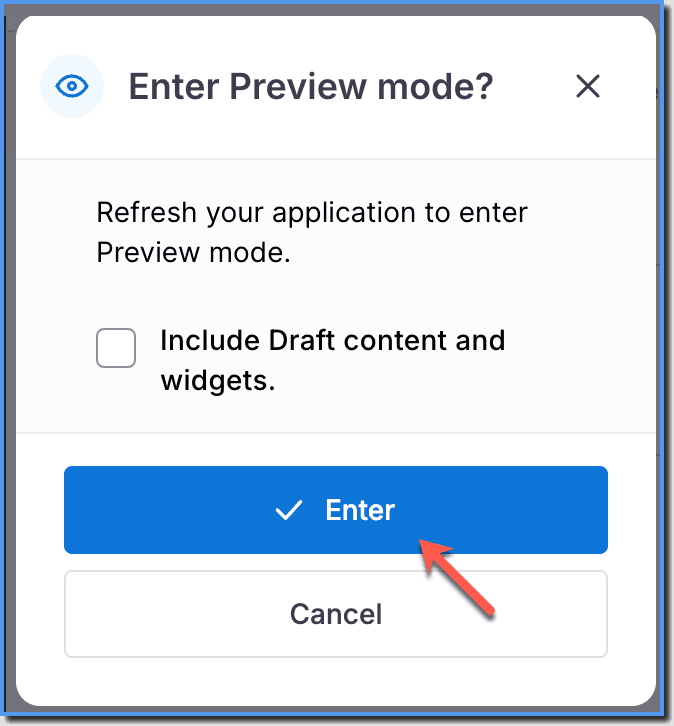
- In the Enter Preview mode? dialog box, click Enter.
Info:
If the content you want to preview is in the Draft stage, then select the Include Draft content and widgets. checkbox. 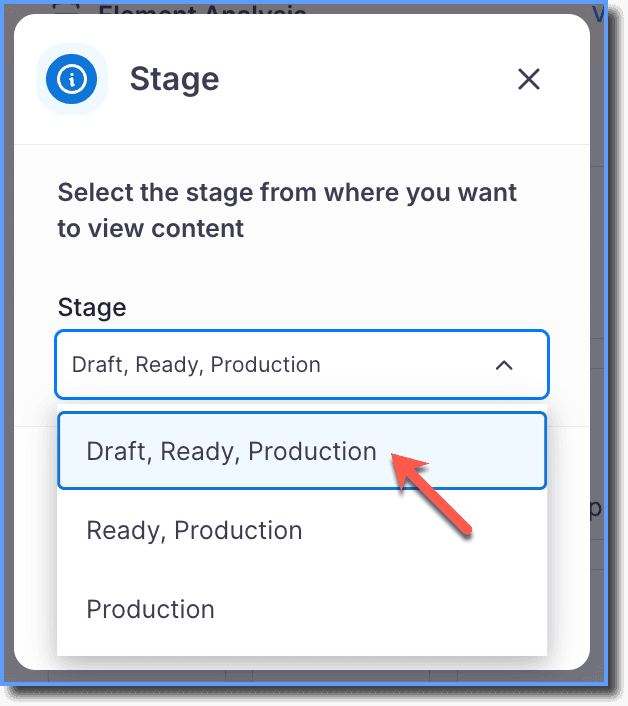
Note:
- When you create a new Desktop enterprise, you must perform at least one push to production before you start previewing content.
- The first push to production can be a dummy P2P.
For more information about pushing content to production, see Publishing content.