Beacon
WCAG error message
Issue
When a Beacon is configured and it is WCAG compliant, the beacon won’t appear instead the following error message appears on the screen when the accesses the web page where the beacon is configured: A beacon is present on this element; to know more, click Ctrl+I 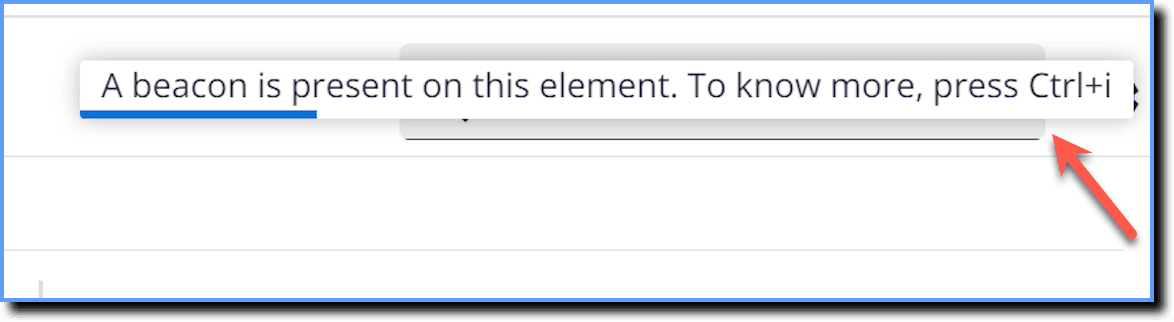
Probable Cause
This message appears when the WCAG flag is enabled. It ensures web content is accessible to users with disabilities. This error message notifies the end user about configured beacon on the web page.
Suggested Solution
Users can access this information by clicking Ctrl+I.
Sometimes the error message doesn’t appear when you click the element. For example, if a beacon is present on the search bar, the error message wouldn’t appear if you click the search bar and start to type.