Smart Tips
Unable to see the Tip after creating a Smart Tip
Issue
After you create a Smart Tip, the Smart Tip displays an "i" icon instead of the tip.
Probable Cause
When you create a Smart Tip by selecting On Hover over the icon or On Click of the icon in Display smart-tip on section, the Smart Tip appears as an "i" icon instead of the tip. 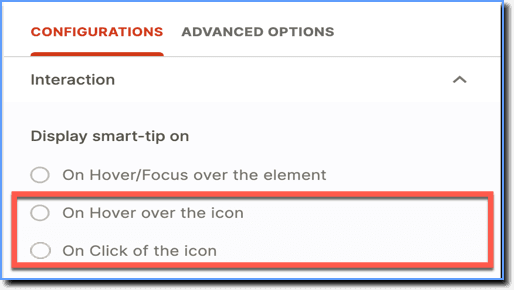
Suggested Solution
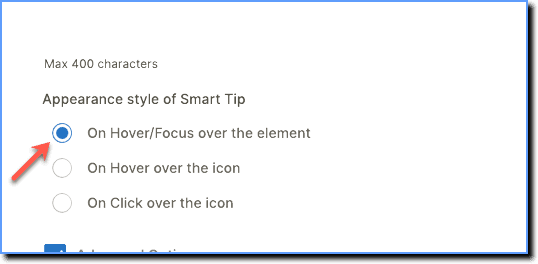
Create the Smart Tip using On Hover/Focus over the element in the Display smart-tip on section.
Info:
To see the tip, hover your cursor over the i icon.
Use the following steps to edit the Smart Tip:
- On the Whatfix Guidance dashboard, click Content.

- Click Smart-tips.

- Hover your cursor over the required Smart Tip collection, and then click the Edit icon.
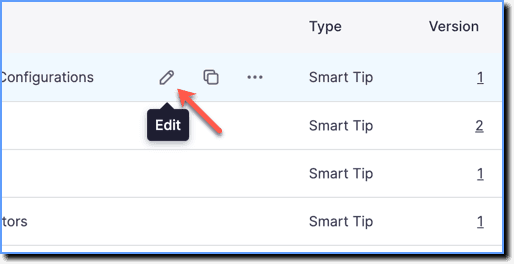
- Click Edit on the Smart Tip you want to edit.
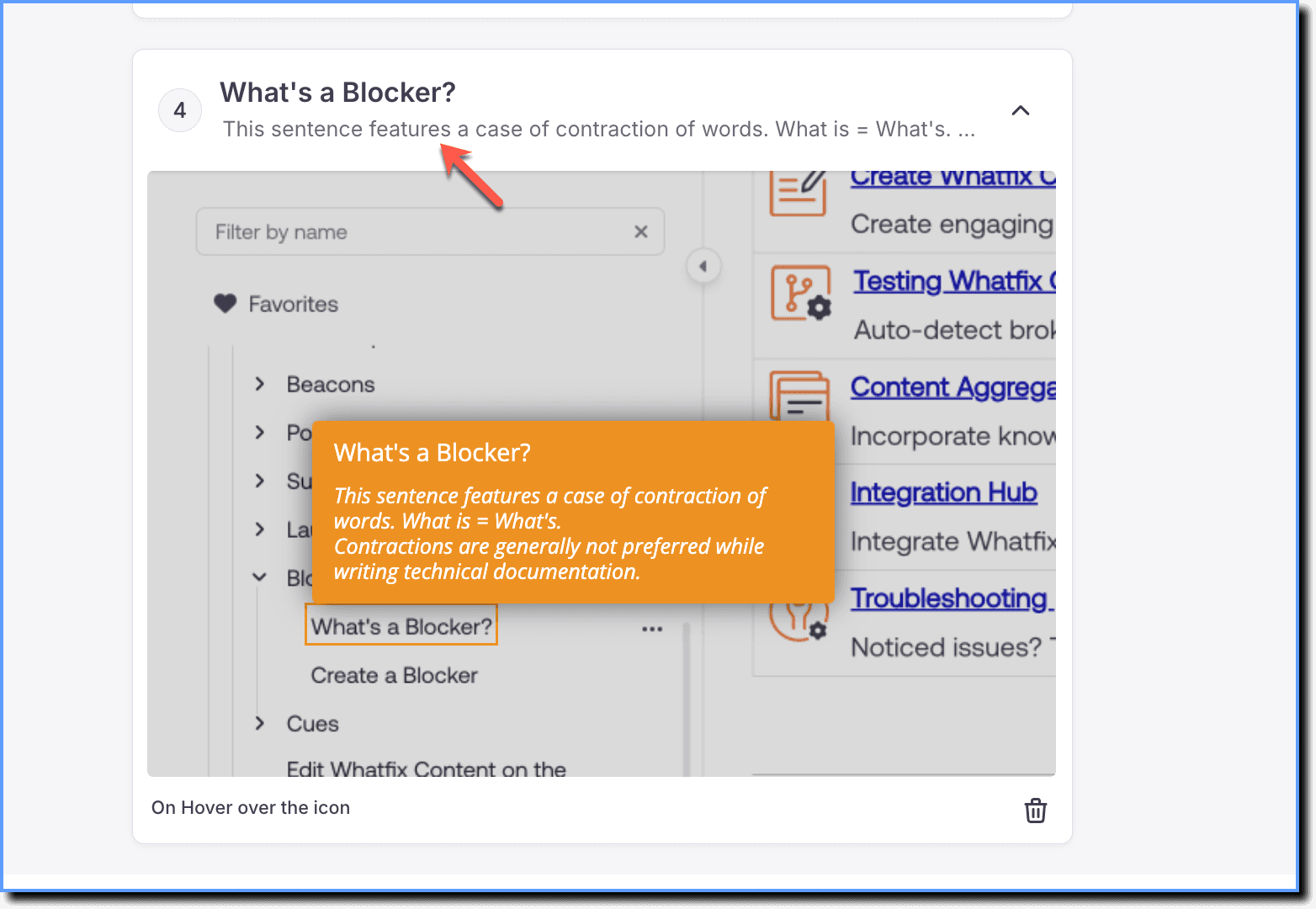
- Select in On Hover/Focus over the element in the Display smart-tip on section.
- Click Save.