Beacons
Preview a Beacon
Preview a Beacon collection using the See live option or Preview icon on Studio before publishing it live for your end users. Previewing the Beacon enables you to test and experience the segment exactly like your end users would see it.
Preview Using See live option
Use the following steps to preview Beacons using the See live option:
-
On the Whatfix Guidance dashboard, click Content.

-
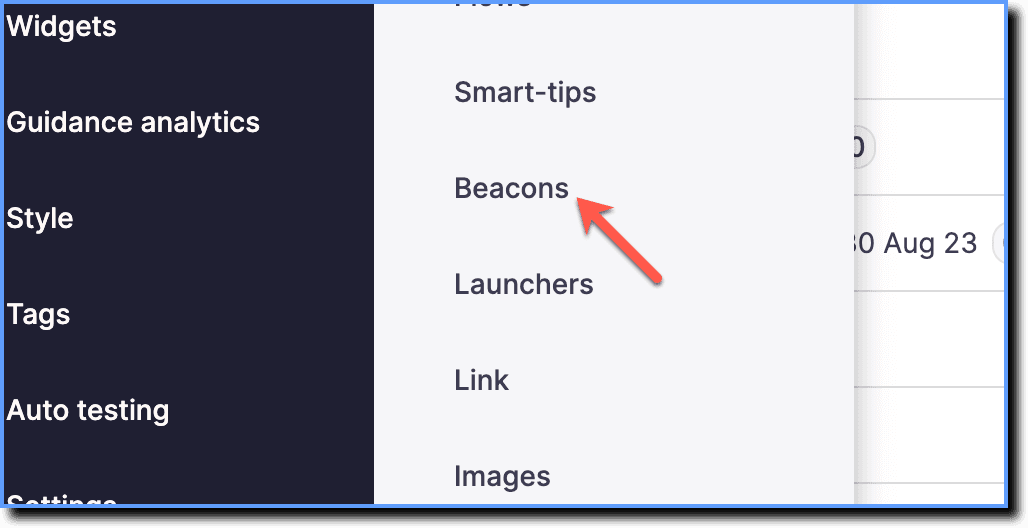
Click Beacons.
-
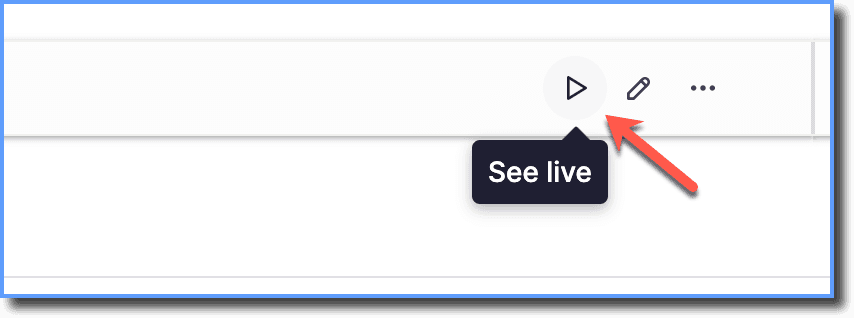
Hover your cursor over the Beacon collection you want to preview, and then click the See live icon.
Preview using the Preview icon on Studio
Use the following steps to preview Beacons using Preview icon on Studio:
- Log in to your application, and then launch the Whatfix Studio.

-
On the top-right corner, click the Preview mode icon.

-
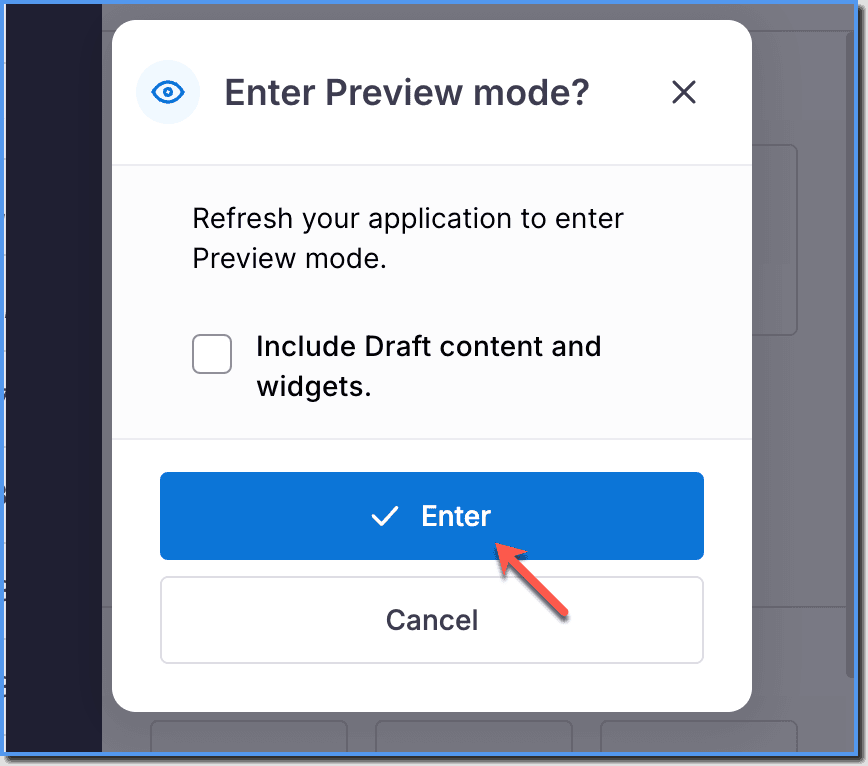
Click Enter and then refresh the browser.
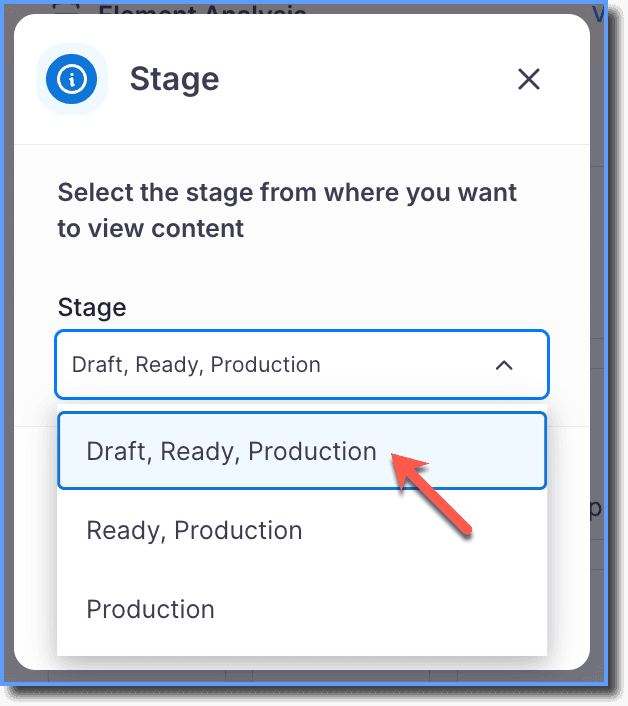
Note:
If the content you want to preview is in the Draft stage, then select Draft, Ready, Production from the dropdown.