Salesforce Integration
Export Flows to Salesforce
Info:
You can only export Flows to Salesforce from Whatfix accounts using the Self Hosted mode of deployment.
For accounts using Self-hosted model of deployment, Whatfix enables you to export Flows and add them as static resources in Salesforce Lightning.
Use the following steps to export Flows to Salesforce Lightning:
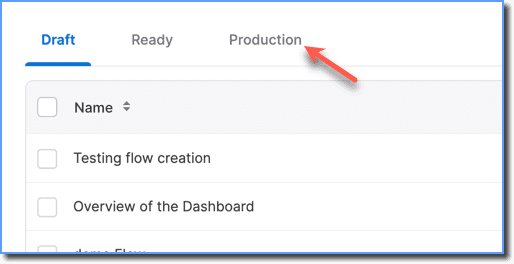
- On the Whatfix Dashboard, go to the Production Stage.
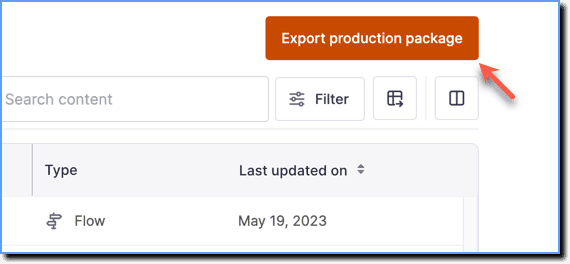
- Click Export production package.
your title goes here
If you do not see the Export production package option, contact support@whatfix.com.
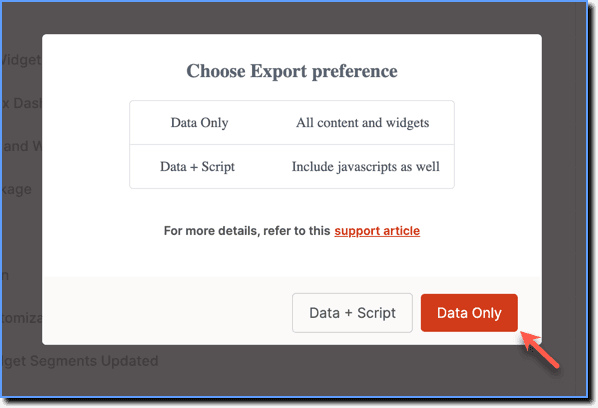
- To export Flows, in the Choose Export preference pop-up, click Data Only.
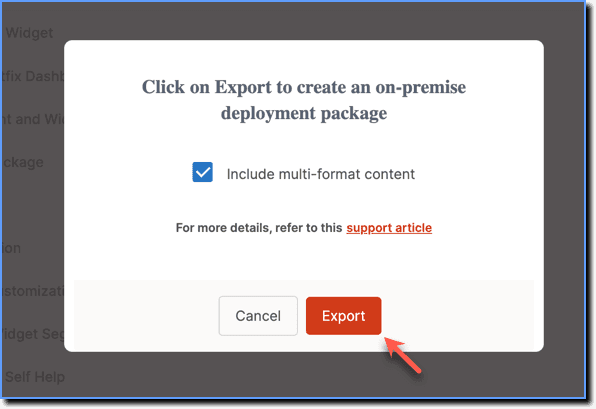
- In the pop-up, click Export.
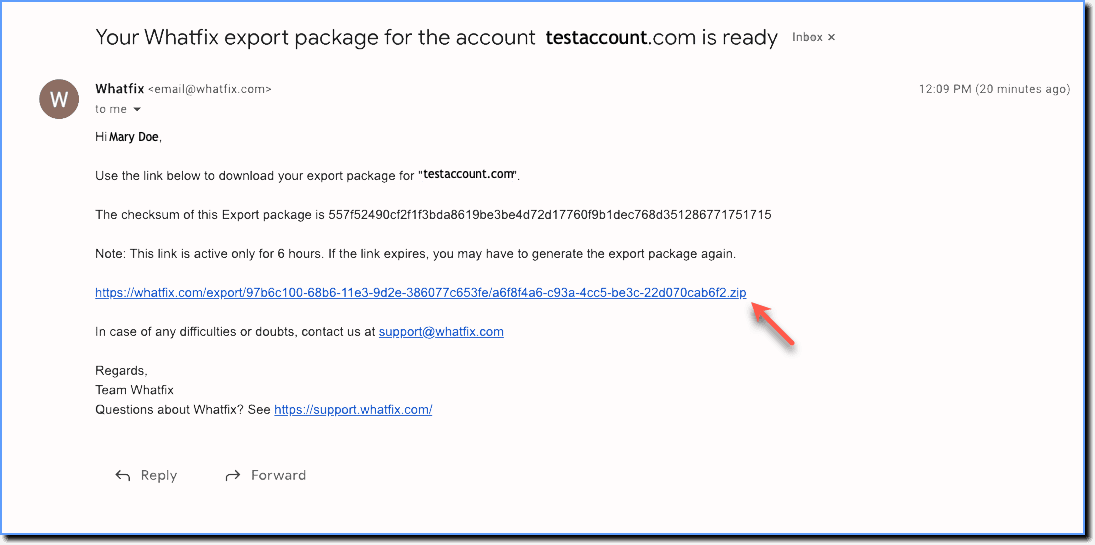
- A download link is sent to your registered email address.
- Click the link to download the file.
- Log in to your Salesforce Lightning account.
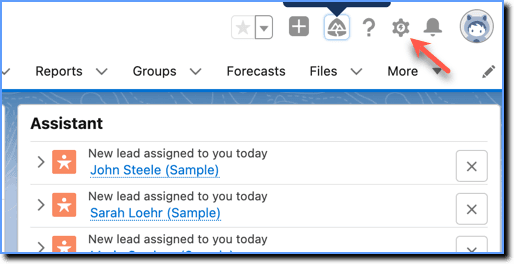
- Click the Settings icon.
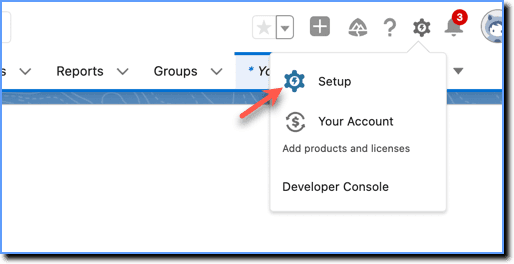
- Click Setup.
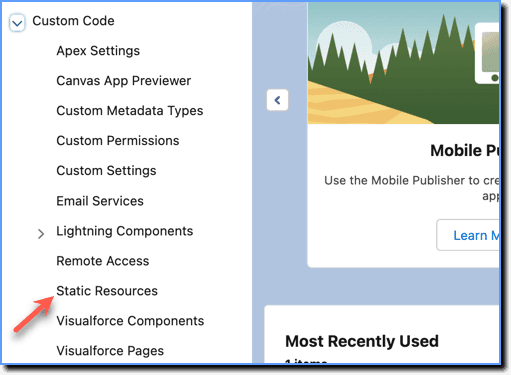
- In the left pane, under Custom Code, click Static Resources.
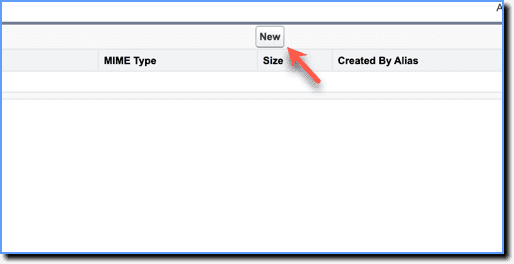
- Click New.
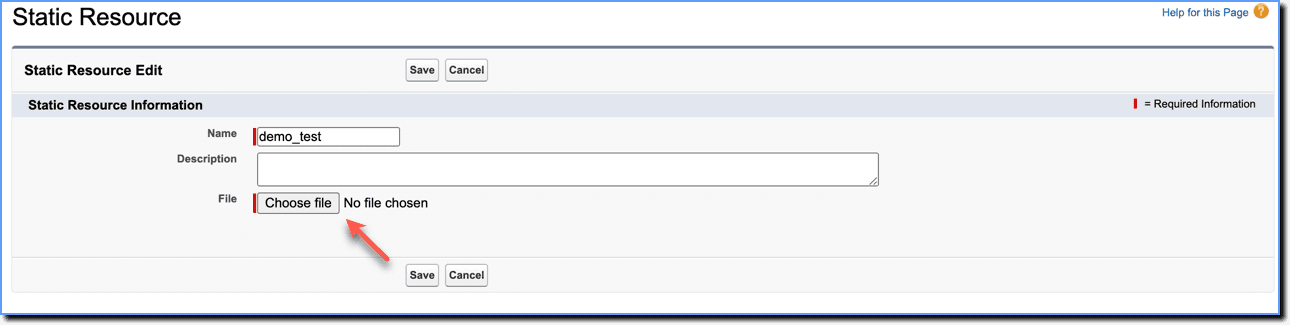
- Enter the name for the static resource.
- Click Choose File and upload the downloaded ZIP file from Step 5.
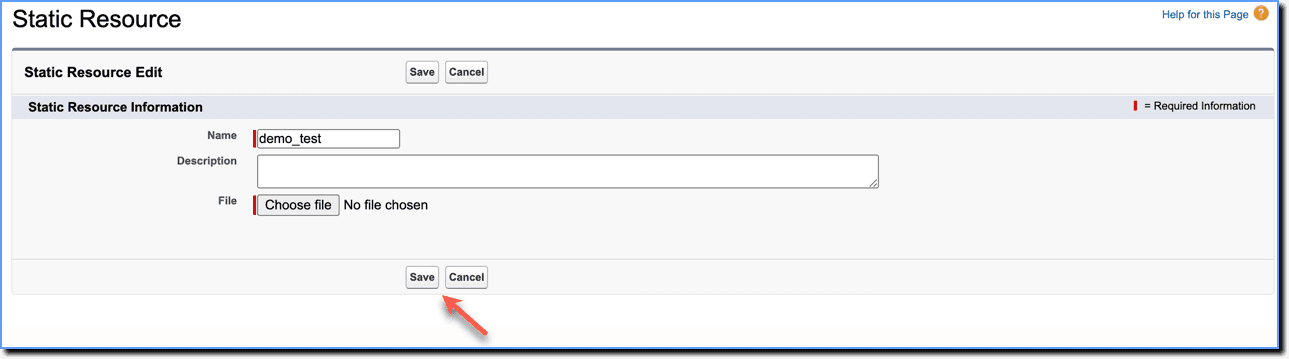
- Click Save.
Note:
Once you have finished the procedure, contact support@whatfix.com. There's an additional configuration that needs to be done by Whatfix to complete the process.