Blockers
Can I customize a Blocker's appearance?
Yes, you can customize the appearance of a Blocker to match your brand guidelines. For more information, see What is a Blocker? and How to create a Blocker?
- For Invisible Blockers, change the tooltip Color or the Close (X) icon color. Also enable or disable the Close (X) icon.
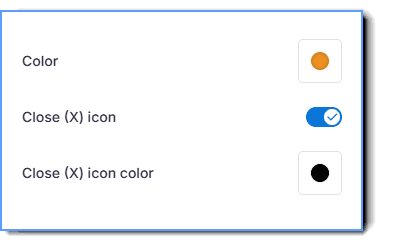
- For Visible Blockers, in addition to the options mentioned for Invisible Blockers, you can also set the Blocker Color, Opacity, and Gray filter.
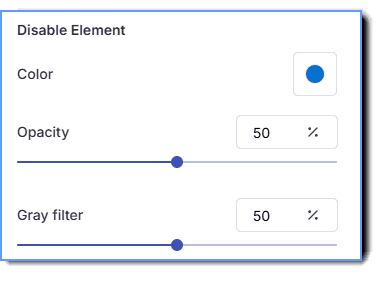
Additionally, you can enter a description in the tooltip for the Blocker action, which is visible to end users when they hover their cursor over the element.