Publish Whatfix Content
Publish projects directly
After creating your projects, you can directly publish them to your end users.
Use the following steps to publish projects directly:
- On the Whatfix Mobile Dashboard, go to the app where you have created your projects.
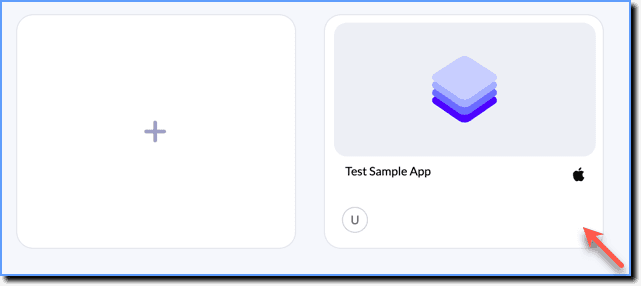
- Open the project you want to publish.
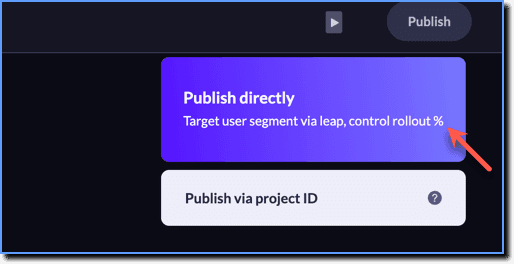
- On the Whatfix Mobile Studio, go to the top-right and then click Publish.
- Click Publish directly.
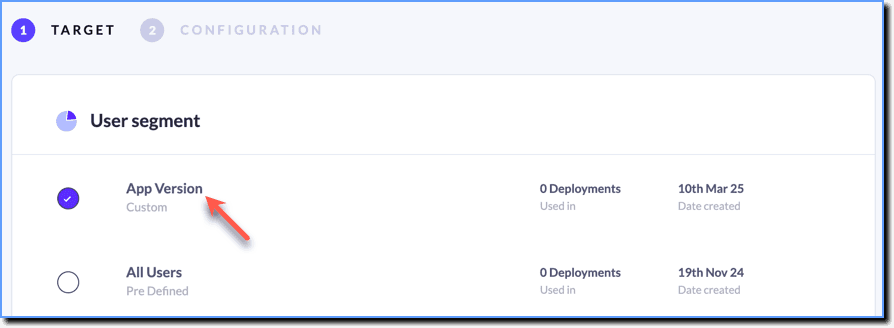
- In the TARGET tab, under the User segment section, choose the segments you want to target.
your title goes here
By default, there are pre-built segments available for you to use. In case you want to use a custom segment, you need to create them beforehand. For more information, see Create a User Segment .
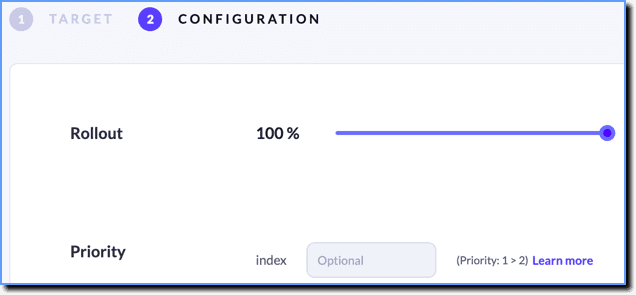
- In the CONFIGURATION tab, select your rollout percentage. This helps you publish your project to a percentage of your user segment.
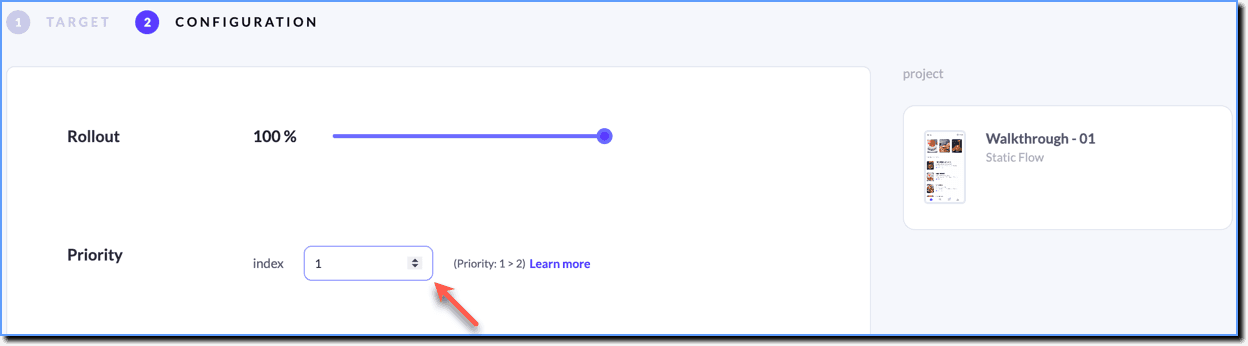
- If you are creating multiple projects and want them to appear in a particular order, select Priority. (Priority 1 > 2 > 3 > n).
- Click Go Live.