Dashboards
Export Custom Dashboards
Whatfix enables you to export Dashboards as PDFs and share them with your stakeholders. The tabs you create within the Dashboard can also be exported.
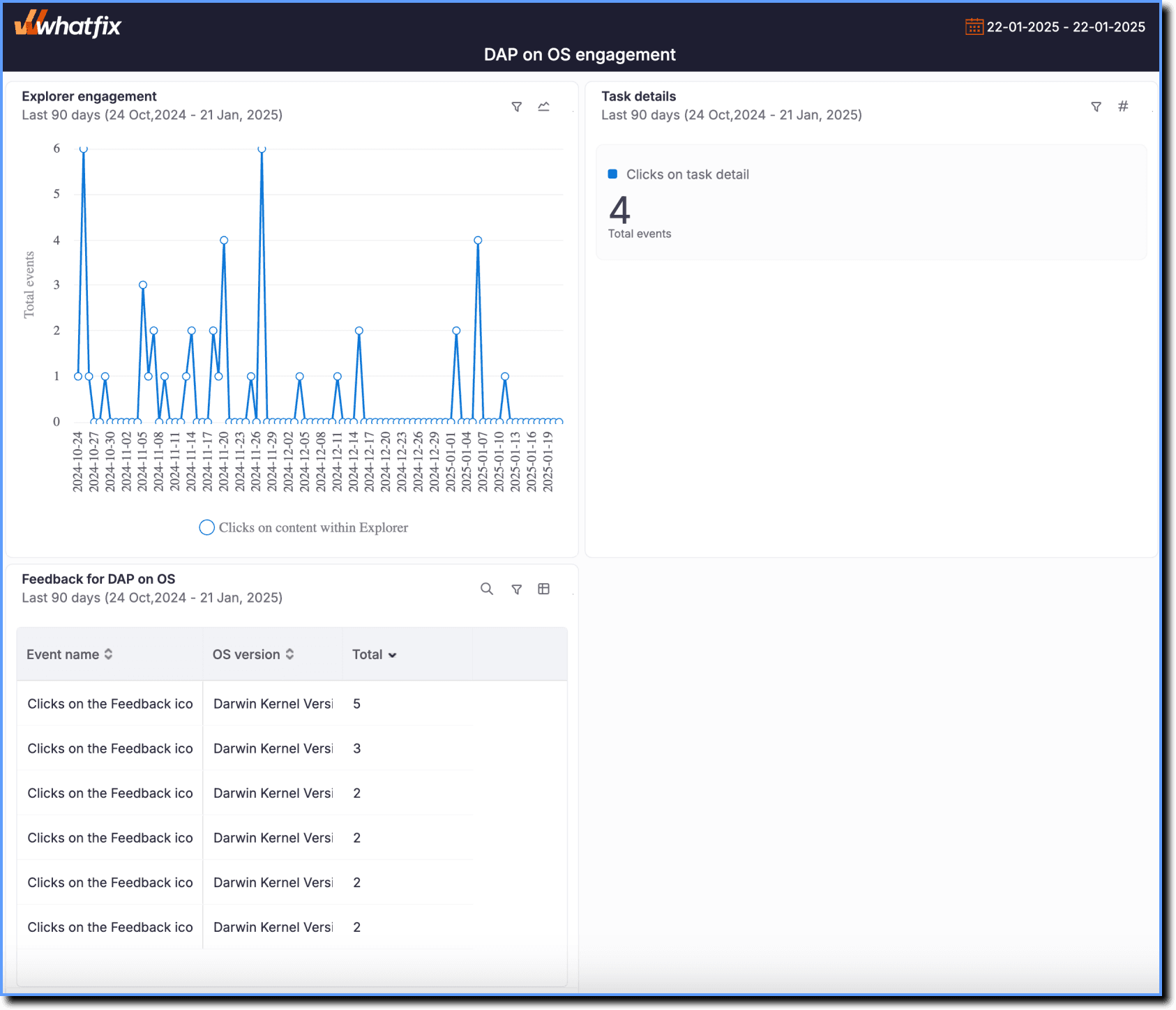
Here’s a sample Dashboard that’s been exported.
Export a Custom Dashboard
Use the following steps to export a Custom Dashboard:
- On the Whatfix Analytics dashboard, click Dashboards.
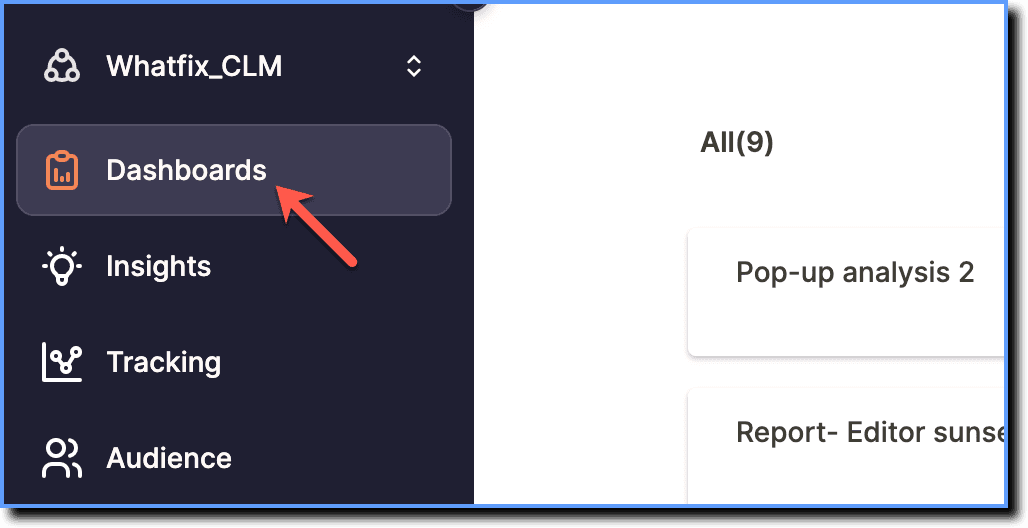
- Click the Dashboard you want to export.
 2. Click Export.
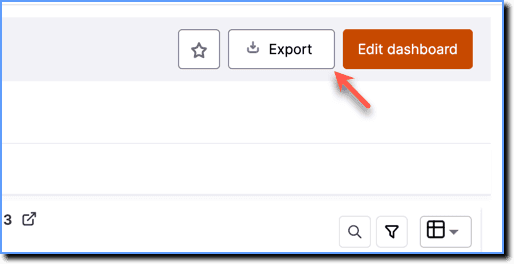
The PDF file is downloaded to your local drive.
Export a Tab in a Custom Dashboard
Whatfix enables you to export only one Tab at a time.
Use the following steps to export a Tab in a Custom Dashboard:
- On the Whatfix Analytics dashboard, click Dashboards.
- Click the Dashboard that contains the Tab you want to export.
2. On the Dashboard, click the Tab you want to export.
 3. Click Export.
The PDF file is downloaded to your local drive.