Dashboards
Delete Custom Dashboards
Whatfix enables you to delete Dashboards that you don't require anymore.
For more information on which user roles can delete Dashboards, see Access Matrix for Insights and Dashboards.
Use the following steps to delete your Dashboard:
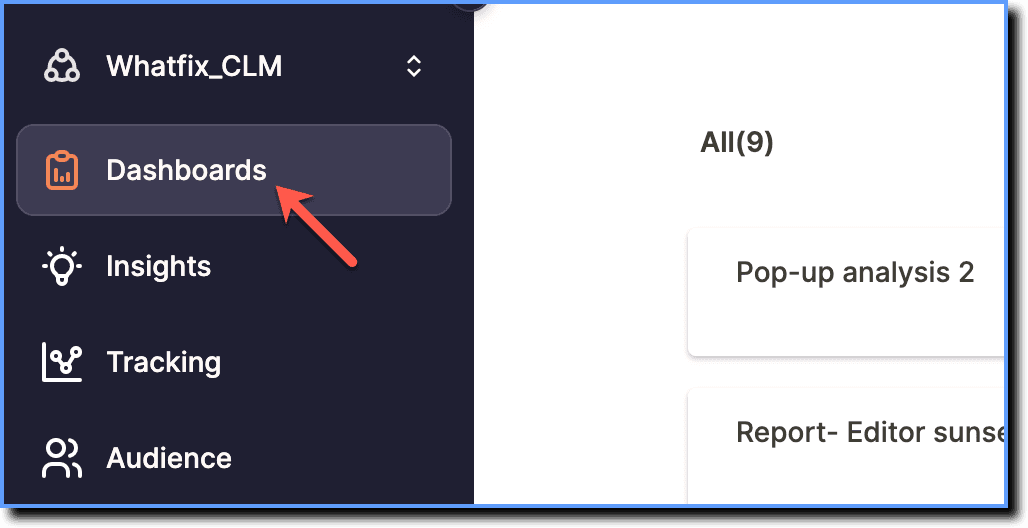
- On the Whatfix Analytics dashboard, click Dashboards.
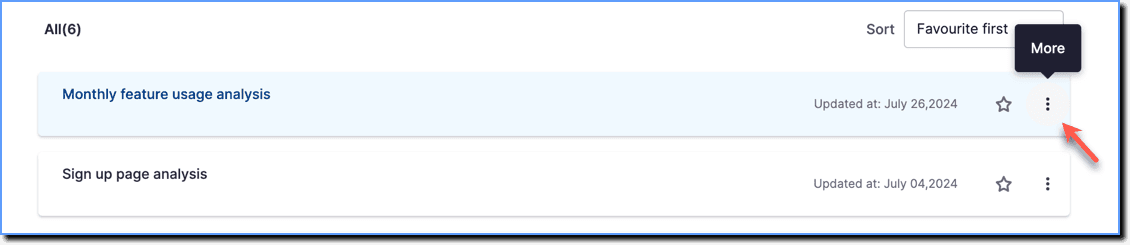
- Go to the Dashboard you want to delete, and then click the More icon.
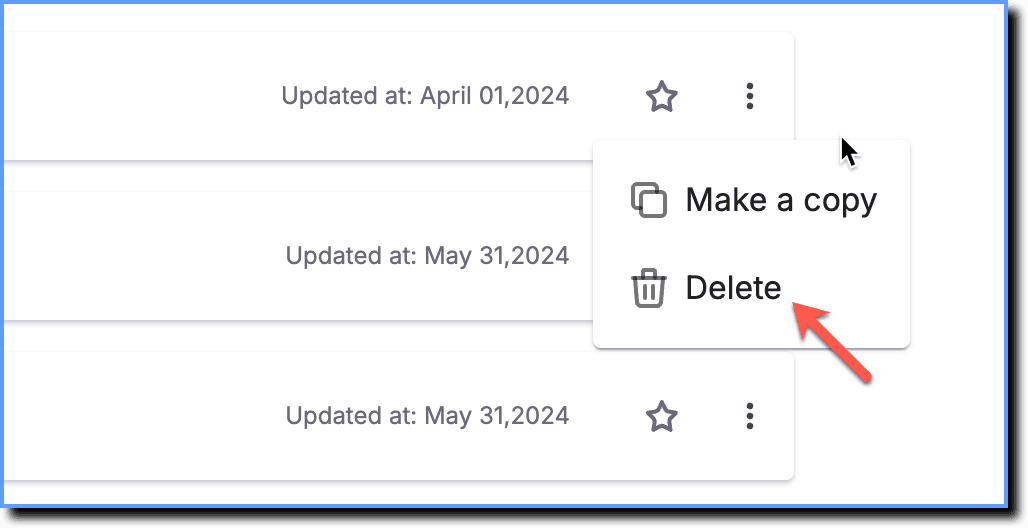
- Click Delete.