Dashboards
Edit Custom Dashboards
Whatfix enables you to edit your Dashboard after it is created.
Use the following steps to edit your Dashboard:
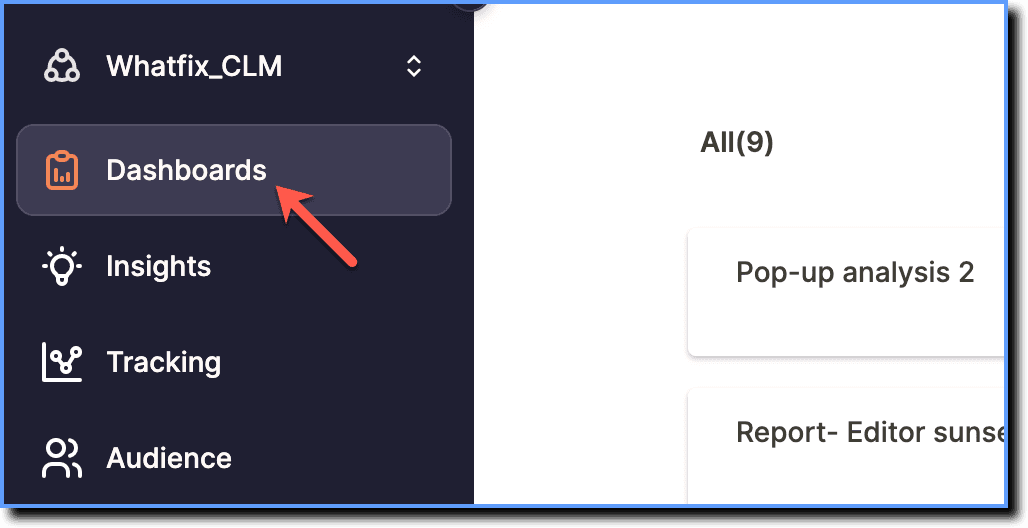
- On the Whatfix Analytics dashboard, click Dashboards.
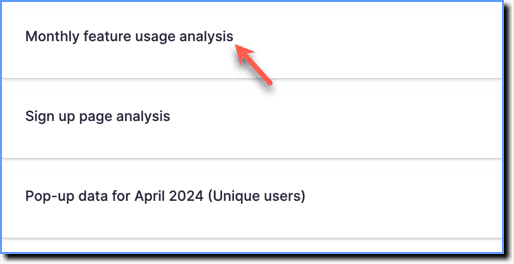
- Click the Dashboard you want to edit.
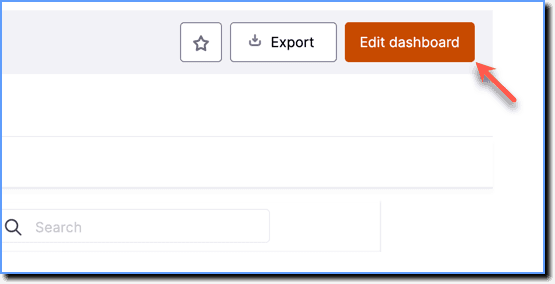
- Click Edit dashboard.
Perform the following actions while editing Dashboards:
- Add an Insight
- Remove an Insight
- Copy an Insight
- Rearrange an Insight
- Add or remove Filters in Dashboards
For more customization options, see Create Custom Dashboards in Analytics.
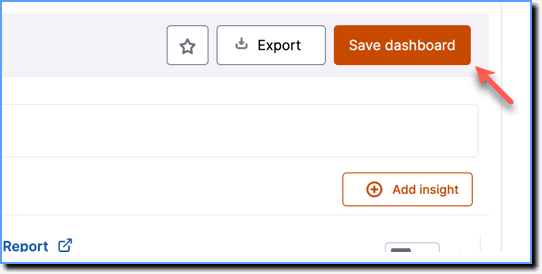
- Make the required changes, and then click Save dashboard.