Install DAP on OS
Quit Hub
To quit DAP on OS, use the following steps:
- Quit DAP on OS from the Taskbar (Windows) or Dock (MacOS).
| Windows | MacOS |
|---|---|
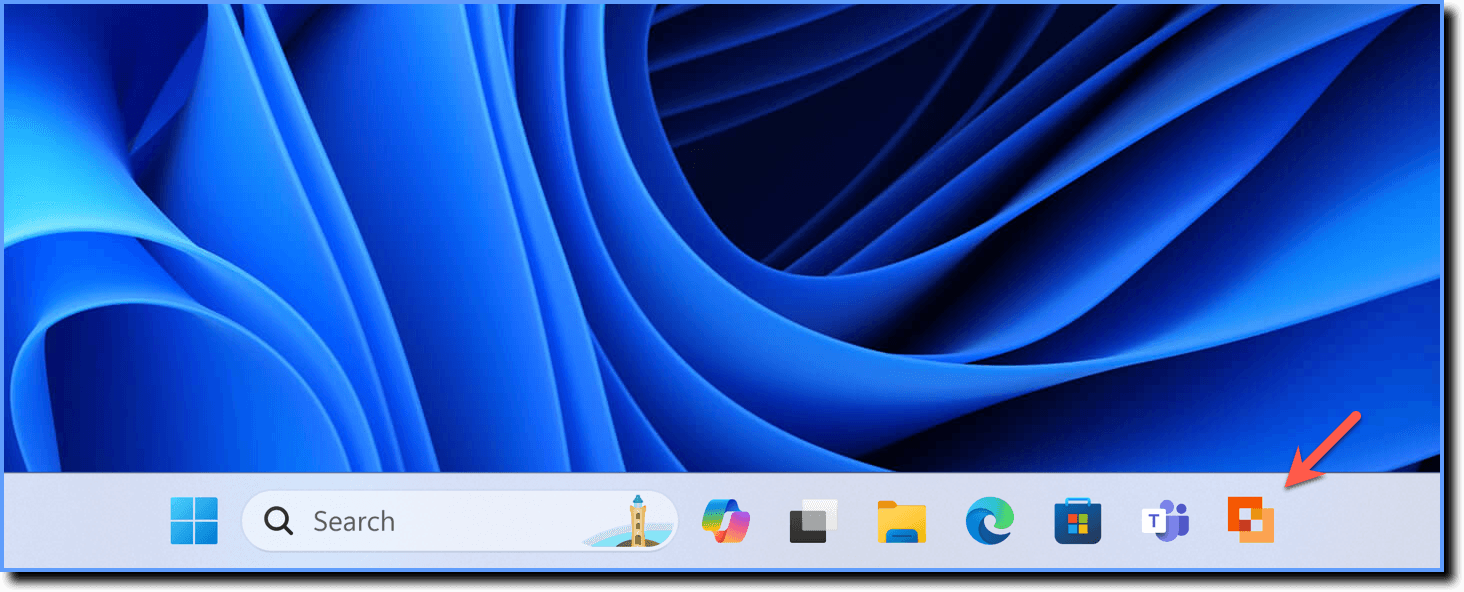 | 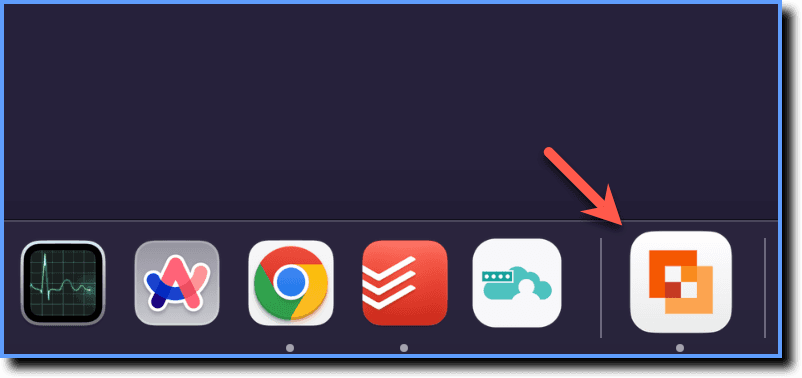 |
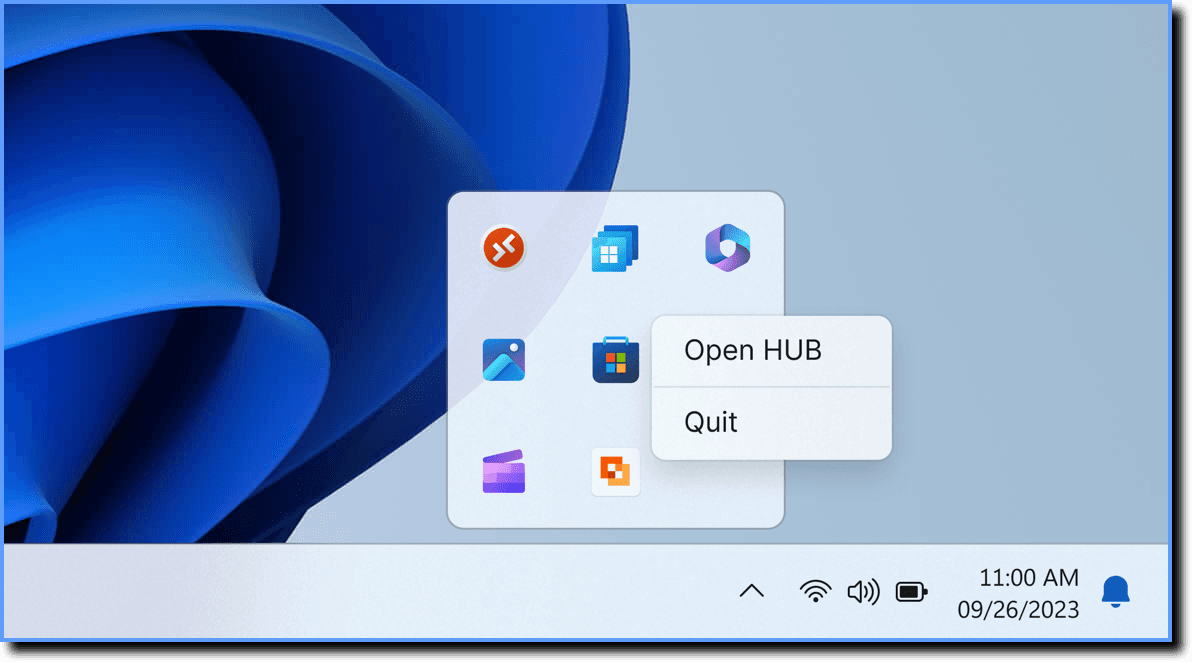
- Open the System Tray (Windows) or Menu Bar (MacOS).
| Windows | MacOS |
|---|---|
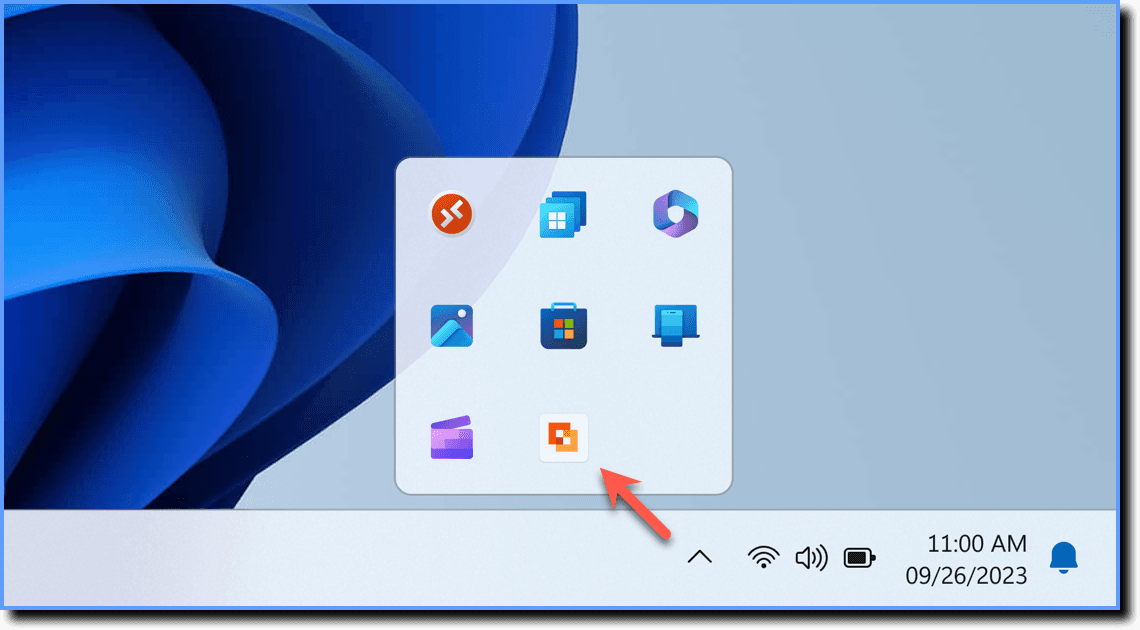 | 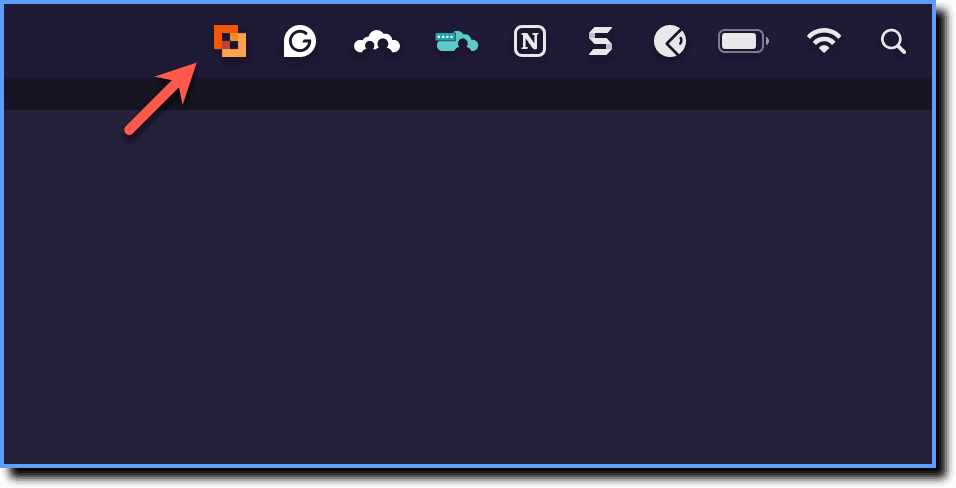 |
- Right-click the DAP on OS icon, and then select Quit.
| Windows | MacOS |
|---|---|
 |  |
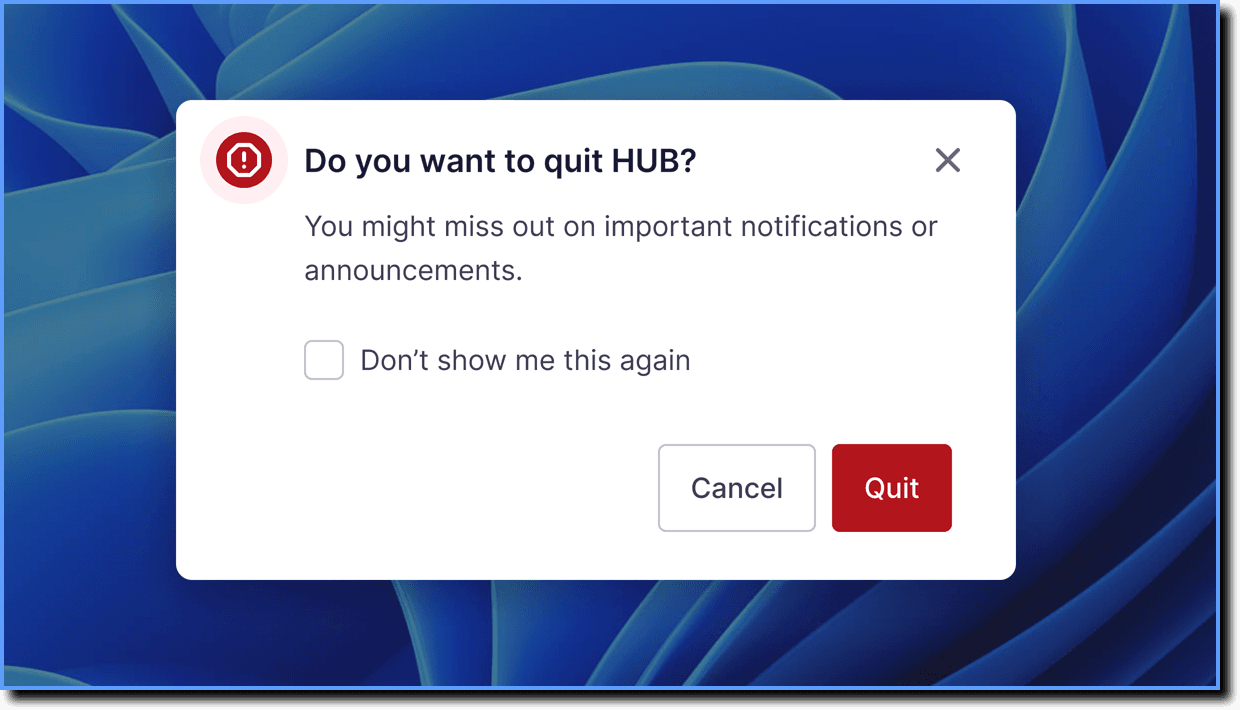
- On the confirmation pop-up, click Quit.
When the system is shut down and restarted, DAP on OS automatically opens again.