Beacons
Customize a Beacon
Once you have created the Beacon project and chosen the element over which you want the Beacon to appear, use the following steps to design and configure the Beacon.
- Click the Beacon to change the position and color of the Beacon.
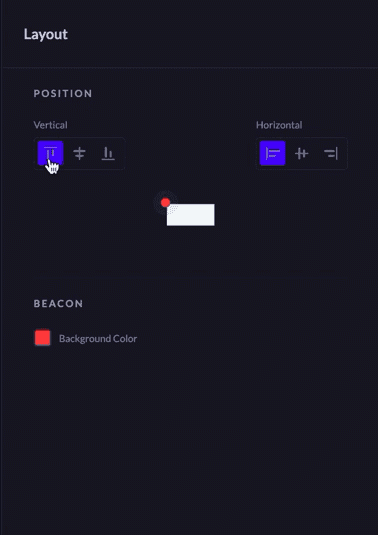
Note
Customize the color of the Beacon using the sliding bar, or enter the Hex code of the color you want to add. 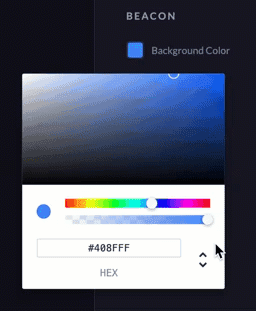
- Click Done.
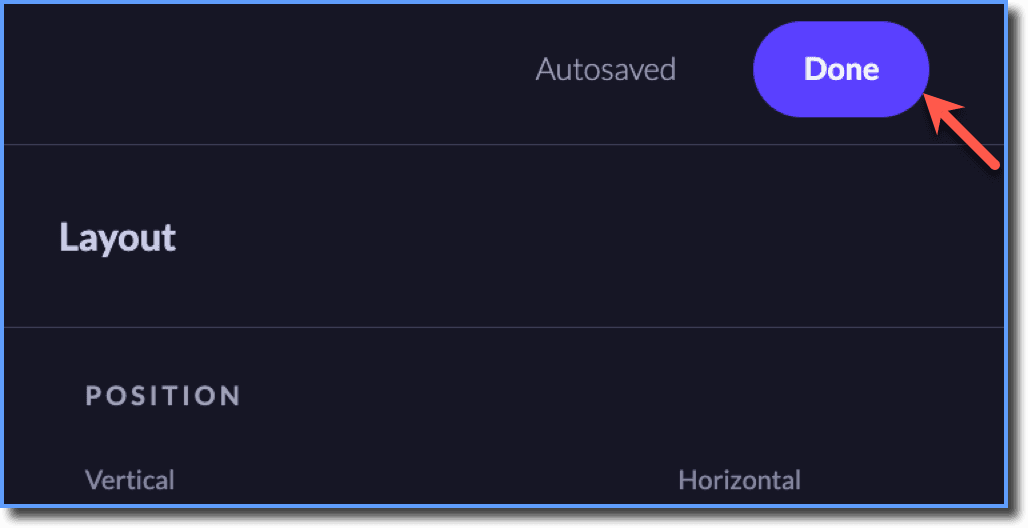
The Beacon you create is automatically saved.
Info
- Preview projects on a device before making it live for your end users.
- After creating and designing the Beacon, click Publish to make the Beacon live for your end users. For more information on publishing Whatfix Mobile content, see Publish Whatfix Mobile content.