Standalone Projects
Customize Button Actions for Individual Assists
Whatfix Mobile enables you to link different types of actions to a button in your standalone projects. It helps you guide user navigation, trigger external resources, or close a project at the right moment, enhancing overall in-app interactivity and the user experience.
Standalone projects include Tooltips, Pop-ups, Drawer, Full Screen, Highlight, Gestures, and Bottom Sheet.
Use the following steps to customize a button action:
- Design your project as required.
- In the configuration panel, expand the Customize Button section.
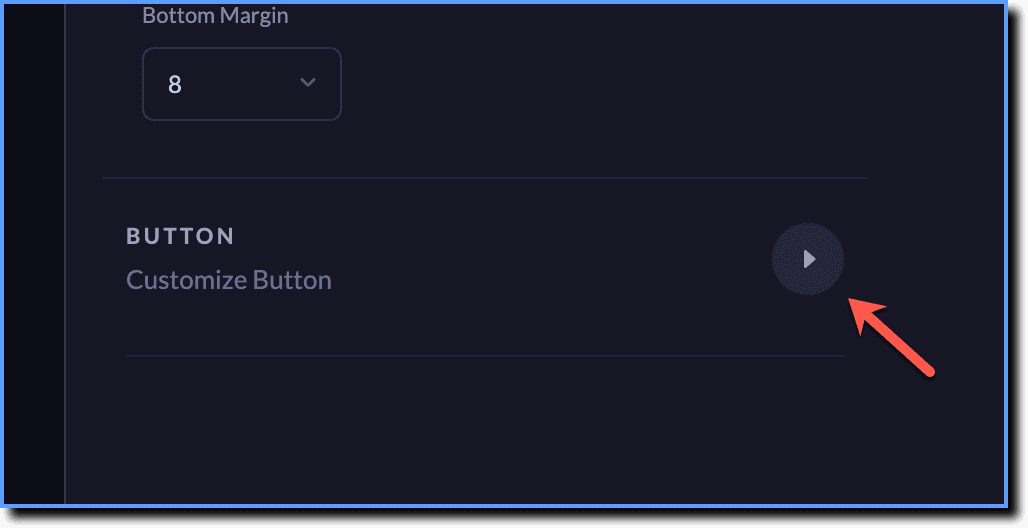
- Click the Button Actions dropdown.
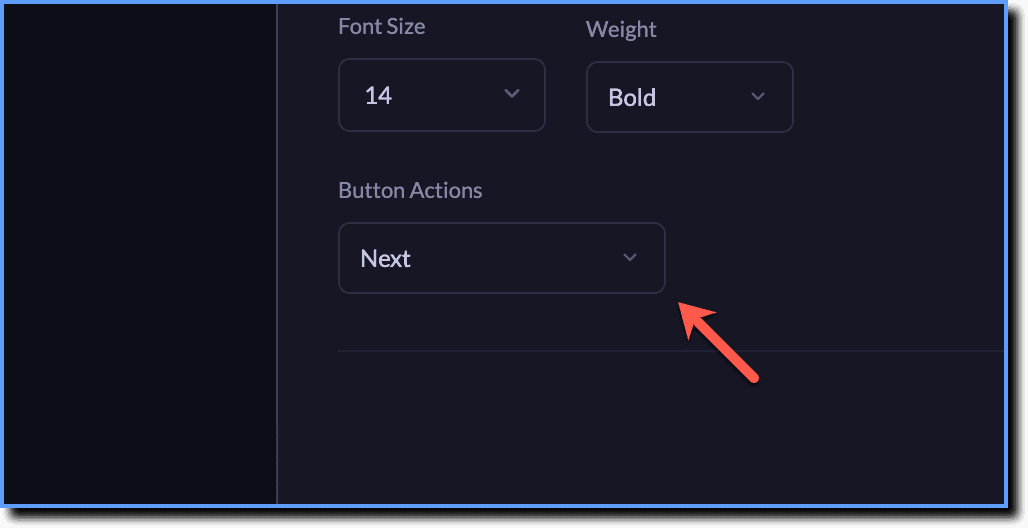
- Choose the button action you want to add to your project.
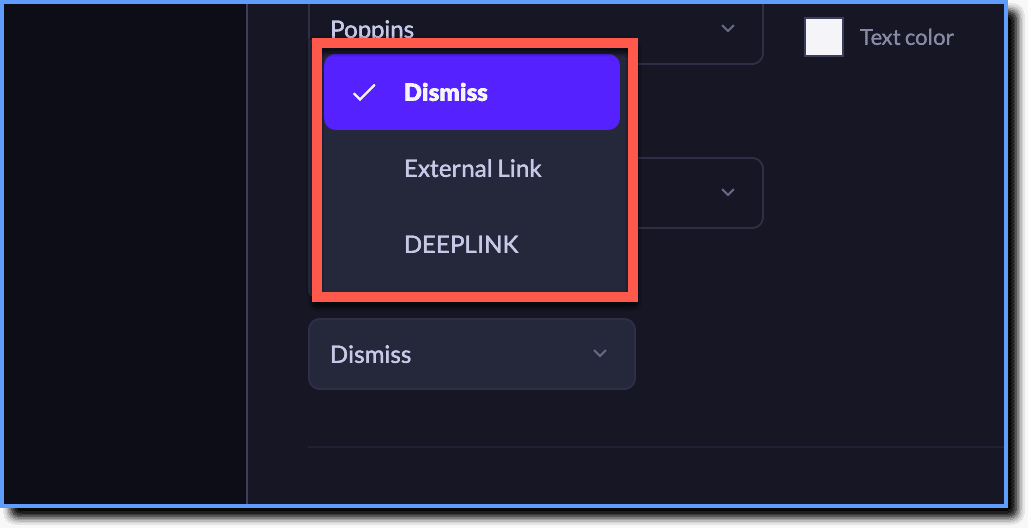
List of all button actions
The following are the button actions that can be set for your standalone projects:
| Button Action | Impact |
|---|---|
| Deeplink | - If a button is configured on the last step, loses the project and does not trigger it again for the current session. - Opens the deep link in the app, if available. Info A deep link is a link that takes you directly to a specific destination within an app. |
| Dismiss | Closes the project and does not trigger it again for the current session. |
| External Link | - Closes the project and does not trigger it again for the current session. - Opens the browser with the external link specified. |