Custom Repository
View Content Repository links on the Dashboard
Use the following steps to view the content repository links on your dashboard:
-
On the Whatfix Guidance dashboard, click Content.

-
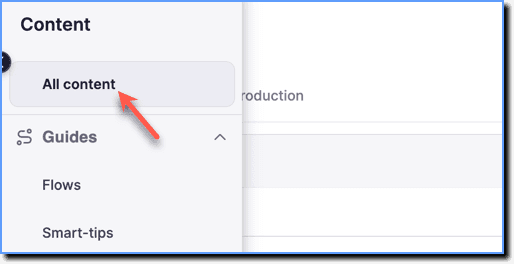
Click All content.
-
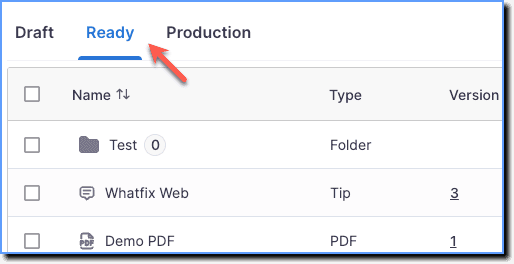
Click the Ready tab.
-
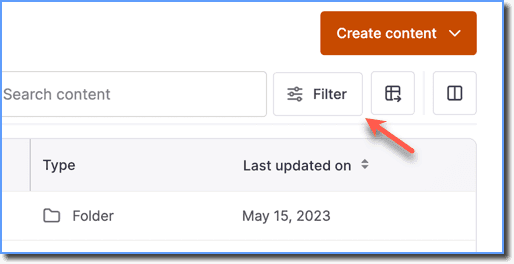
Click the Filter icon.
-
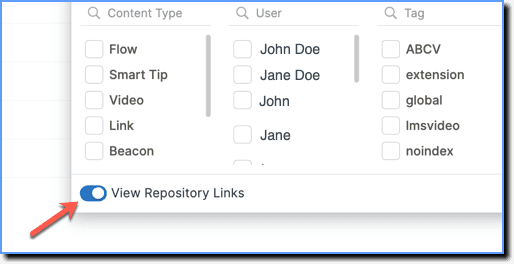
Enable the View Repository Links toggle.
-
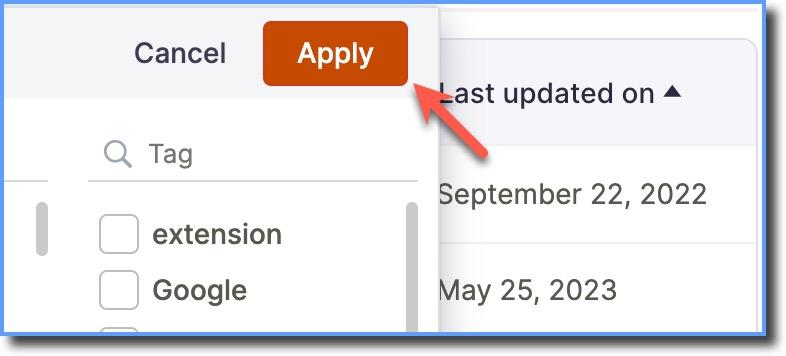
Click Apply.