Custom Repository
Instant Feasibility Check for Custom Repositories
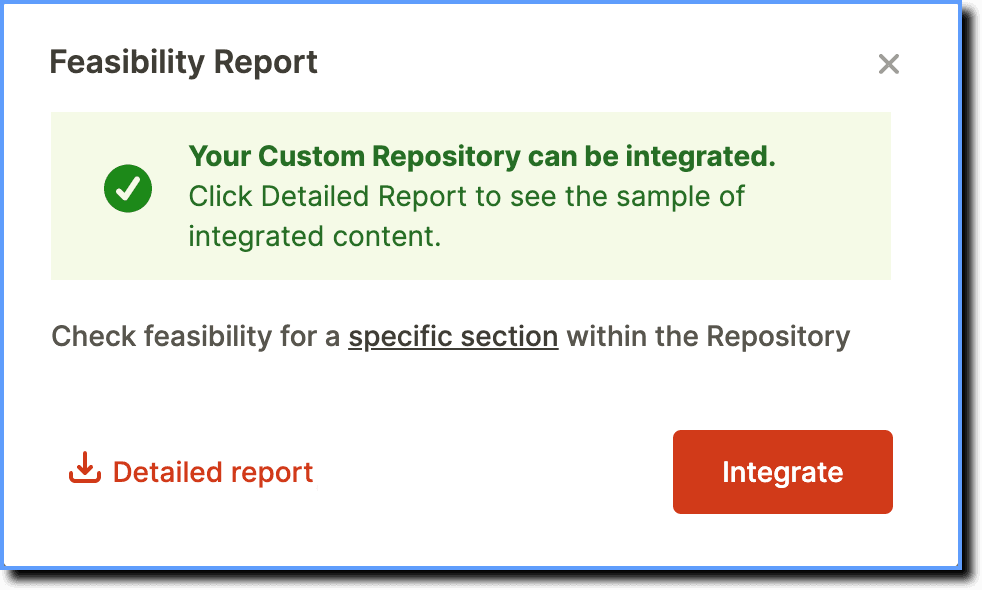
Whatfix enables you to instantly check the feasibility of a Custom Repository integration before integrating the repository for the first time. This reduces the time spent on the integration process, thereby increasing productivity.
You can also check the feasibility of integrating specific sections within the repository.
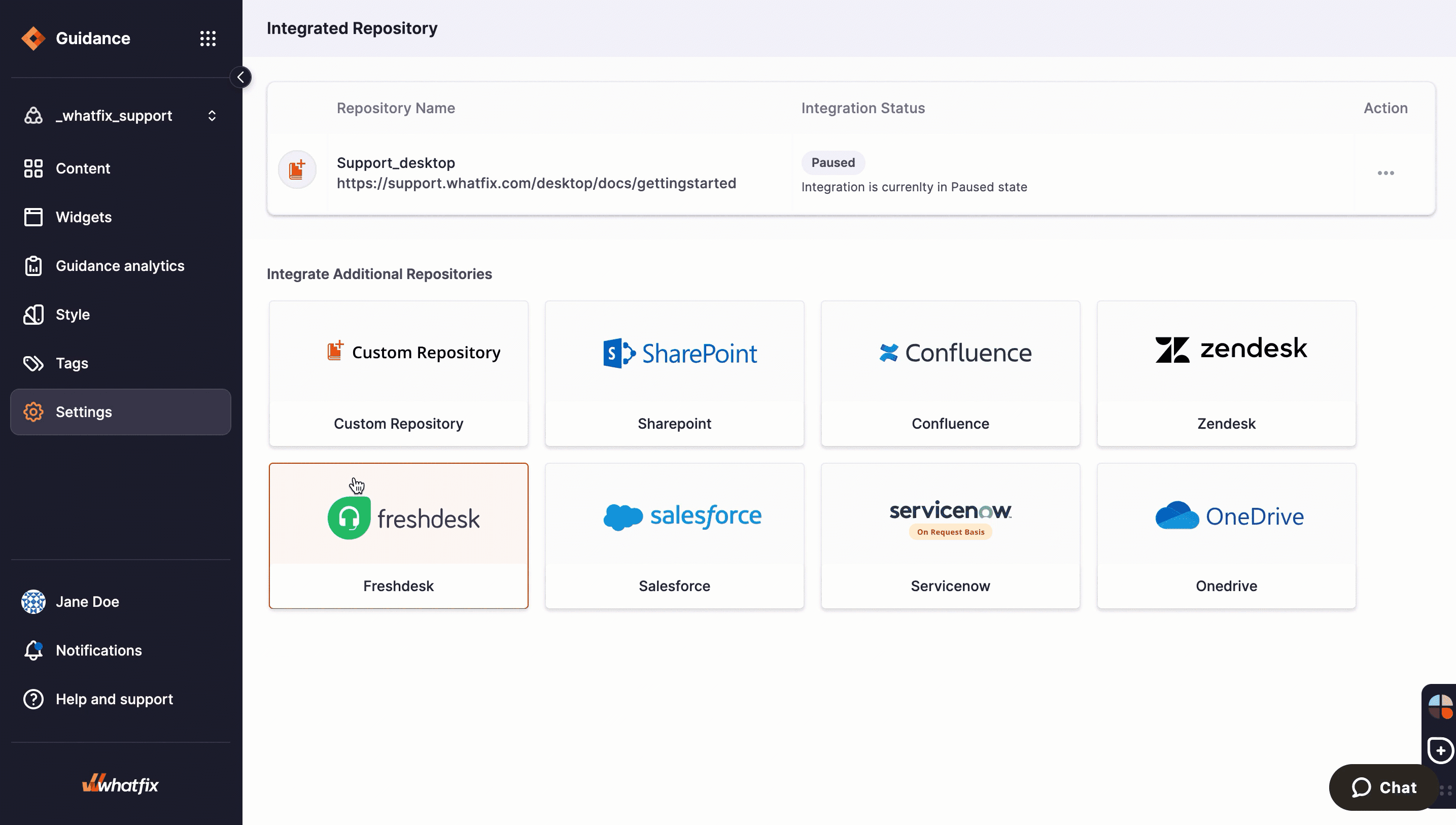
In case your repository can not be integrated with Whatfix, you get an error message in the Feasibility Report along with the reason why the integration is not feasible.
your title goes here
Currently, you can run a Feasibility check only on unauthenticated repositories.
Check Feasibility of a Custom Repository Integration
Use the following steps to check the feasibility of a Custom Repository integration:
-
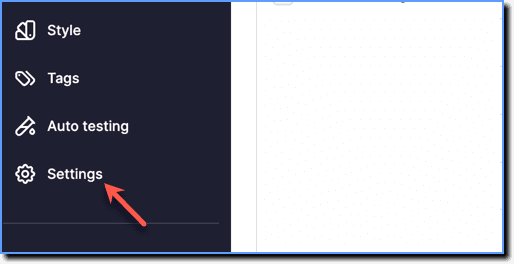
On the Whatfix Guidance dashboard, click Settings.
-
Click Repositories.
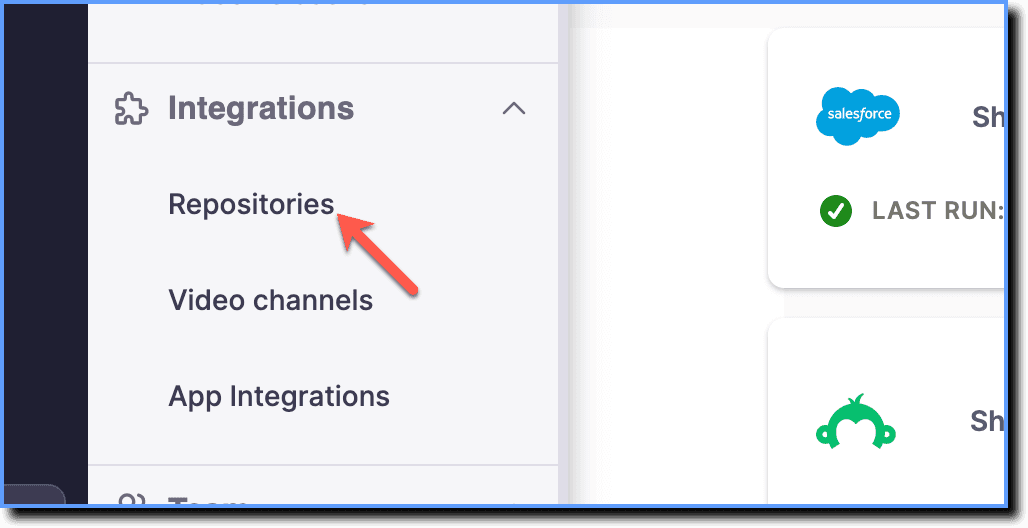
-
Click the Custom Repository tile.
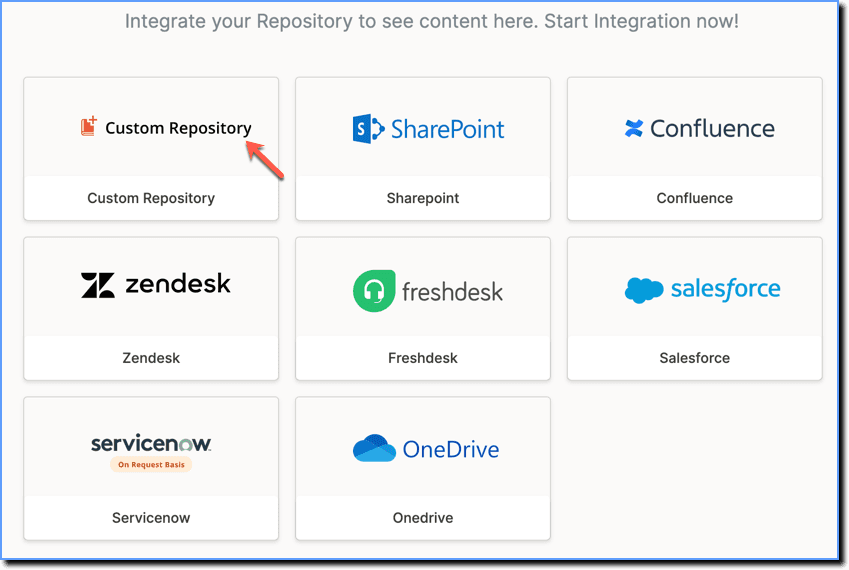
-
Click Check Feasibility.

-
Enter the Repository URL.

-
Click Check.

Check Feasibility of Specific Sections of the Repository
Use the following steps to check the feasibility of a specific section of the repository:
- Once you have checked the feasibility of an entire repository, click the specific section hyperlink.
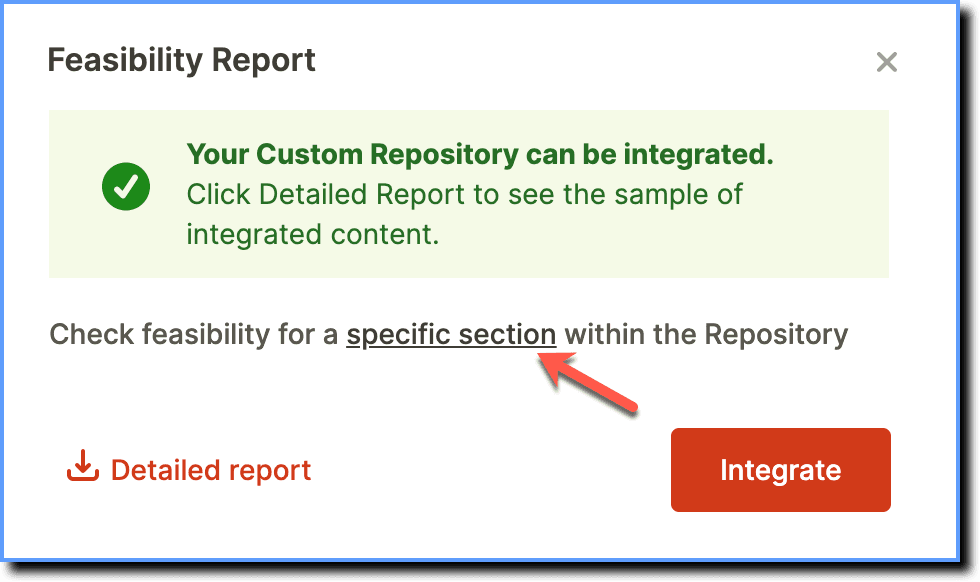
- Enter the section URL.
- Click Check.

your title goes here
Whatfix checks the feasibility by trying to integrate with some of the articles/sections of your custom repository and generates the Feasibility Report. To access the list of integrated content, click the Detailed report button.