Use Excel FIles for translation
Use excel format to upload translated content
After translating the content, the final step in the translation process requires you to upload the translated Excel file to the Whatfix Guidance dashboard.
Convert the translated file to a .zip file and then begin the upload process.
Use the following steps to upload the translated Excel file to your Whatfix account:
If you are a Translator, start from Step 3.
-
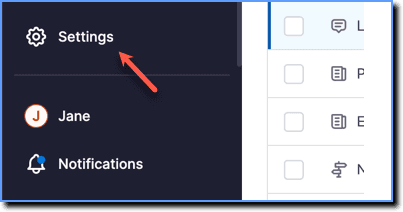
On the Whatfix Guidance dashboard, click Settings.
-
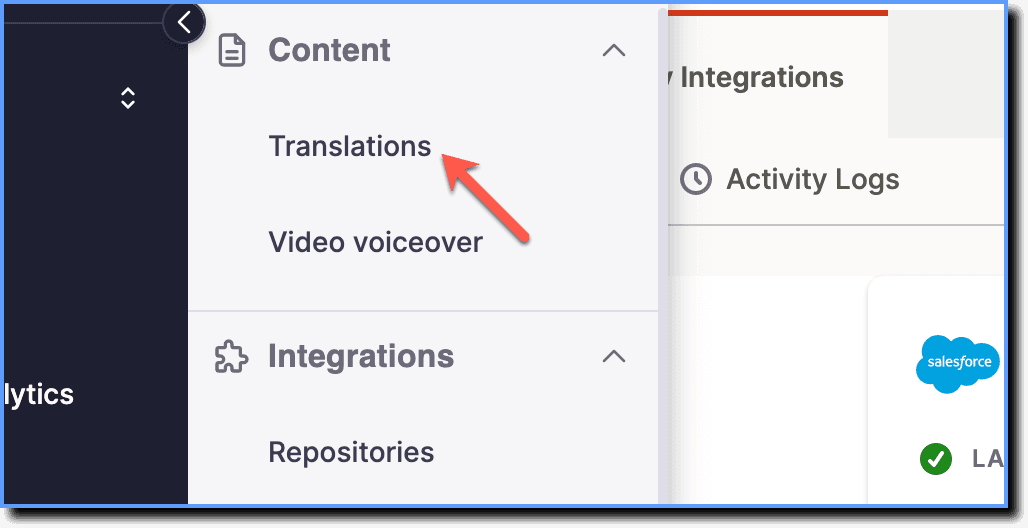
Click Translations.
-
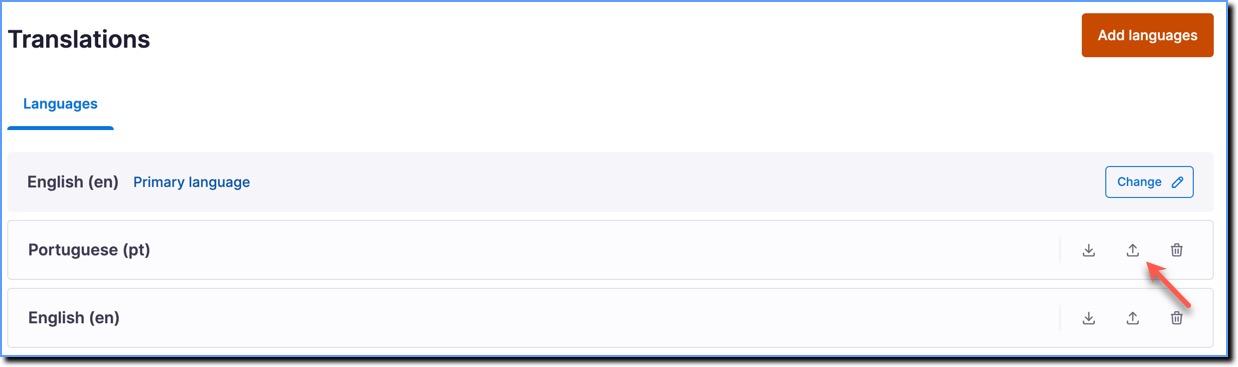
For the language you are translating to, click the Upload icon.
-
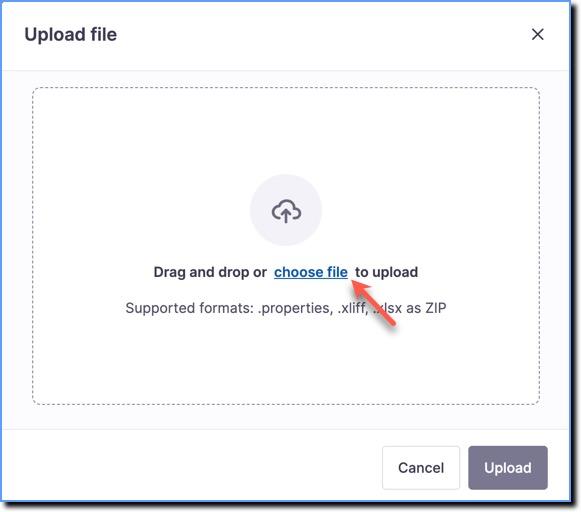
Click choose file.
-
From your local files, select the zipped language file.
-
Click Upload.
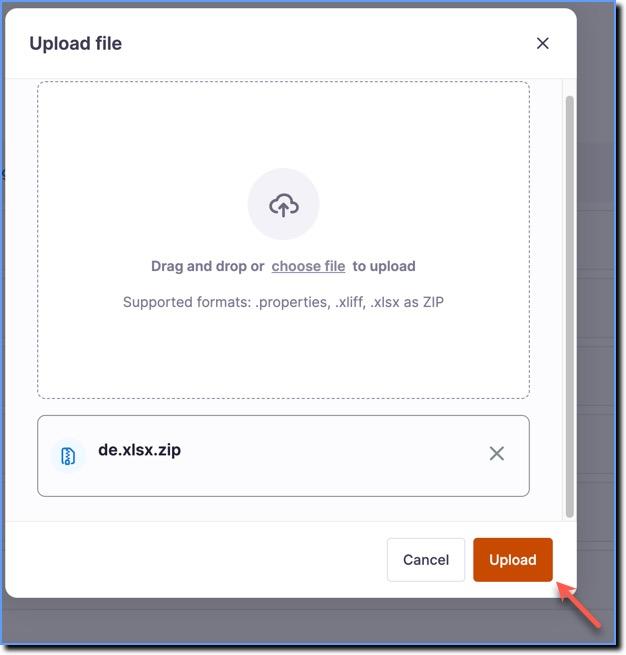
- When the upload is successful, you receive a success email.
- If the upload fails, a failure report is sent to you through email.