Desktop Translation
Translate Self Help Folder Names
Whatfix enables you to translate the folder titles that appear within a Self Help widget.
Use the following steps to translate a Self Help folder name:
-
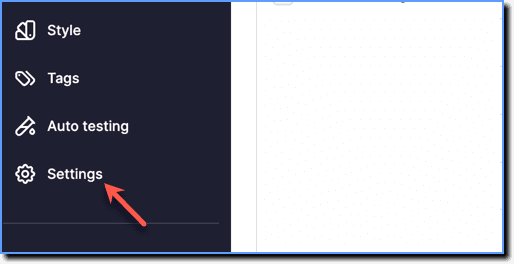
On the Whatfix Guidance dashboard, click Settings.
-
Click Translations.

-
In the Translations section, select the language.

-
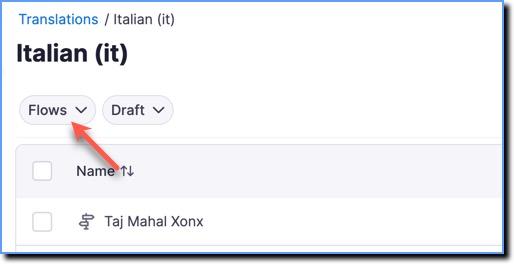
Expand the content type dropdown.
-
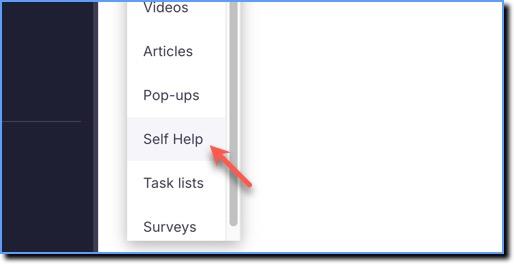
Select Self Help.
-
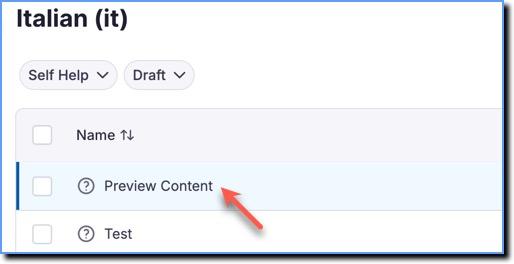
Select Self Help that contains the folder titles that you want to translate.
Info:
The folder names appear in the following format: 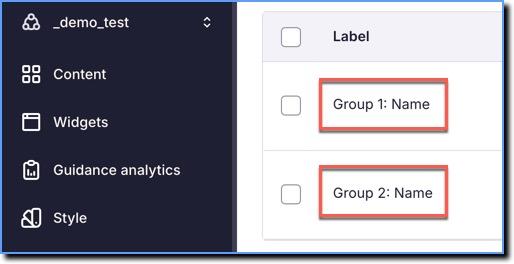
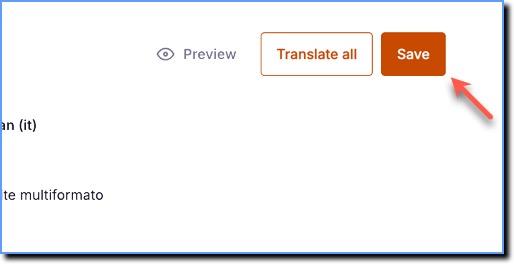
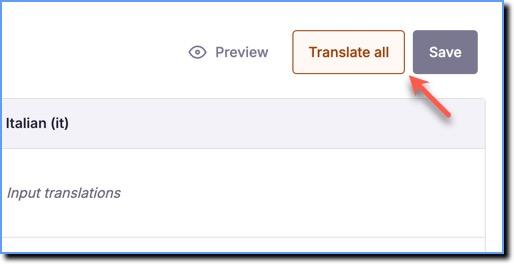
- Click Translate all.
Info:
To translate specific labels, select the fields you want to translate, and then click Translate selected. 
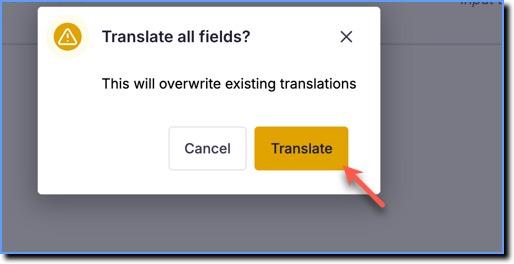
- Click Translate.
- Click Save.