Desktop Translation
Add a new language for translation
The translation process begins by adding a language for translating Whatfix content.
For more information, see the list of Languages Supported by Whatfix.
Note:
Only an Account Manager can perform the following task. For more information about available roles, see Whatfix User Roles.
Use the following steps to add a language:
-
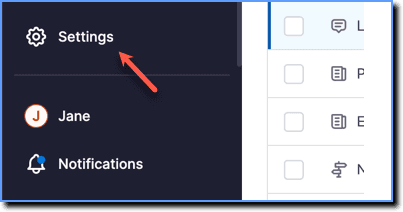
On the Whatfix Guidance dashboard, click Settings.
-
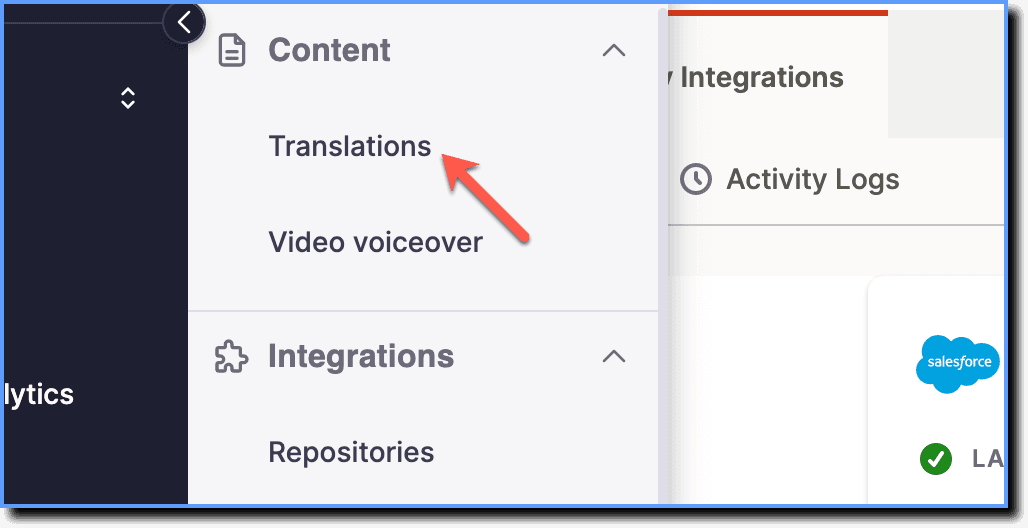
Click Translations.
-
Click Add languages.

When no languages are added, the Add languages button appears as follows: 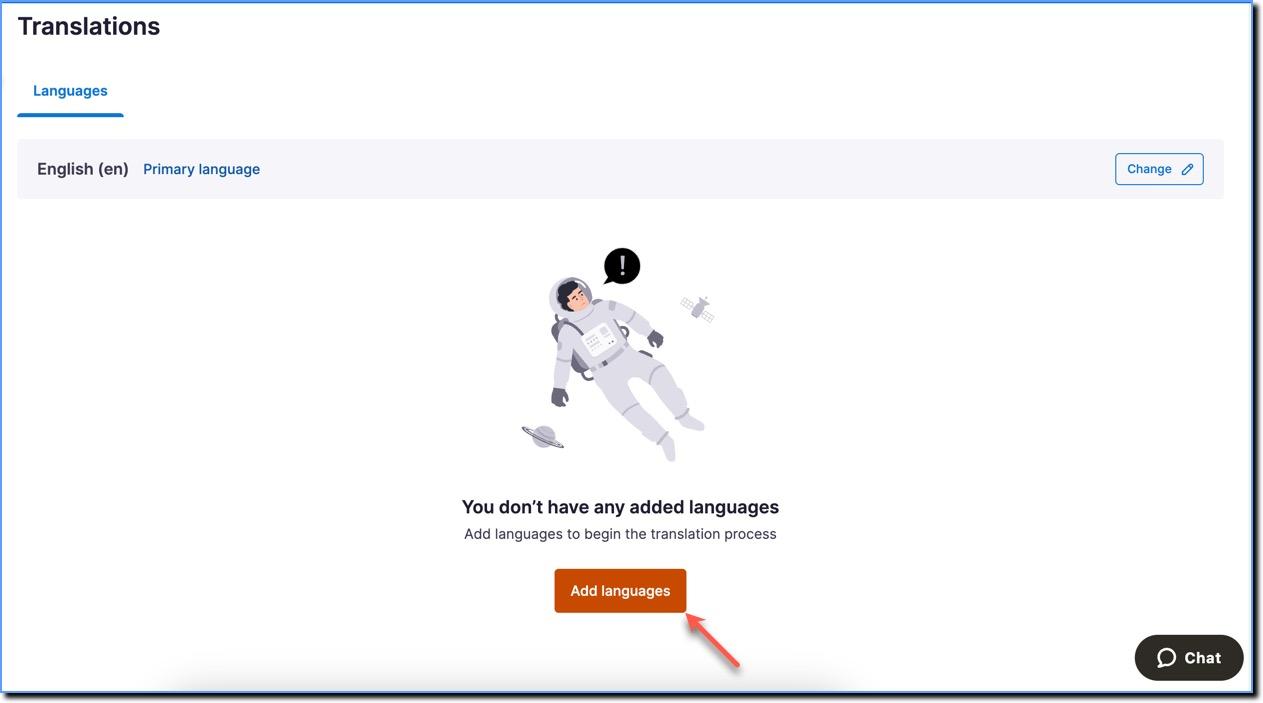
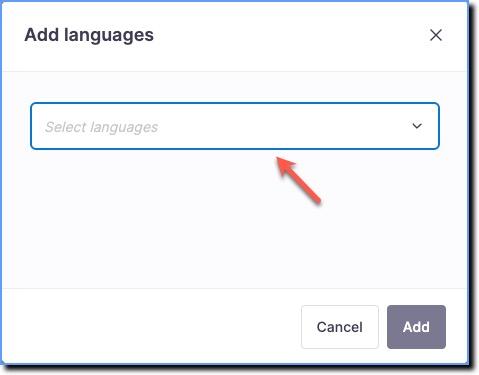
- In the Add-languages dialog box, use the dropdown and select the new language that you want to add. You can choose to select and add multiple languages.
- Click Add.

The new language appears in the Languages tab. 
Updates to content must be pushed to Production to make them available to your end users.