Flows - Whatfix Desktop
Desktop Flows referenceable
Desktop Flows Referenceable enables you to trigger Flows on the desktop using a browser URL. The URL format for Flows is a convenient option to reply to support queries via email, chat, or over a tweet. For example, you can send a Flow URL to your user which, when clicked, triggers the respective Flow on their desktop application.
Note
The target application on which a Flow needs to run on must be open on the users' desktop, even if it is minimised or running in the background.
Use the following steps to trigger a desktop Flow using the embed URL:
- Go to the Production stage on your Whatfix Desktop Dashboard.

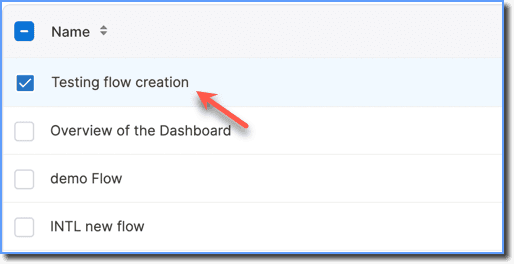
- Select the Flow you want to trigger.
- On the top right, click Embed.
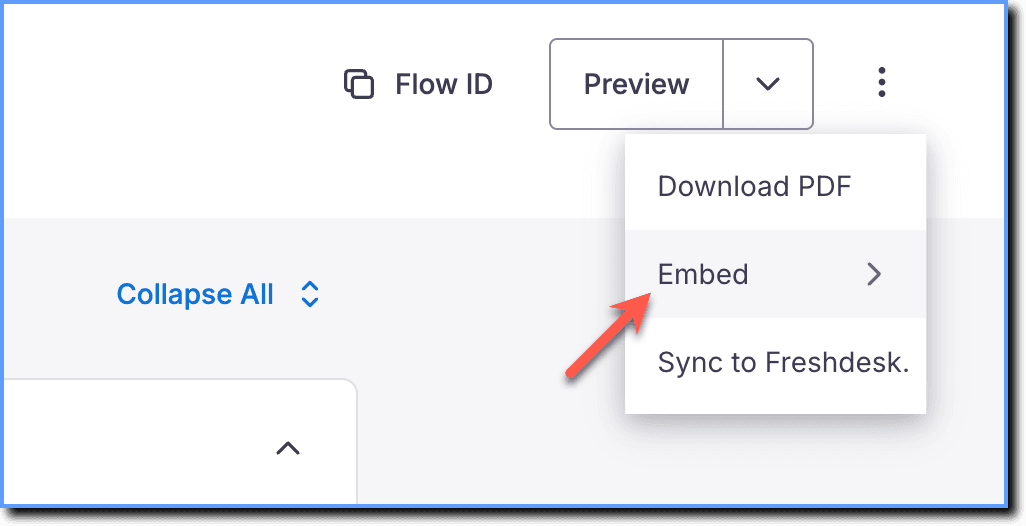
your title goes here
You can only embed Flows that are in the Production stage.
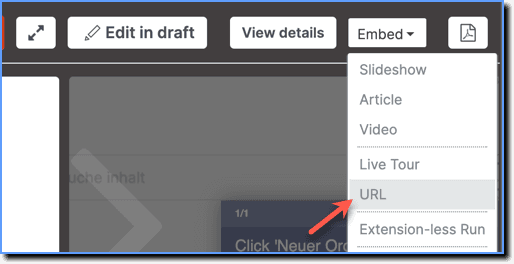
- Click URL.
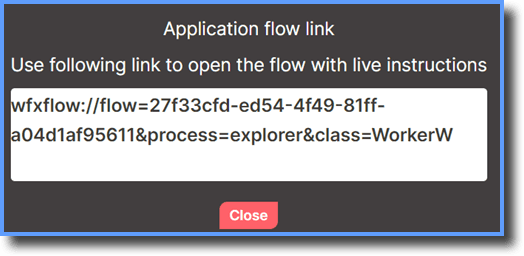
- Copy the Application flow link in the pop-up and paste it in your browser.
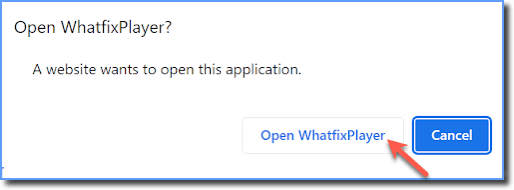
- Click Open WhatfixPlayer in the pop-up that appears.
Note
Every time you refresh the browser, the Flow is triggered again.