Flows - Whatfix Desktop
Delete a Flow
Delete flows from the Whatfix Guidance dashboard that are no longer required.
Note:
Flows once deleted cannot be restored.
To delete a Flow, use the following steps:
-
On the Whatfix Guidance dashboard, click Content.

-
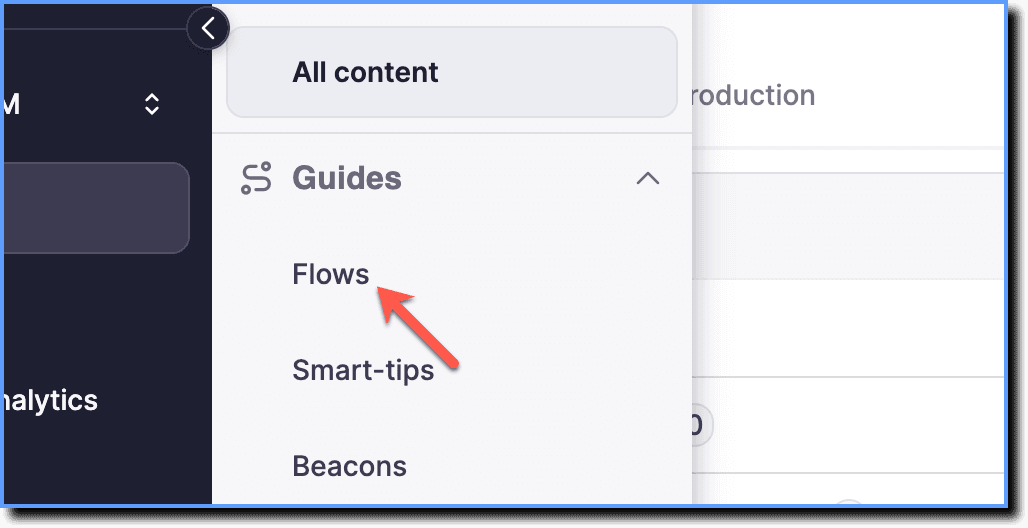
Click Flows.
-
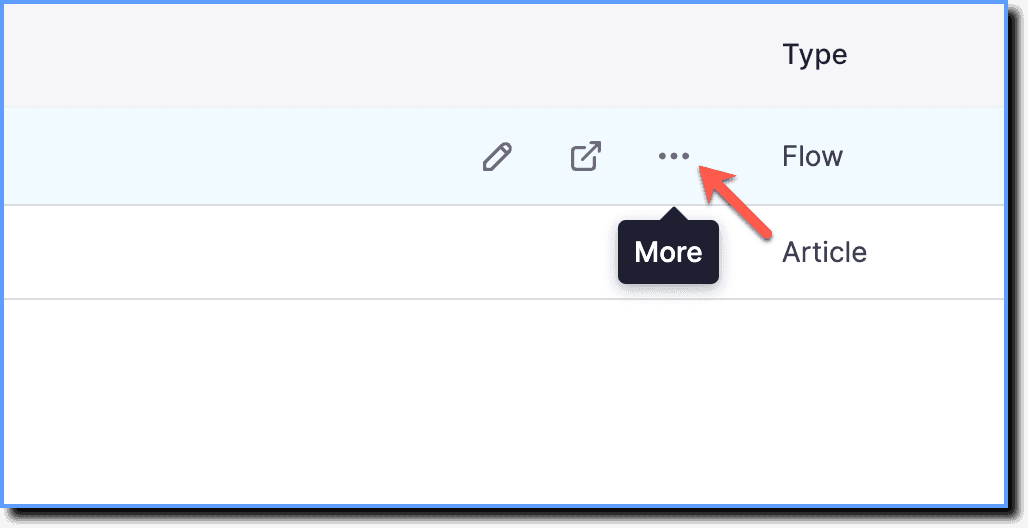
Hover your cursor over the Flow you want to delete, and then click the More icon.
-
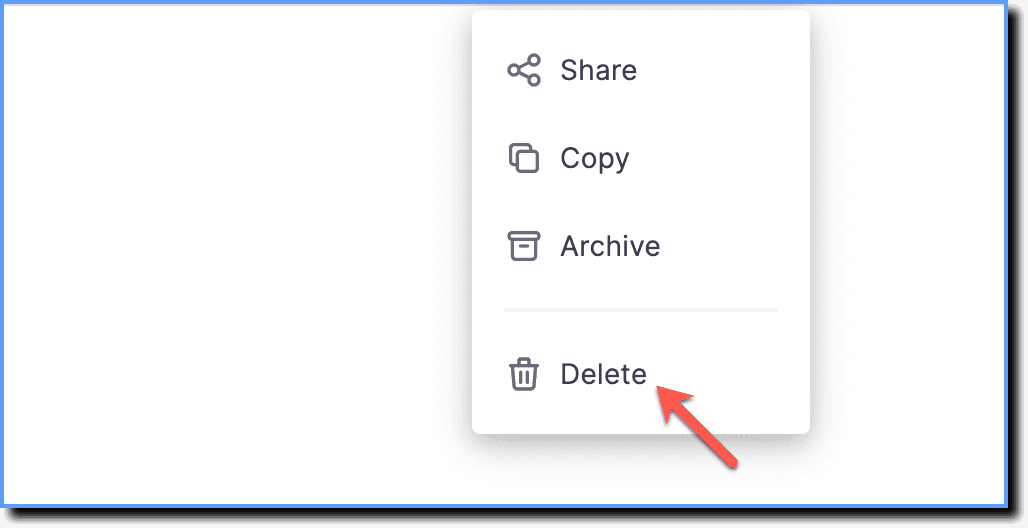
Click Delete.
-
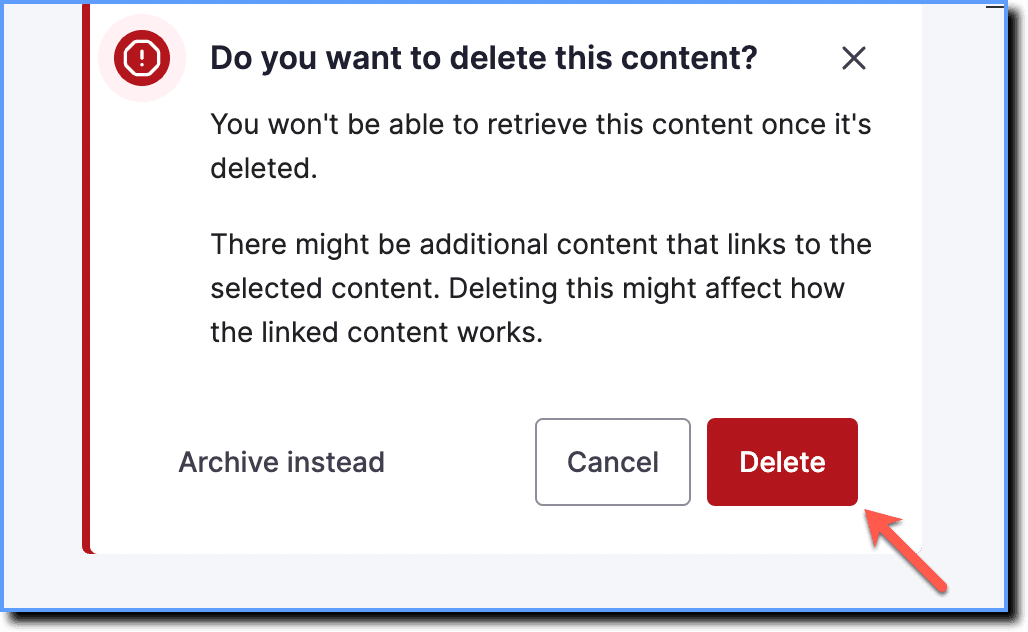
Click Delete to confirm.