Configure Self Help
Delete Self Help
Whatfix enables you to delete an existing Self Help segment that might not be relevant to your end users. Once deleted, a Self Help segment cannot be retrieved. To restore a segment later, consider archiving the segment instead.
Use the following steps to delete a Self Help segment:
Note:
To delete a segment that is in Production, you must first move it to Draft. Only content in the Draft and Ready stages can be deleted.
Expand the following accordions for more details:
Delete a single Self Help segment
-
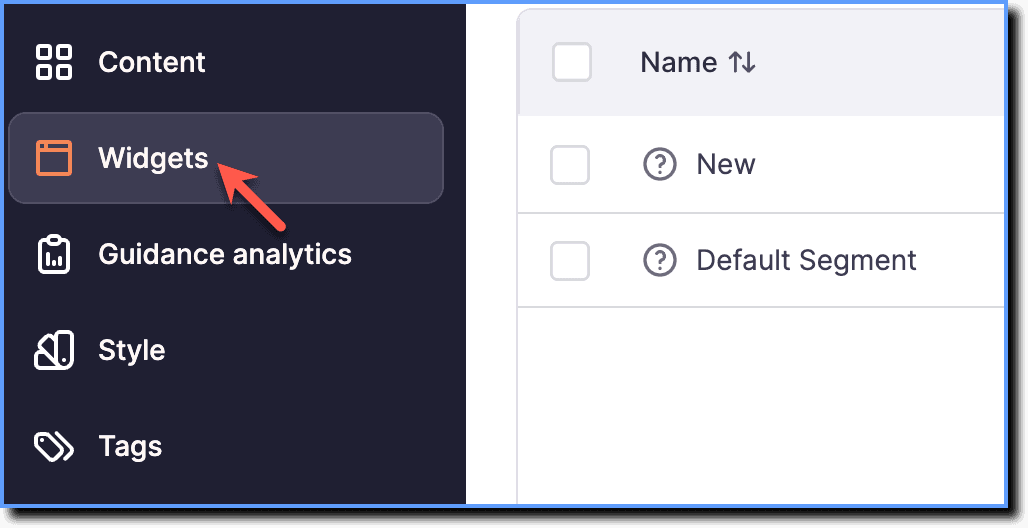
On the Whatfix Guidance dashboard, click Widgets.
-
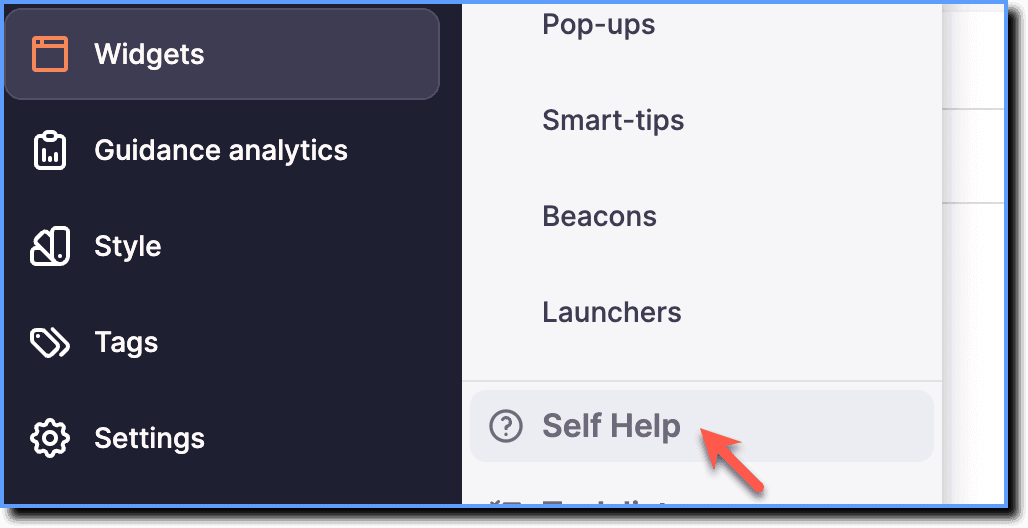
Click Self Help.
-
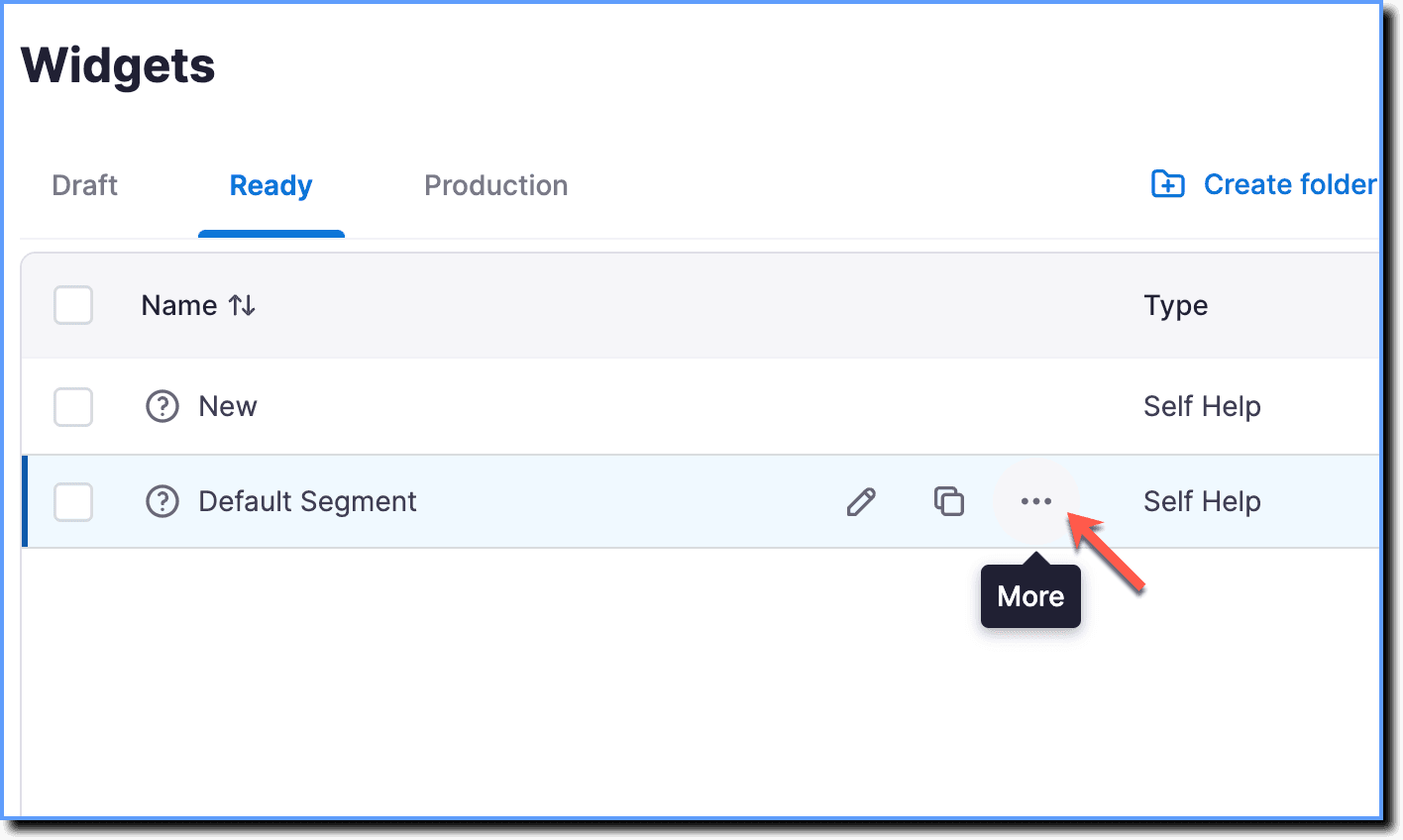
Hover your cursor over the Self Help segment you want to delete, then click the More icon.
-
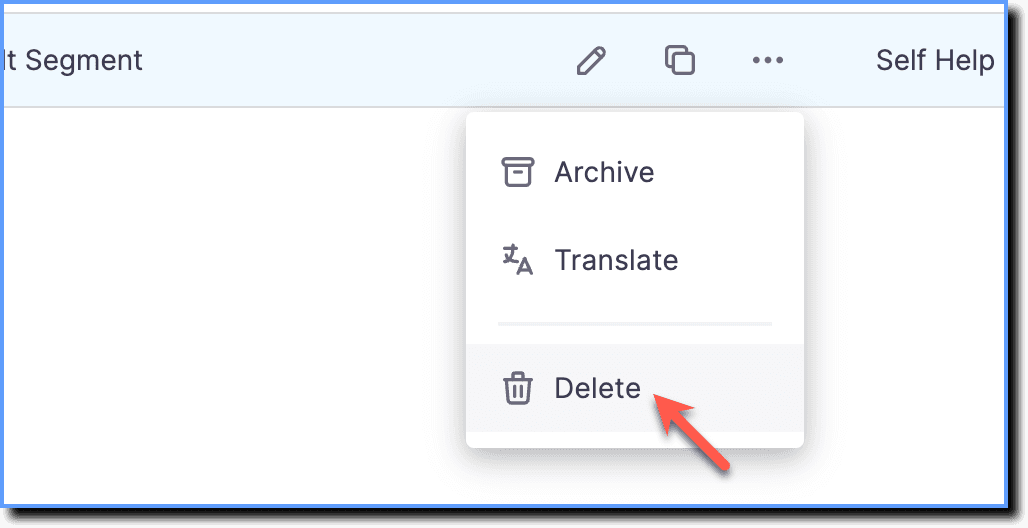
Click Delete.
-
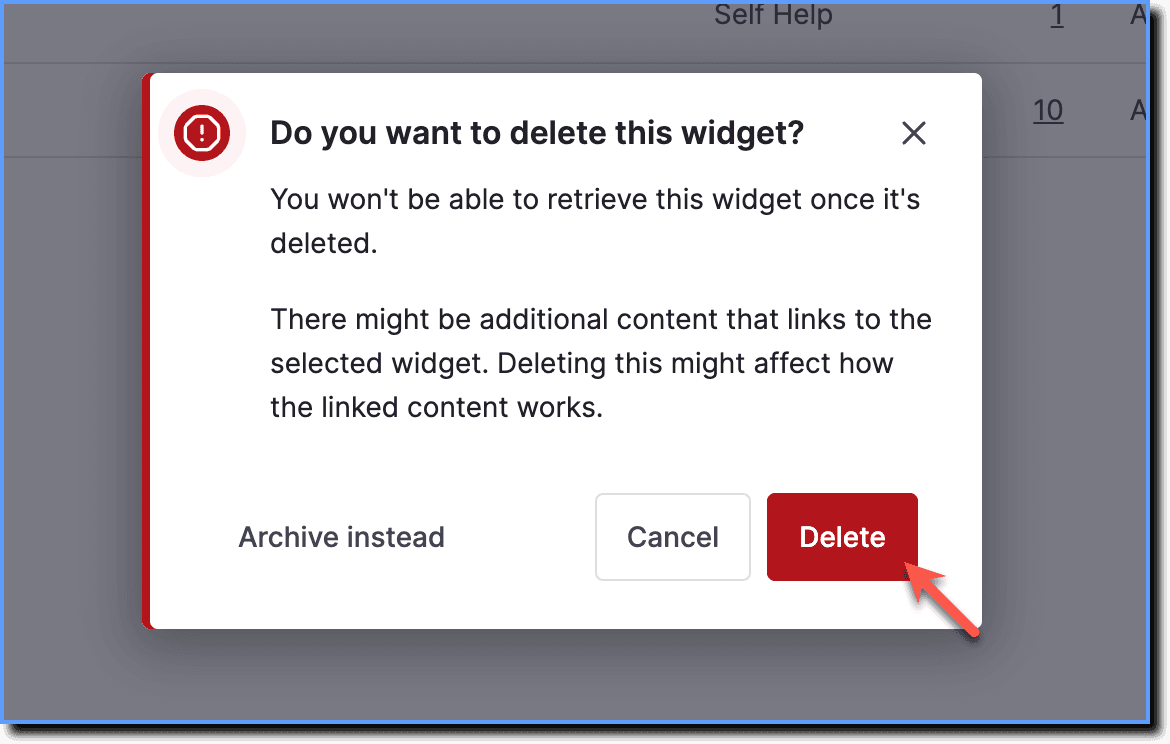
On the confirmation pop-up, click Delete.
Delete multiple Self Help segments
-
On the Whatfix Guidance dashboard, click Widgets.
-
Click Self Help.
-
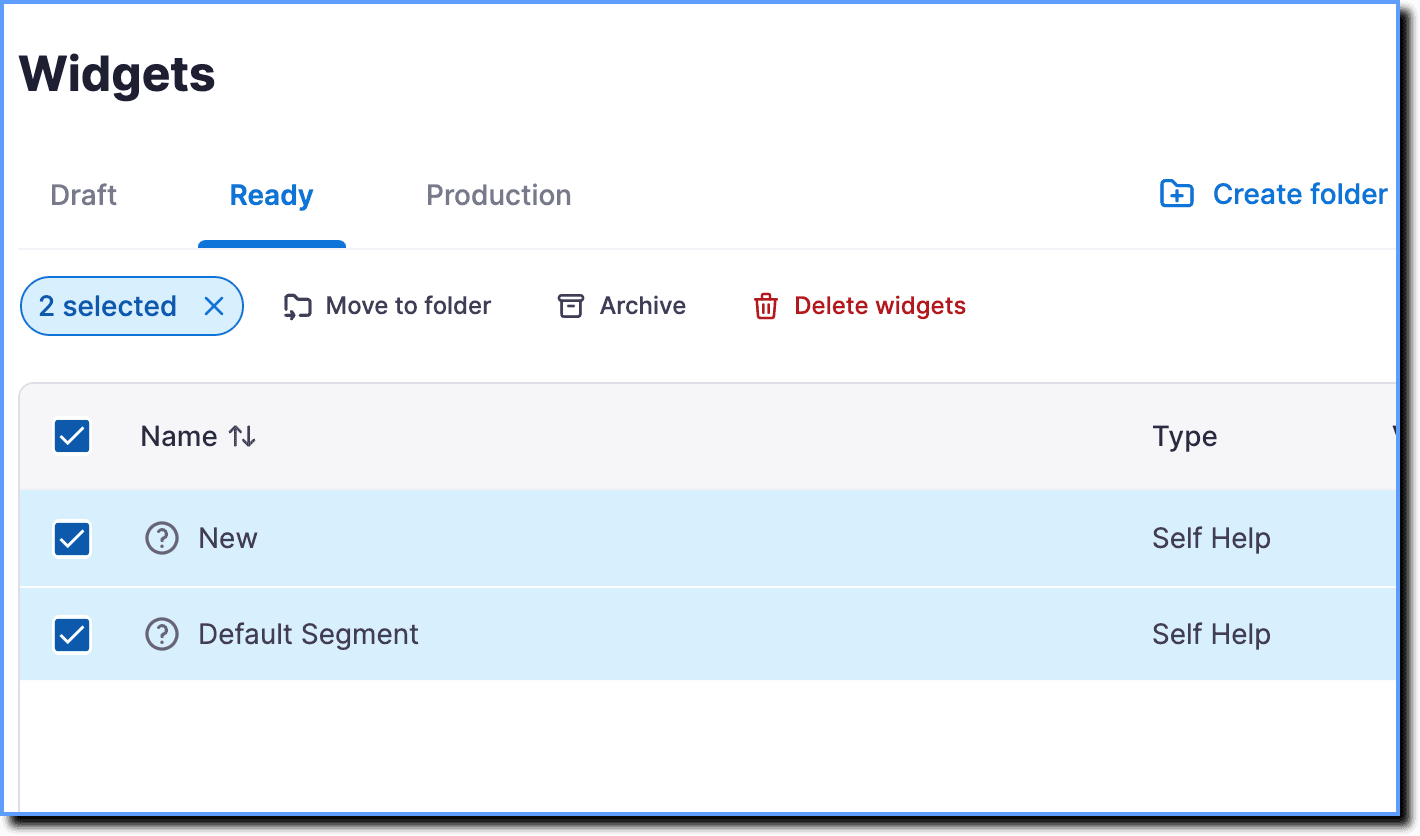
Select the Self Help segments you want to delete.
-
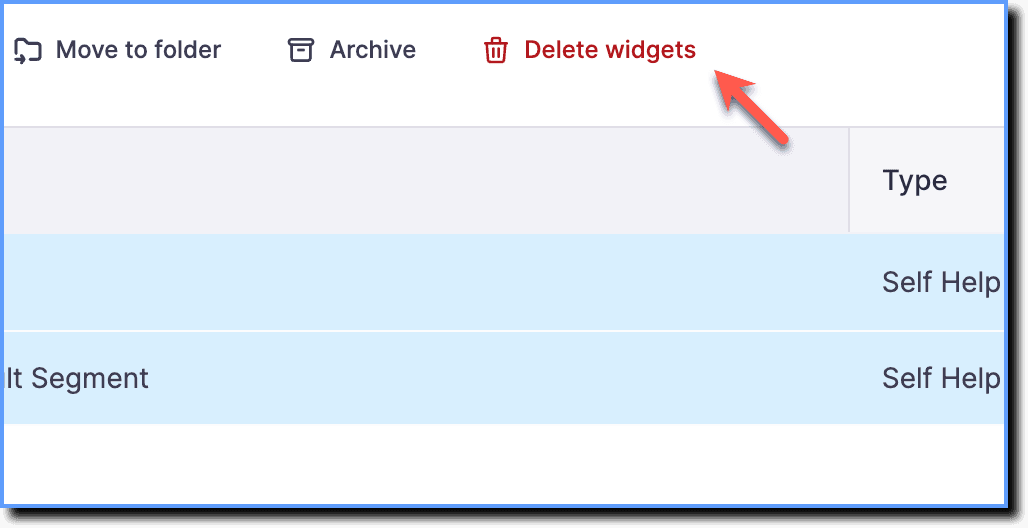
Click Delete widgets.
-
On the confirmation pop-up, click Delete.