General
How do I generate the API Token?
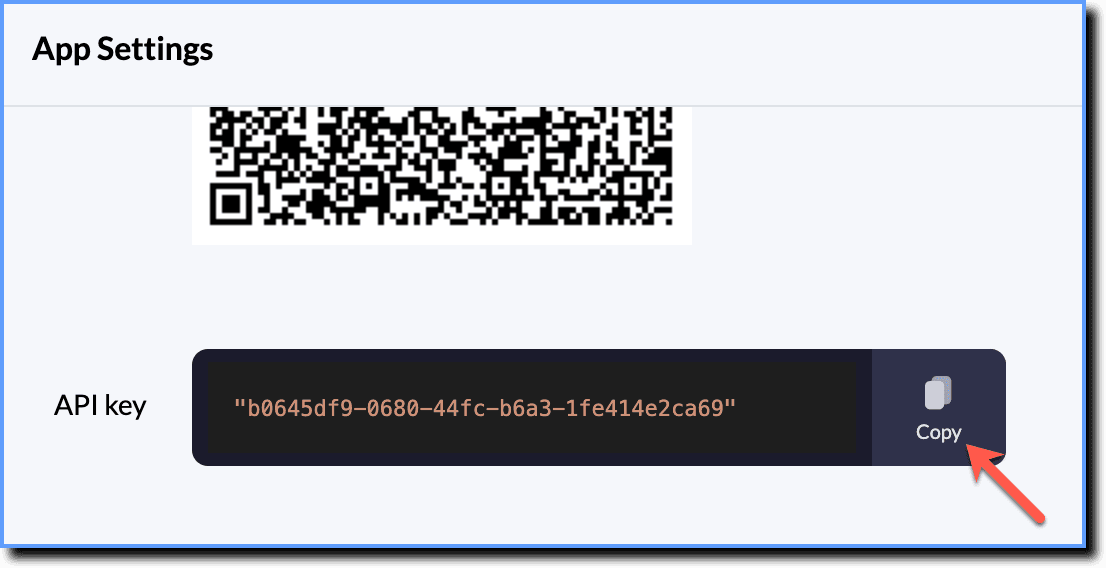
The API key is a token that the client provides when making API calls. It is used for authentication. This Integration Key must be included in the request header for all API calls.
Why do I need an API token?
The Whatfix Mobile SDK uses a username and password to validate users. When using Whatfix APIs, the API Key and API token are the equivalents of the username and password required to authenticate a user.
Whatfix requires your API token to validate each request. Each user in an enterprise has a different API token. The Whatfix system needs to know who you are connecting with and the actions they do with their account.
Generate the API Token
Info:
To generate the Integration Key, contact support@whatfix.com.
After the API Token is enabled, use the following steps to generate the API key:
Use the following steps to connect to the sample app:
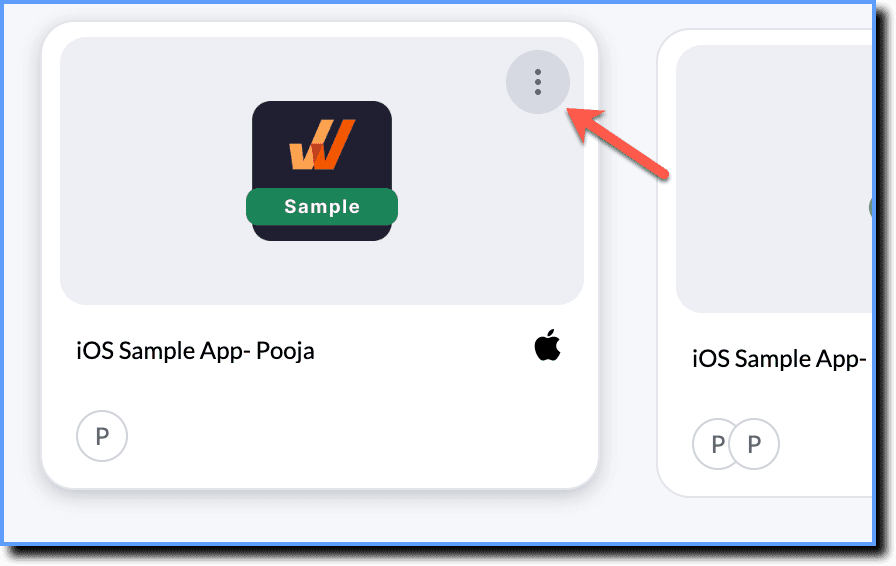
- On the Whatfix Mobile Dashboard, hover your cursor over the app, and then click the more icon.
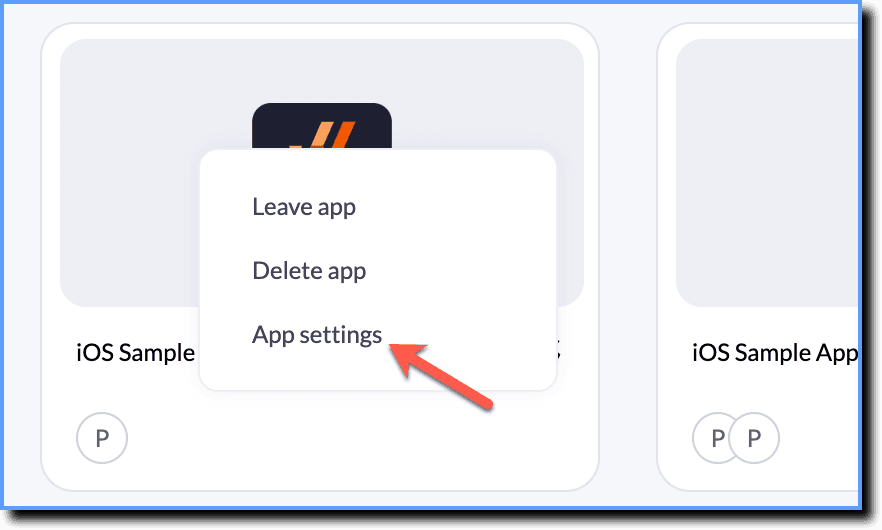
- Click App settings.
- Once the API key is displayed use the Copy icon to copy it.