Language Support
Add a New Language to a Walkthrough
Whatfix enables you to add different languages to your projects to provide a multilingual experience to your end users.
Use the following steps to add a new language to your project:
Note:
- Only Walkthrough, Walkthrough Menu and Walkthrough Checklist enable you to add a new language.
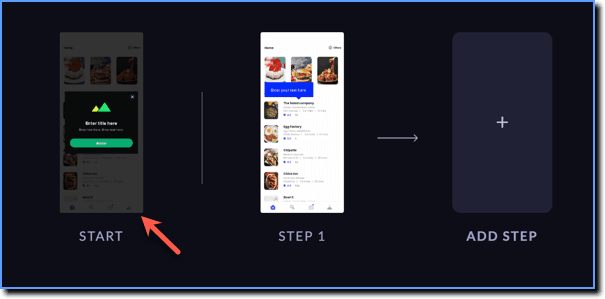
- Add a new language only on the START page of your Walkthrough.
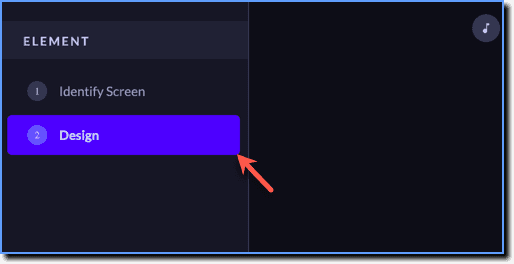
- While creating your project, click Design.
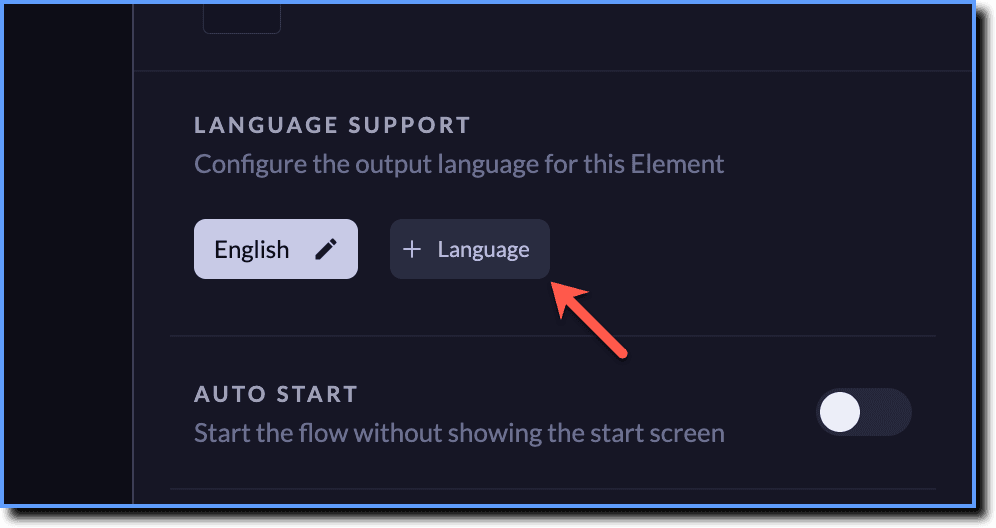
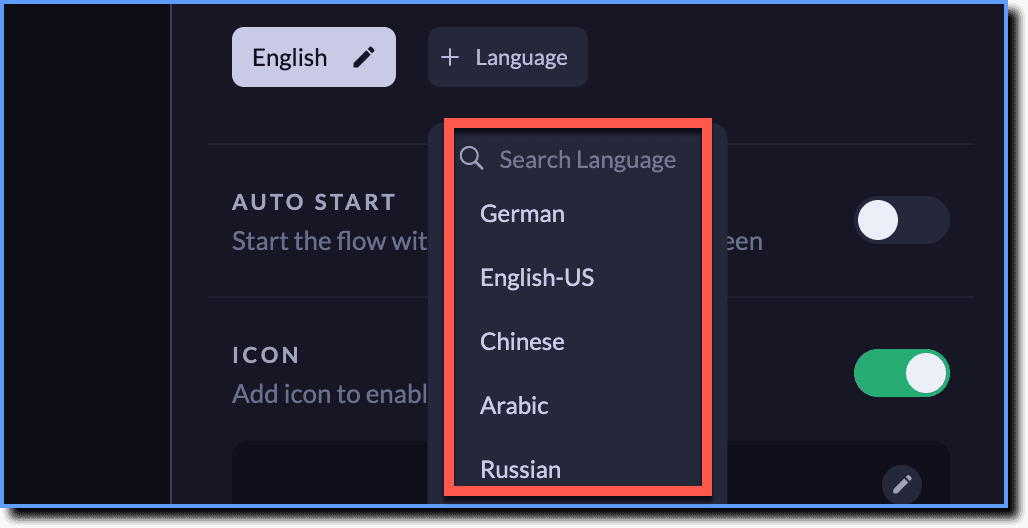
- In the LANGUAGE SUPPORT section, click Language.
- Select the language you want to add. For more information on all the languages supported by Whatfix Mobile, see Set App Locale.
- Add more languages if needed.
- Click Done.