Beacons - Whatfix Desktop
Preview Beacons
Whatfix Desktop enables you to preview a Beacon before publishing the Beacon live using the Whatfix Desktop Player.
For more information on installing the Whatfix Desktop Player, see Installing Whatfix Desktop Player.
Note:
Ensure that the Beacon segment you want to preview is set to active on your dashboard.
Use the following Steps to preview a Beacon using the Whatfix Desktop Player:
-
Launch your target application, and then launch the Whatfix Studio.
-
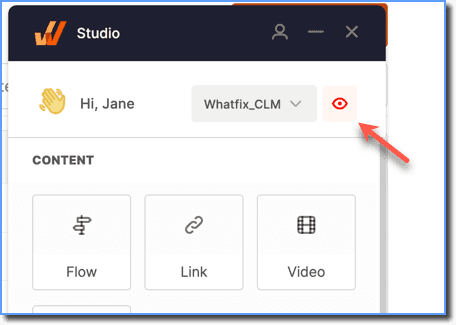
On the top-right corner, click the Preview mode icon.
-
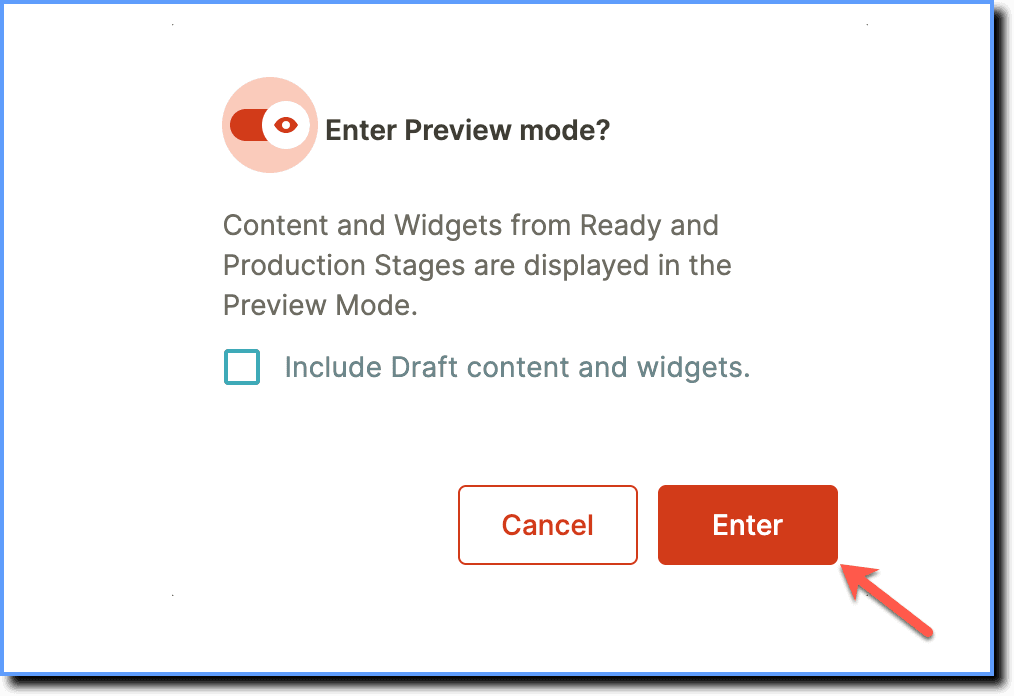
Click Enter and then refresh the browser.
Note:
If the content you want to preview is in the Draft stage, then select Draft, Ready, Production from the dropdown. 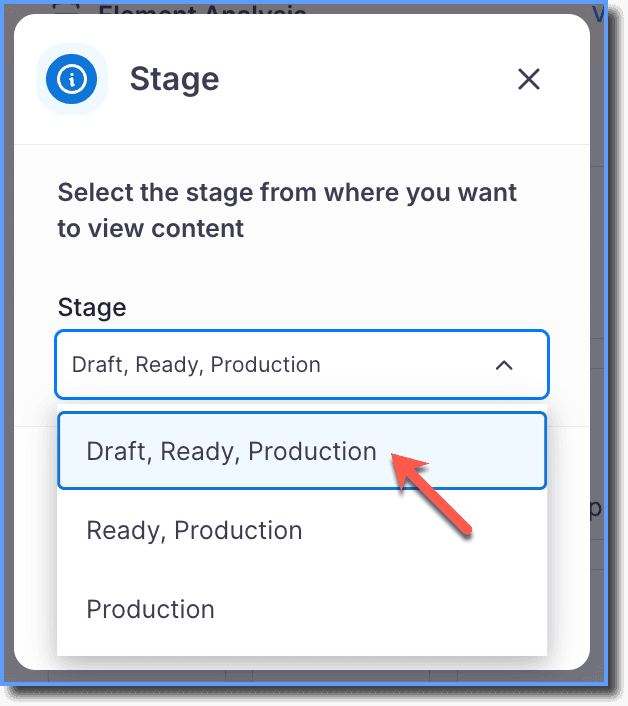
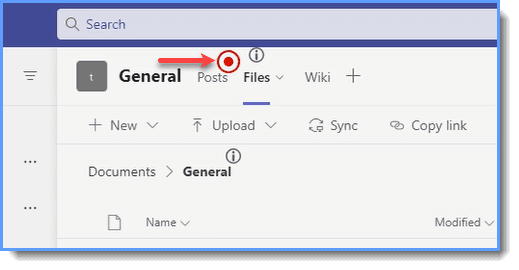
- Hover your cursor over the Beacon to preview it.
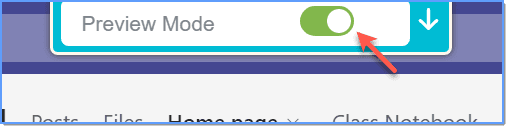
- Disable the Preview Mode once you are done previewing the Beacon.