User Actions
Delete a User Action
User Actions enables you to track end-user engagement on your application. However, a User Action can also be associated in the following ways:
- Used as Visibility Rules for all widget segments
- Mapped as a Goal in Flows
- Used as a Flow trigger
Note
Deleting a User Action also removes it from the segments and the Flows it is linked with.
Use the following steps to delete a User Action:
Note
Only an Account Manager can perform the following task. For more information about available user roles, see Whatfix User Roles.
-
On the Whatfix Analytics dashboard, click Tracking.

-
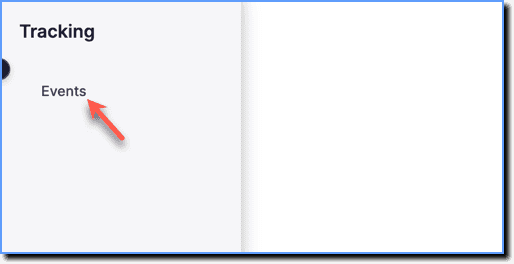
Click Events.
-
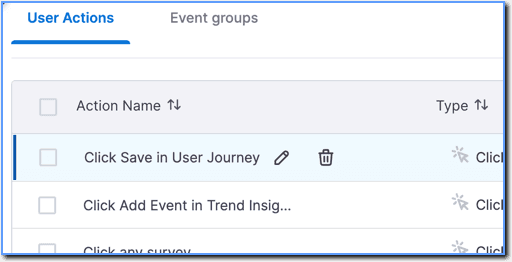
In the User Actions section, hover your cursor over the User Action that you want to delete.
-
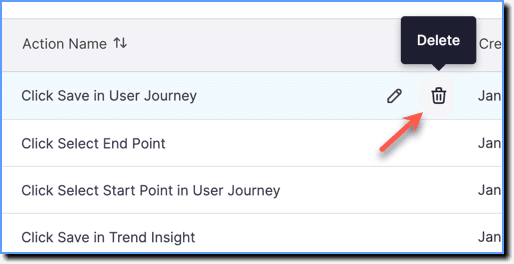
Click the Delete icon.
-
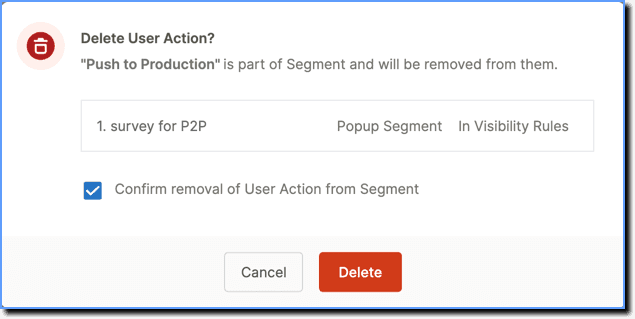
Review the pop-up to check the segments, Flows, and Funnel linked with the User Action, select the checkbox, and then click Delete on the pop-up to confirm.
Info
Once a User Action is deleted, analytics is no longer captured.