User Actions
Editing a User Action
Whatfix enables you to edit the User Action after creation. For example, every time your application undergoes a UI change you do not have to recreate the User Action. You can reselect the Action element, rename the User Action, and re-configure the Action completion rules.
Use the following steps to edit a User Action,
-
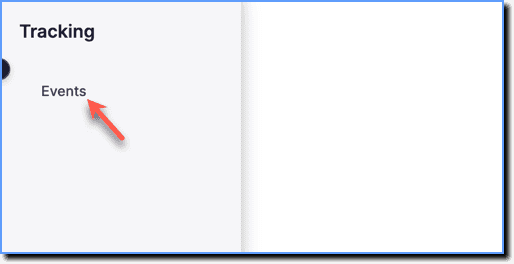
On the Whatfix Analytics dashboard, click Tracking.

-
Click Events.
-
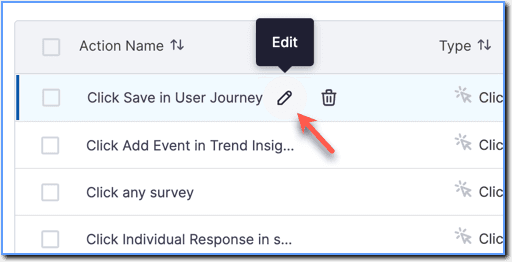
Hover the cursor over the User Action that you want to edit.
-
Click the Edit icon.
-
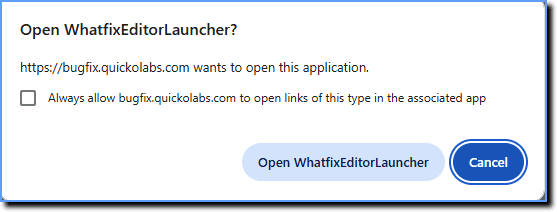
In the popup that appears, click Open WhatfixEditorLauncher.
your title goes here
You can make the following changes to the User Action:
- Edit the name/tags of the User Action
- Reselect the element
- Edit the User Action completion rule
- Edit the Display Rules
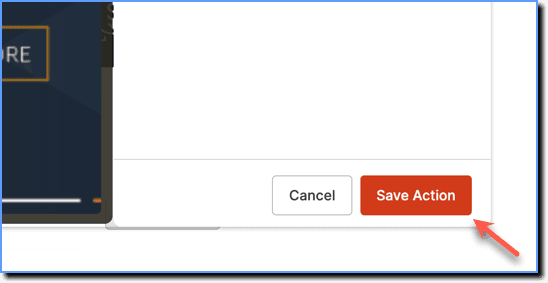
- Make the necessary changes and then click Save Action.