User Management
Reset My Password
If you have forgotten your Whatfix account password, set a new password on your own using the instructions below.
Note:
Account Managers cannot change the password for other users. Passwords can only be changed by the respective users themselves.
Use the following steps to reset your account password:
- Open your Whatfix dashboard login page. For example, https://whatfix.com/dashboard-guidance/Whatfix_Demo.
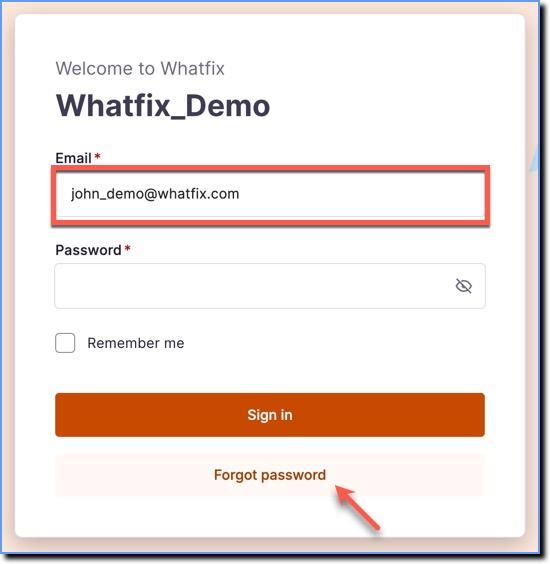
- Enter your registered Email with Whatfix and then click Forgot password.
- Enter the Captcha, and then click the Request link.

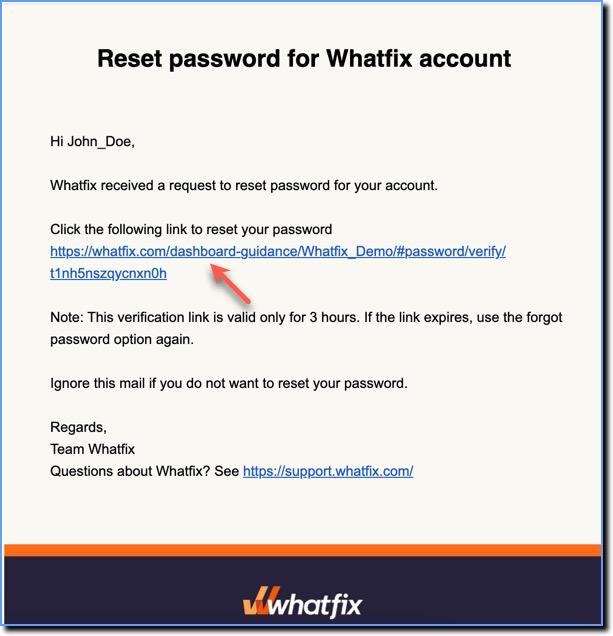
- Check your registered email for a reset password email and then click the reset password link in that email. You are then redirected to the Whatfix Dashboard.
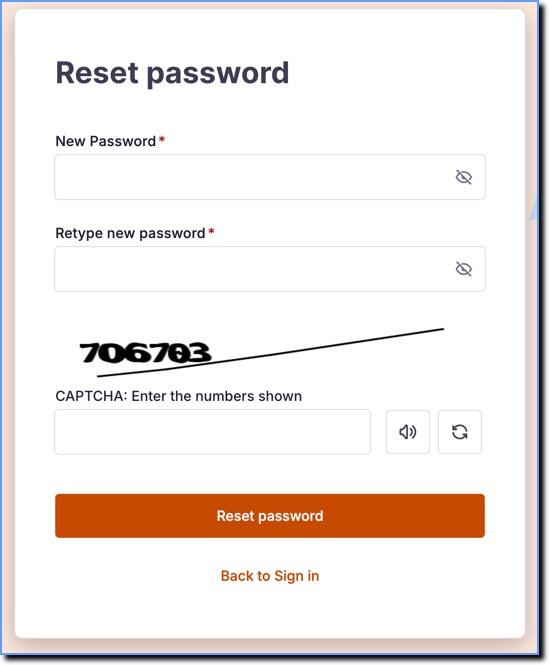
- Enter a new password and then click Reset password. You are automatically logged in to your dashboard.