User Management
Edit roles of existing Users
Note:
Only an Account Manager can perform the following task. For more information about available user roles, see Whatfix User Roles.
Use the following steps to change the role of a user:
-
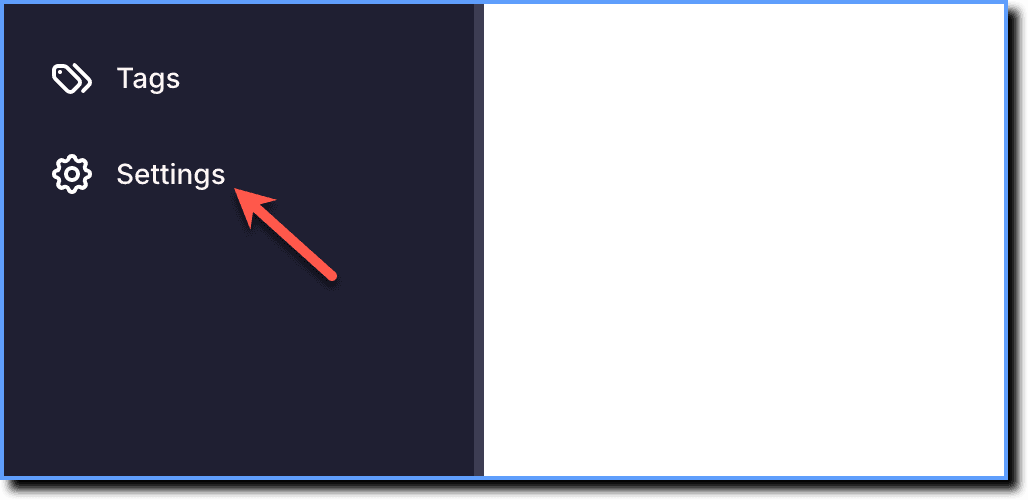
On the Guidance dashboard, click Settings.
-
Click Teammates.

-
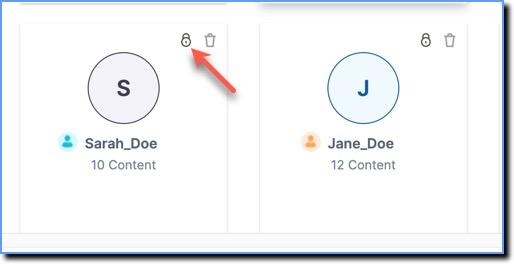
On the user profile, click the lock icon.
-
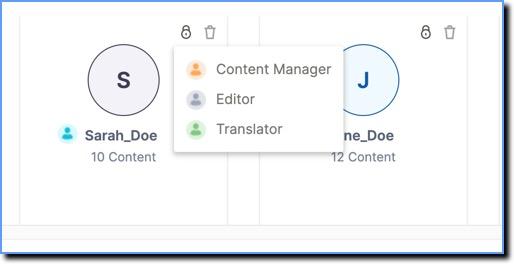
Select a role from the dropdown to change the user role.
Info:
To know more about Whatfix User roles, see Whatfix User Roles.