Additional Pop-up configs
Disable a Pop-up
Once the Pop-up has served its purpose, it can be disabled. Once disabled, the Pop-up does not appear to your users unless it is enabled again.
Use the following steps to disable the Pop-up:
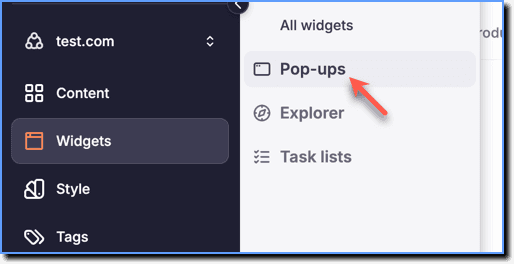
- On the Guidance dashboard, click Widgets.
 2. Click Pop-ups.
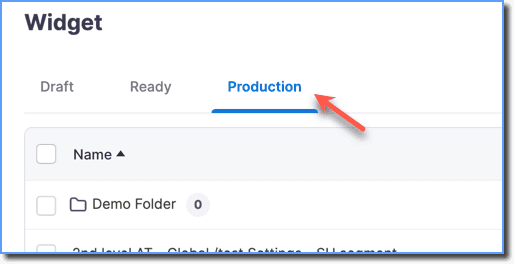
- Go to Production.
- Select the Pop-up that you want to disable.
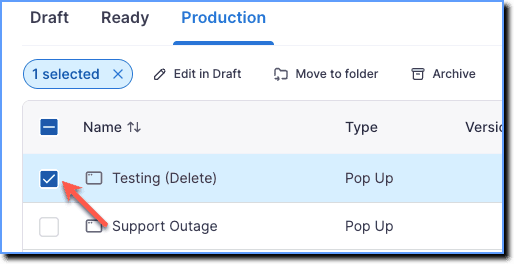
- Click Unpublish.

The pop-up is moved back to the Draft stage and your end users no longer see this Pop-up.