Additional Pop-up configs
Delete a Pop-up
Whatfix enables you to delete Pop-ups that are no longer useful to you. Delete a Pop-up or multiple Pop-ups at the same time.
Note:
- You can only delete Whatfix content and widgets in the Draft and Ready stages.
- When a copy of your content in Draft or Ready also exists in Production, deleting the Draft or Ready version does not affect the content in Production.
Delete a Pop-up
Use the following steps to delete a Pop-up:
- On the Guidance dashboard, click Widgets.
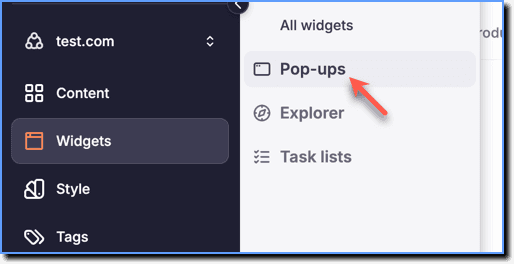
 2. Click Pop-ups.
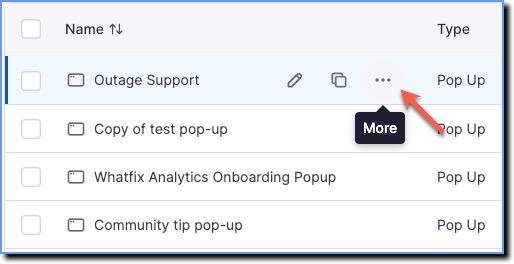
- Hover your cursor over the Pop-up you want to delete, and then click the More icon.
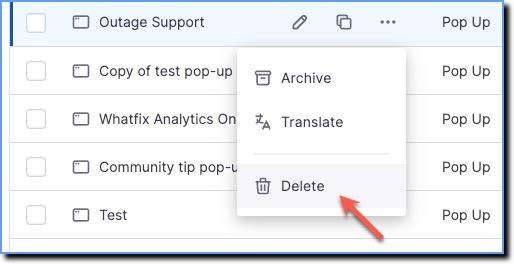
- Click Delete.
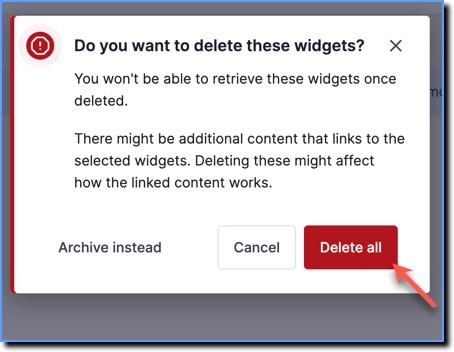
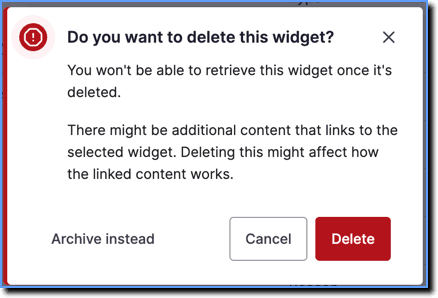
- In the confirmation pop-up, click Delete.
Delete Multiple Pop-ups
Use the following steps to delete multiple Pop-ups:
- On the Guidance dashboard, click Widgets.
2. Click Pop-ups.
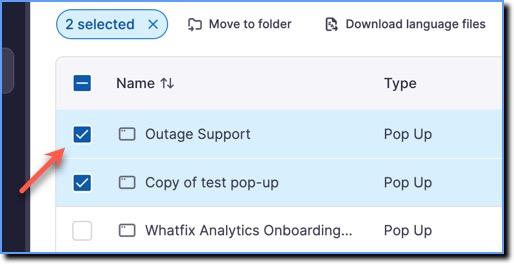
- Select the Pop-ups you want to delete.
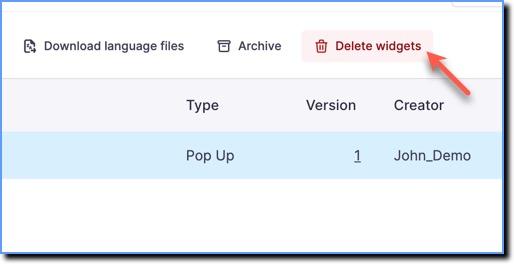
- Click the Delete widgets icon.
- In the confirmation pop-up, click Delete all.