Whatfix PDF Export
Whatfix PDF export
Whatfix enables you to share your Flows as PDFs. Any Flow on the Whatfix Dashboard can be emailed to a customer as an attachment.
Info:
- If the Flow title includes spaces or any of these special characters: —, <, >, :, ", /, |, ?, *, #, %, period (.), and comma (,) then they are replaced with an underscore (_) when content is shared. This prevents errors.
- Whatfix enables you to customize a PDF template by adding your company logo, and including or removing the header and footer sections. For more information, see Customize a PDF template.
Use the following steps to share a Flow as a PDF:
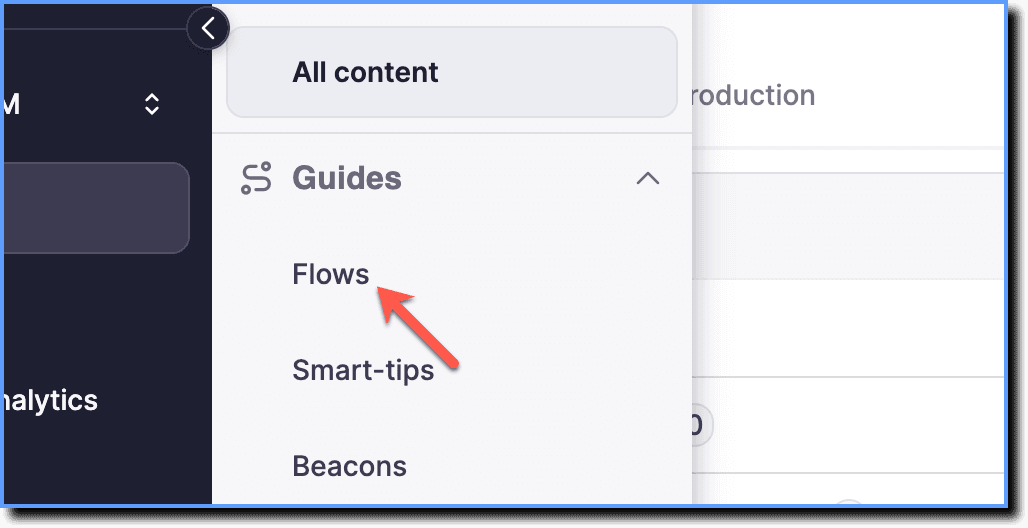
- On the Whatfix Guidance dashboard, click Content.

- Click Flows.
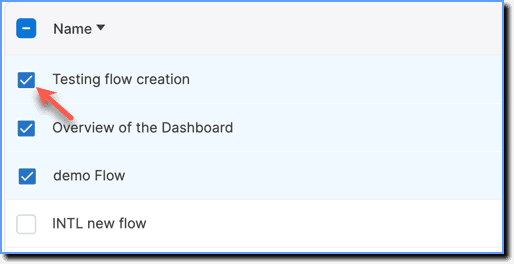
- Select the required Flows.
- Click Share.

Note:
You can share up to 10 Flows at a time.
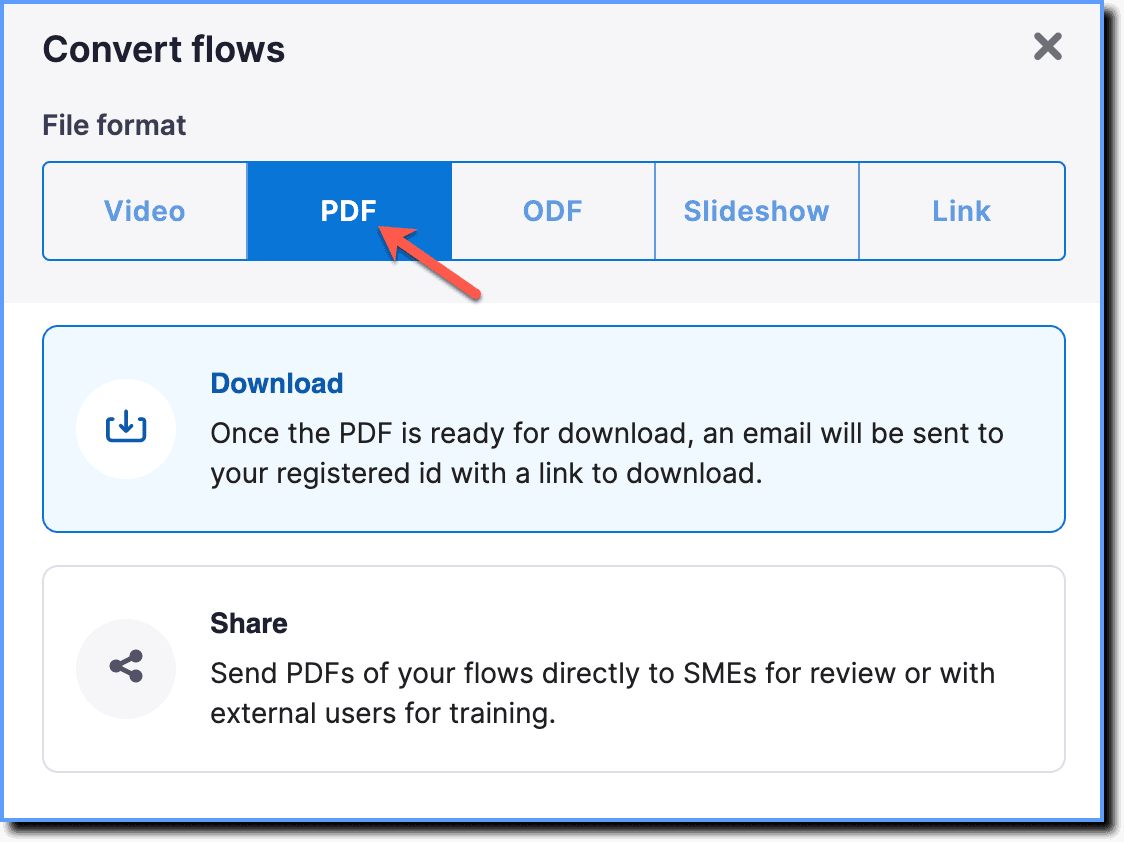
- Choose the PDF option.
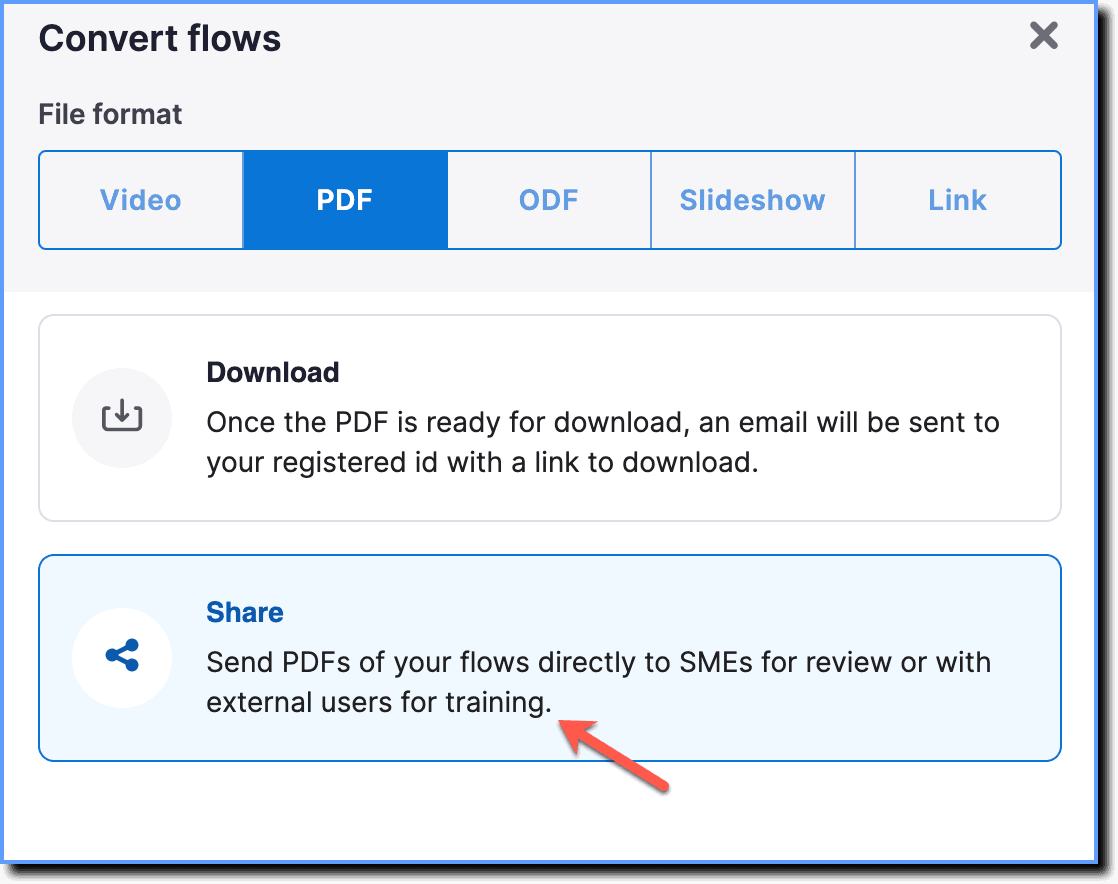
- Click Share.
- Click Next.
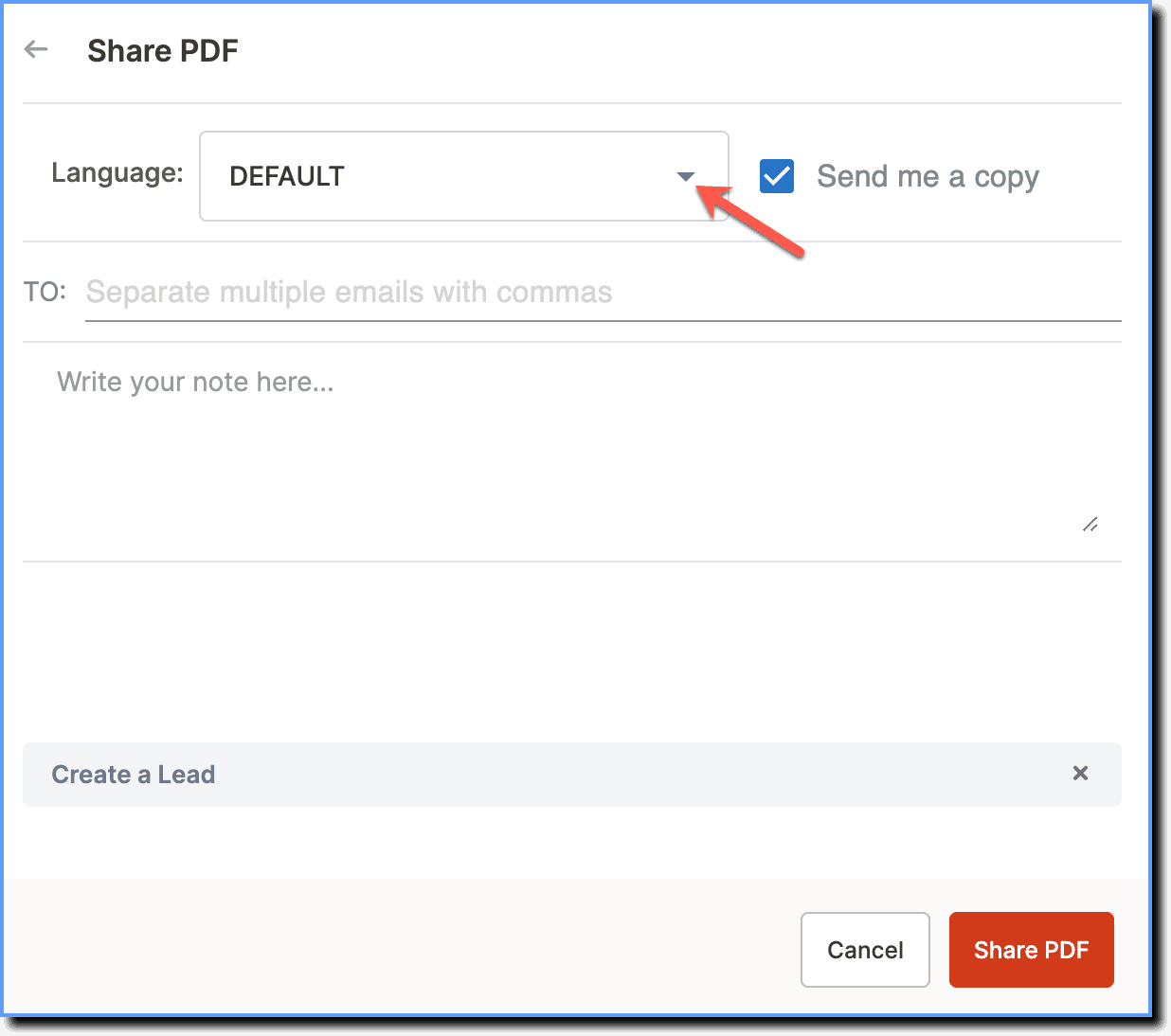
- In the Language dropdown, select the language in which you want to share the Flows.
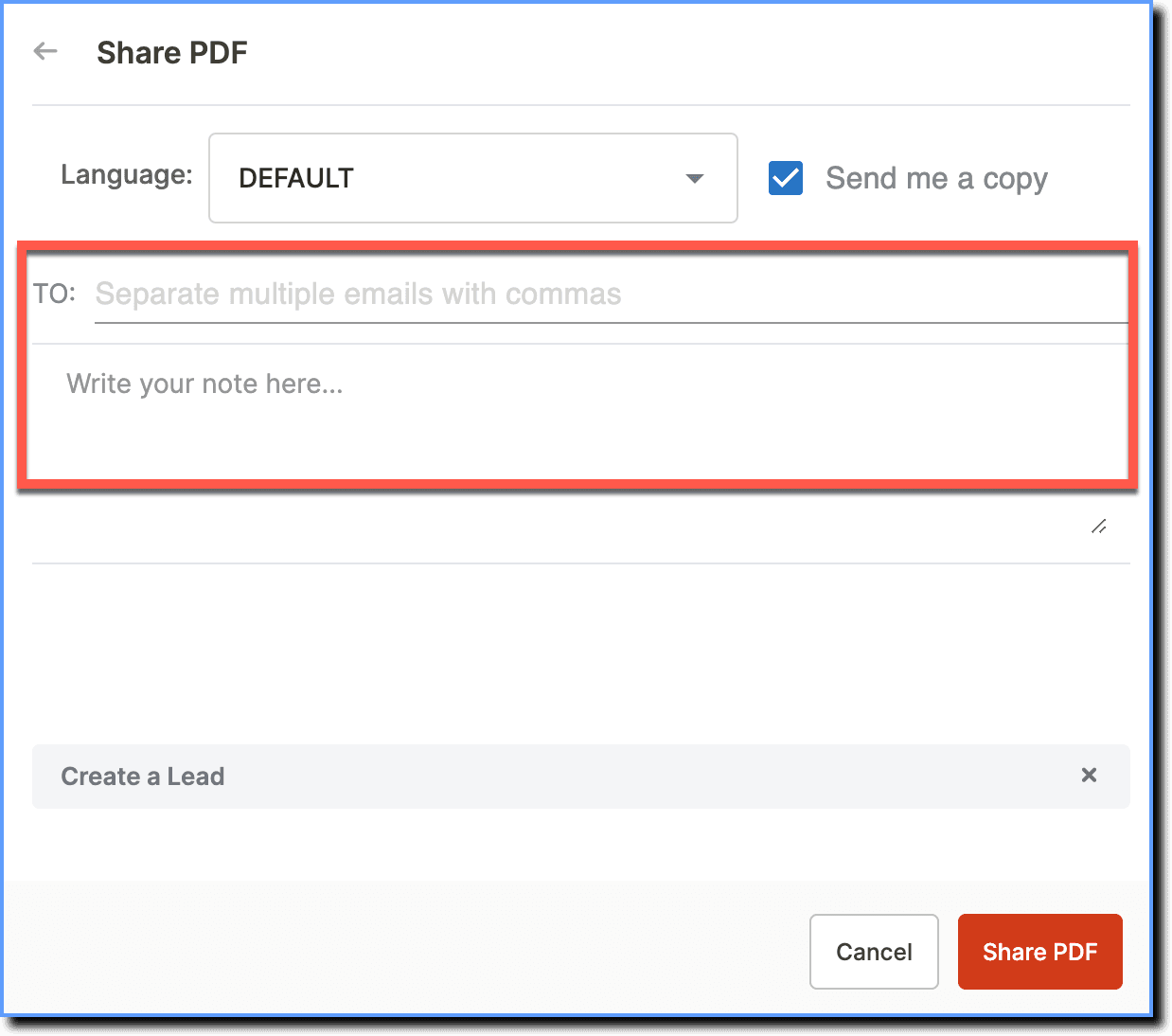
- Enter the recipients' email addresses and description (email body).
- Click Share PDF.
your title goes here
- Emails are sent from the support@whatfix.com address with the subject line —Flows shared by <user_name>.
- By default, Flows can be shared only with people whose email address belong to your organization's domain. To add additional domains, contact support@whatfix.com.