User Management - Whatfix Desktop
Reset my password
If you have forgotten your password, use the following steps to set a new password,
Note
Passwords can be changed by the respective users themselves. Account Managers cannot change the password for other users.
- Go to whatfix.com.
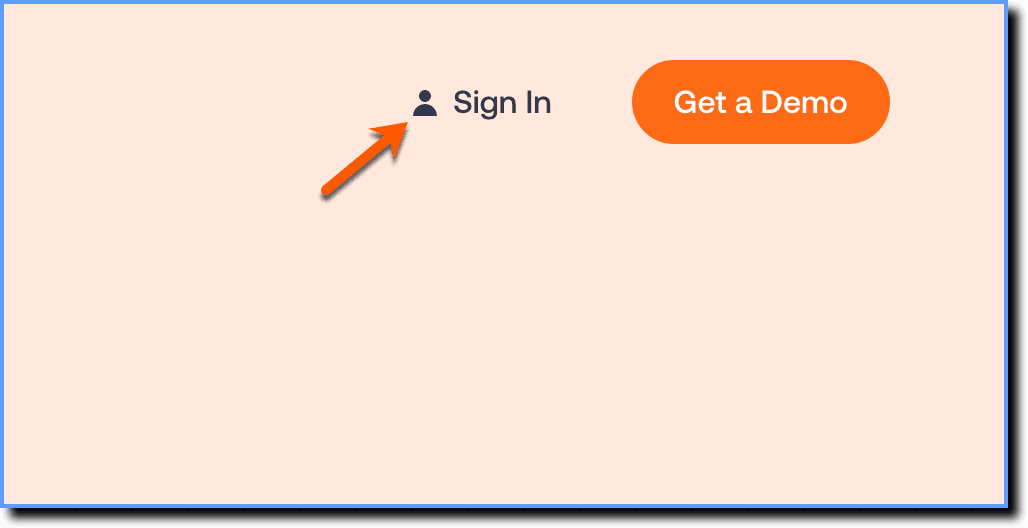
- Click the Sign In button.
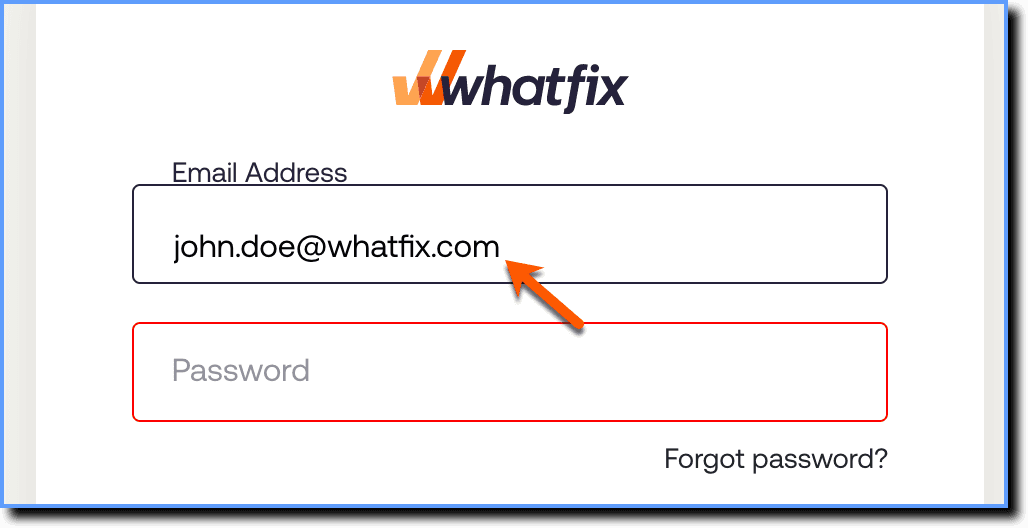
- Enter your email address and leave the password field blank.
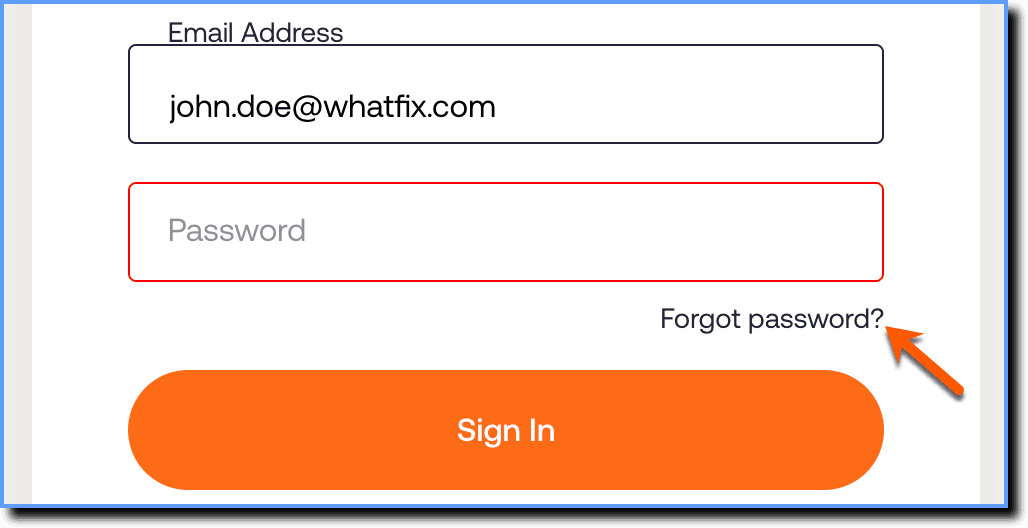
- Click Forgot password?
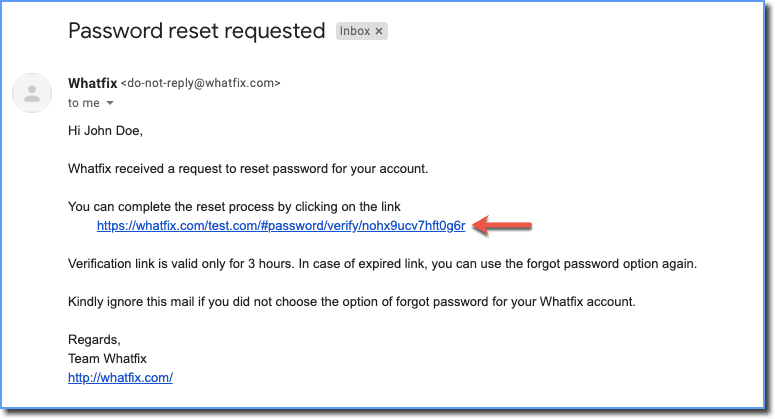
- An email with a link to reset your password is sent to your registered email address.
- In the reset password screen, enter the new password, and then re-type the same password to confirm.
- Enter the Captcha that appears.
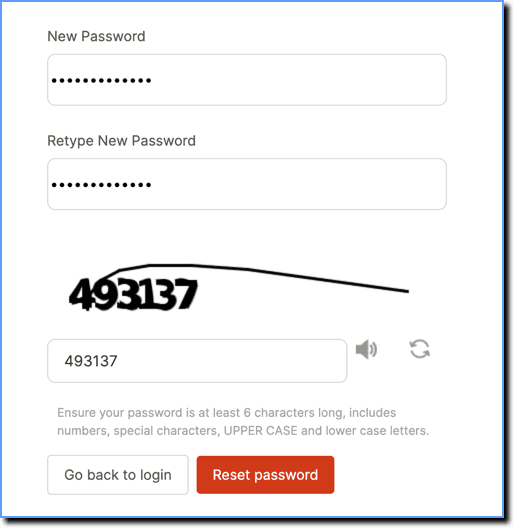
Note:
- The auto-generated Captchas are case sensitive. Make sure you enter the right Captcha.
- Click the speaker icon adjacent to the text box to listen to the Captcha text.
- Click the refresh icon next to the speaker icon to request for a new Captcha.
- Click Reset Password.