Dashboards
Manage Custom Dashboards
After creating Dashboards, you can access them using the following methods:
- Searching
- Sorting
- Filtering
For more information on which user role can do what, see Access Matrix for Insights and Dashboards.
Search for a Dashboard
If you want to view or edit an existing Dashboard, you can search using the Dashboard name.
Use the following steps to search for your Dashboard:
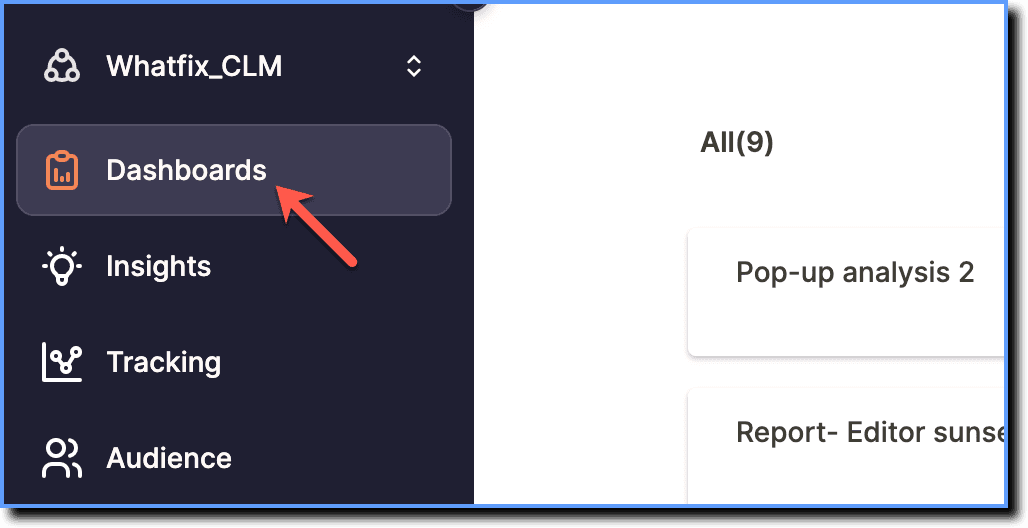
- On the Whatfix Analytics dashboard, click Dashboards.
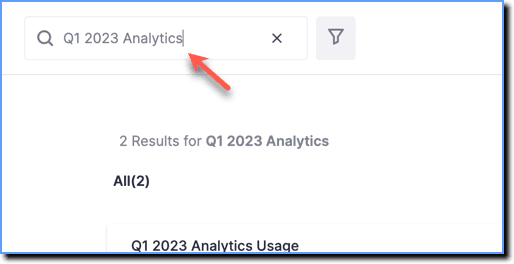
- Click the Search bar, and then enter the Dashboard name you would want to view or edit.
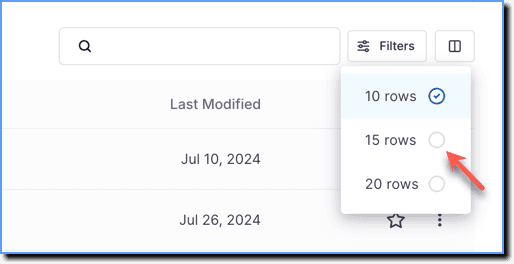
- By default, 10 Dashboards are displayed per page.
- Click the Row selector icon to display 15 to 20 Dashboards per page.
Sort
Sort your Dashboards using the following options:
- Title
- Creator
- Last Modified
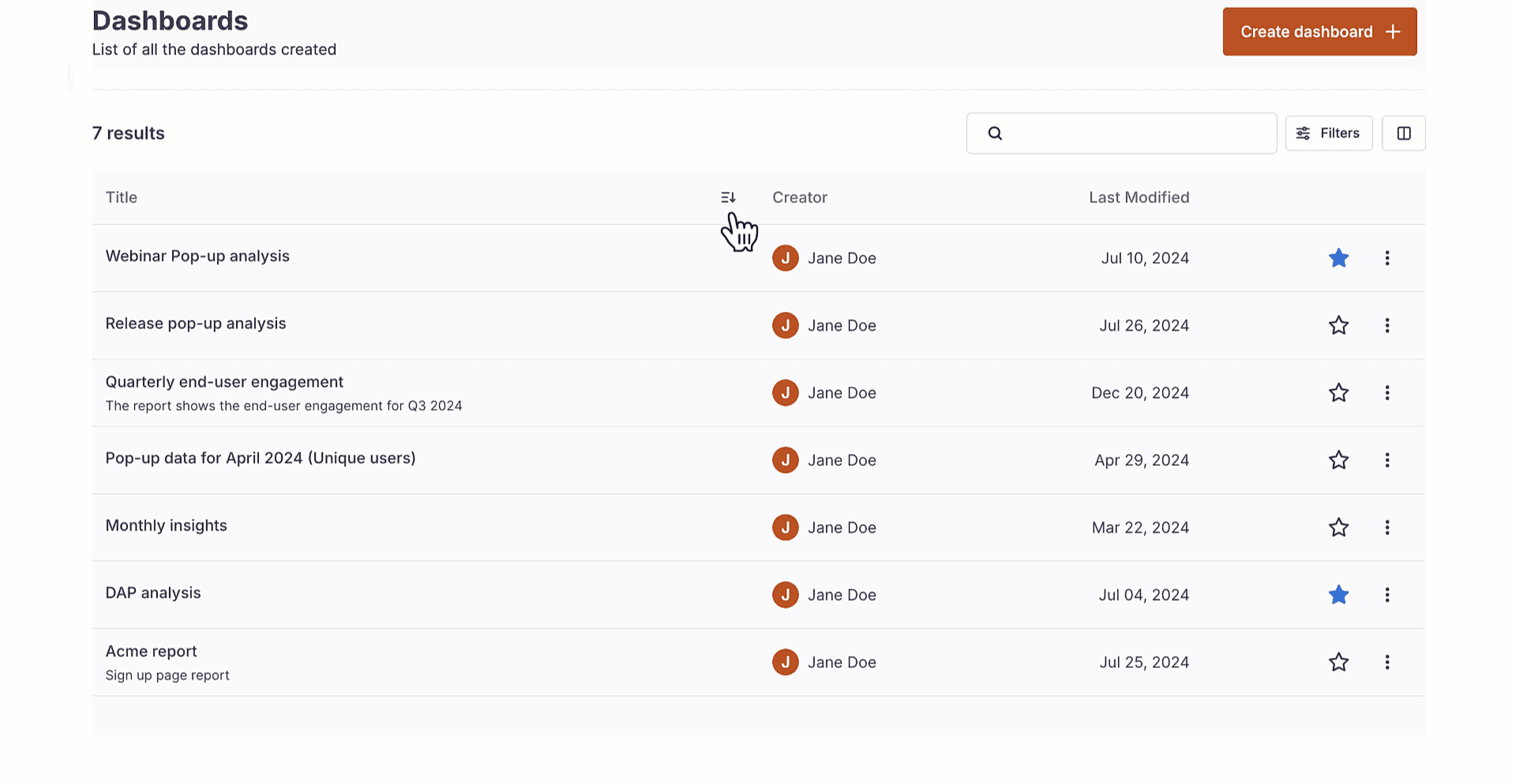
- By default, Dashboards marked as Favorites appear at the top unless columns are sorted.
- Whatfix enables you to drag and drop the columns as required.
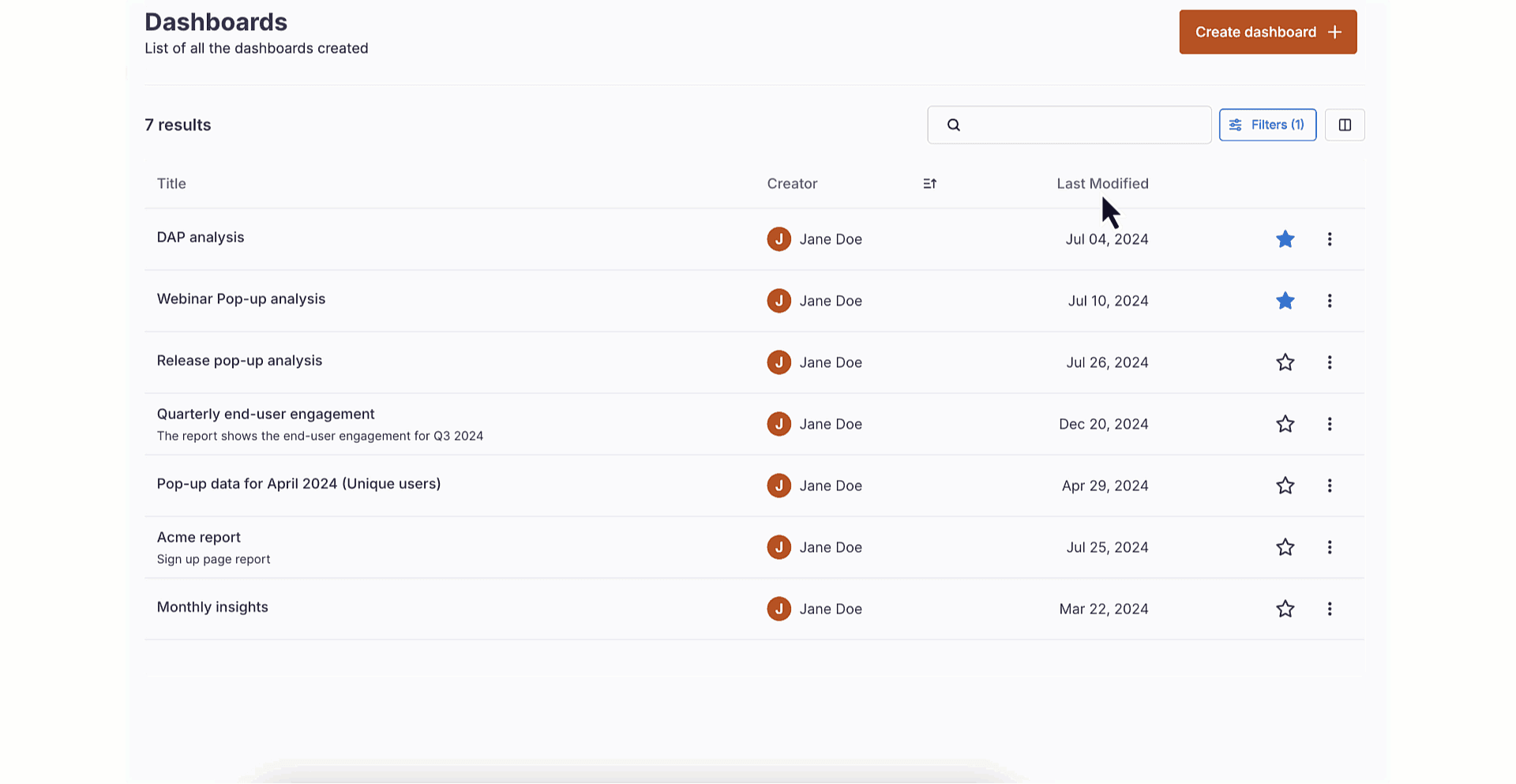
Filter
Filter Dashboards by applying the Created by filter.
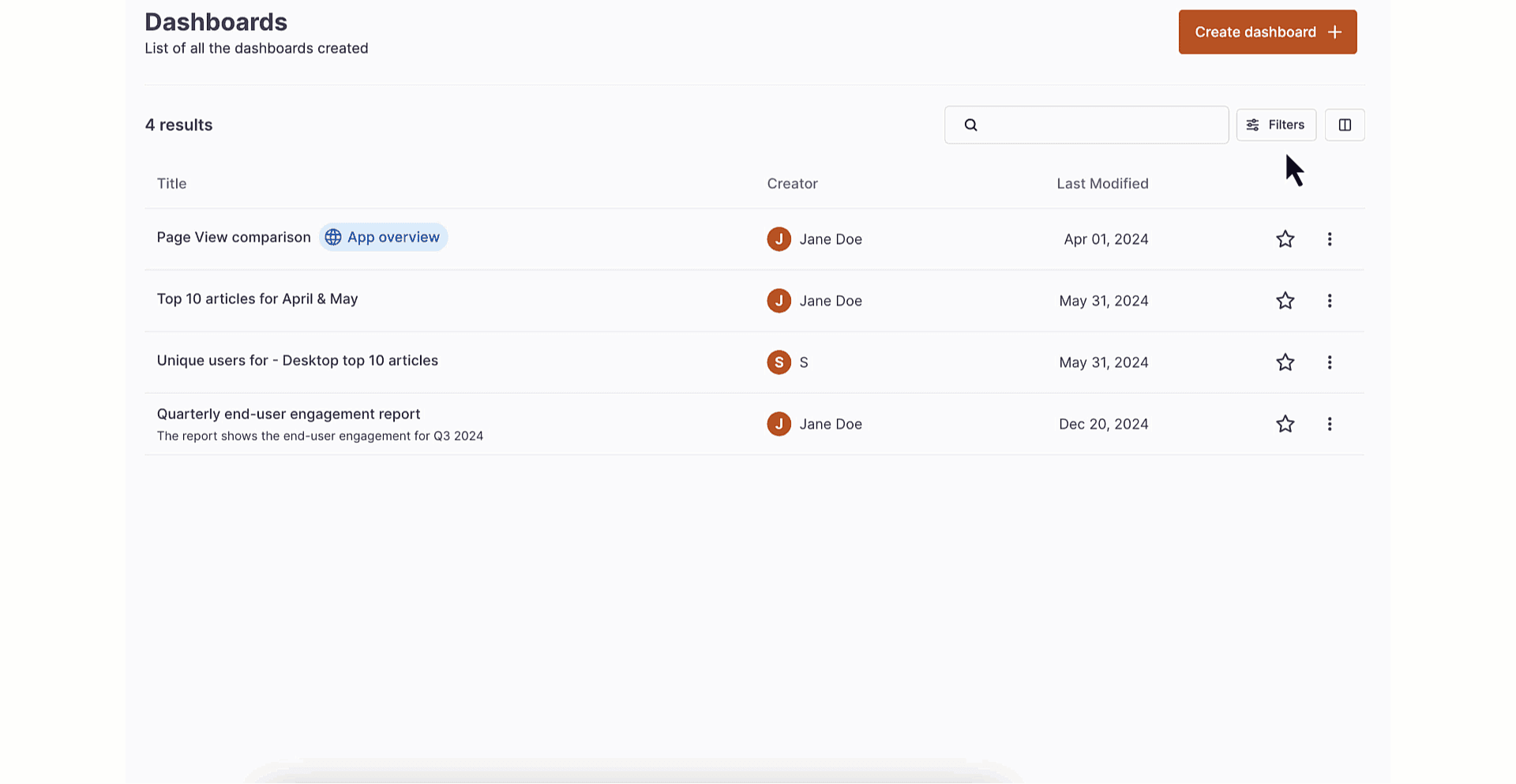
If you're an ECC Admin, set up a custom Dashboard as an App overview dashboard. For more information, see How to set up app overview dashboard?