Schedule Insight reports
How can you edit a reporting Schedule in Product Analytics?
Whatfix enables you to edit a reporting schedule after creating it. You may want to edit an existing reporting Schedule when it expires or if you want to add or remove a recipient.
Make the following changes to an existing Schedule:
- Update the name of the Schedule
- Add or remove recipients
- Change the scheduling condition
Currently, Whatfix enables you to schedule only Trend Insight reports.
Use the following steps to edit a reporting Schedule:
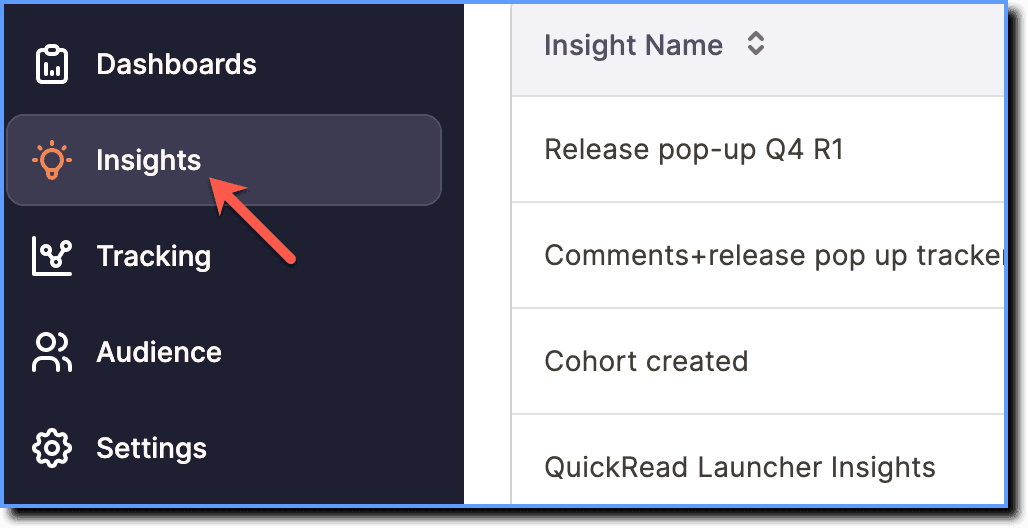
- On the Whatfix Analytics dashboard, click Insights.
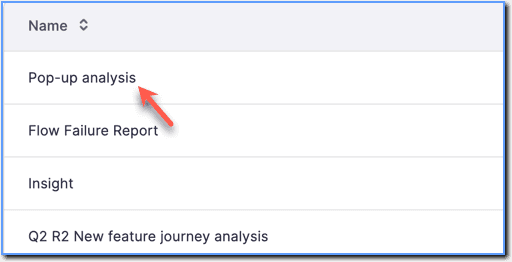
- Click the Trend Insight for which you want to edit the Schedule.
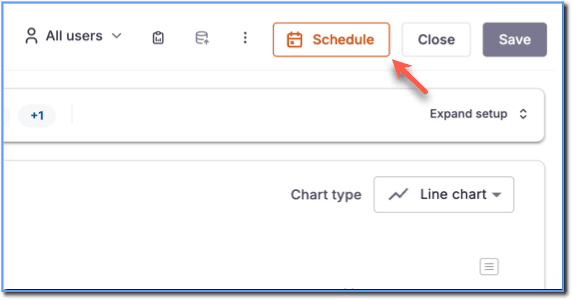
 2. Click Schedule.
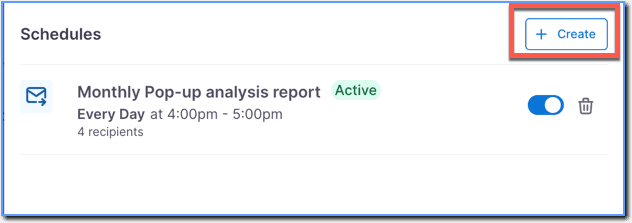
 3. Click the existing Schedule.
 4. Make the necessary changes. For more information, see Schedule a Trend Insight.
5. Click Save schedule.
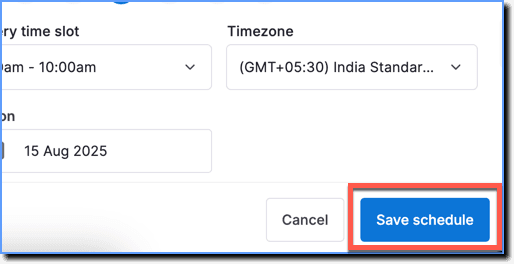
- The Schedule gets updated, and the reports are sent as per the updated Schedule.
- Once the Schedule is saved, it is made active by default and denoted by the Active label. The reports are sent from the time the Schedule becomes active.