Smart Tips- Whatfix Desktop
Add a Smart Tip to an existing Smart Tip Collection
Note
- Whatfix displays only one Smart Tip collection per page at any given time. To show two or more Smart Tips on the same page, create them as part of a single collection.
- You can add up to 50 Smart Tips in a Smart Tip Collection.
Use the following steps to add a Smart Tip to an existing Smart Tips collection:
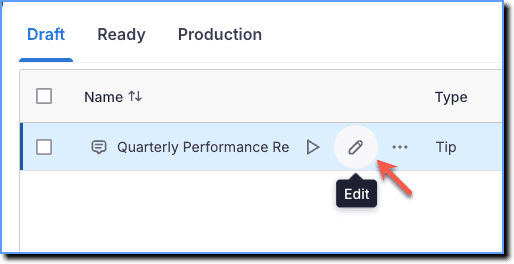
- On the Whatfix Dashboard, hover the cursor over the desired Smart Tip collection, and then click the Edit icon.
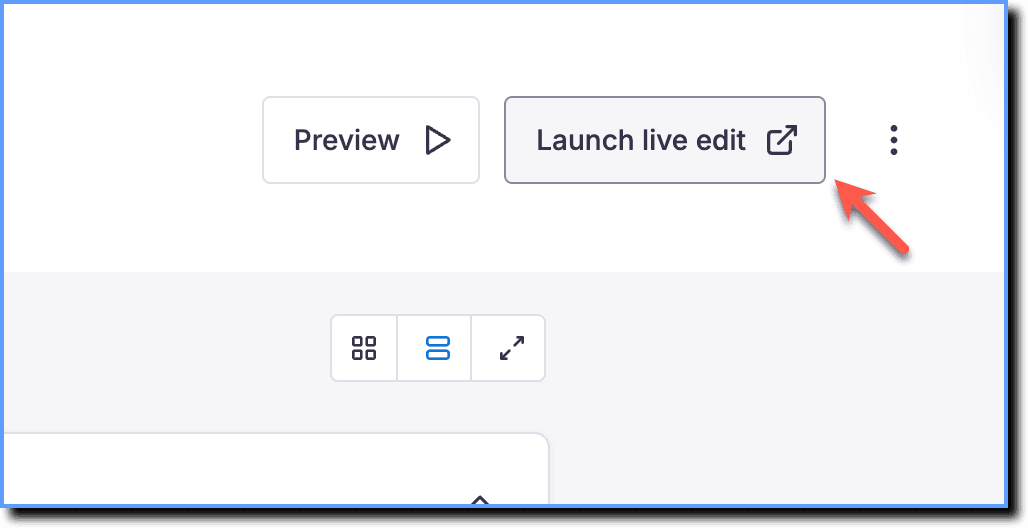
- Click Launch Live Edit.
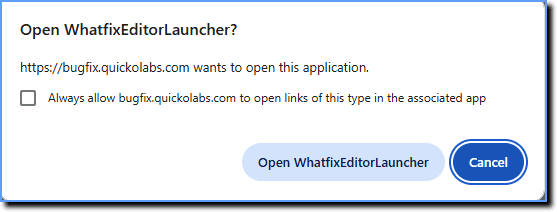
- Click Open WFEditorLauncher on the pop-up that appears.
- Once Studio launches in your application, click + Add Help Tip.

Info:
In case you want to create a Validation Tip, click the drop-down, and then click + Add validation tip. 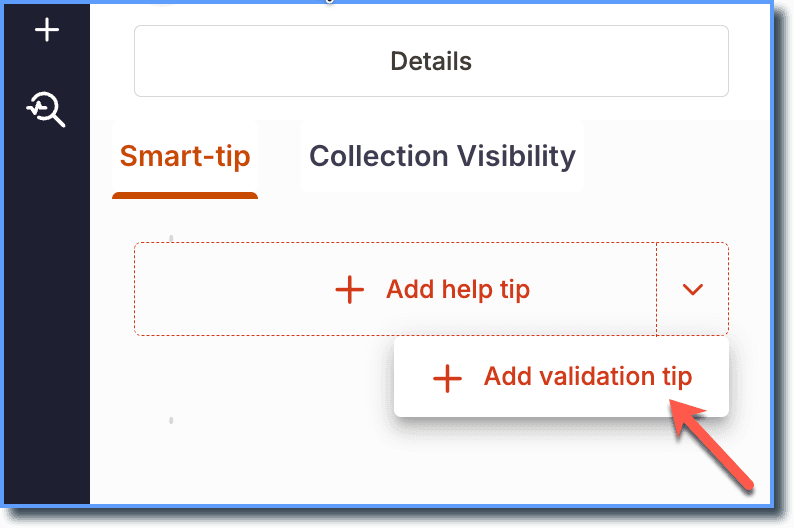
- Select an element on the application where you want the Smart Tip to point.
- Enter the purpose of the Smart Tip.

Info:
You can also add a more detailed optional description for the step action (for eg. to specify the rules of an input field).
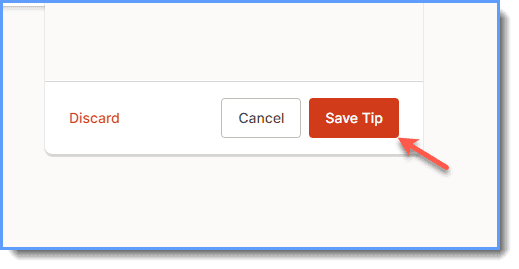
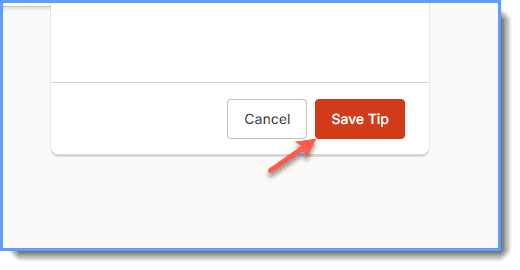
- Click Save Tip.
- To add more than one Smart Tip to the collection, repeat steps 4 to 7.
- Click Save Tip.