Create Explorer
Search in Explorer
Introduction
Explorer comes with a built-in search capability that enables end users to search for content using keywords. The search results are not restricted to only the content added to the Self Help segment being shown - it can include content from your entire content library. Explorer can retrieve the most relevant content for a search query in seconds, making the process of finding relevant information quick and easy.

Overview
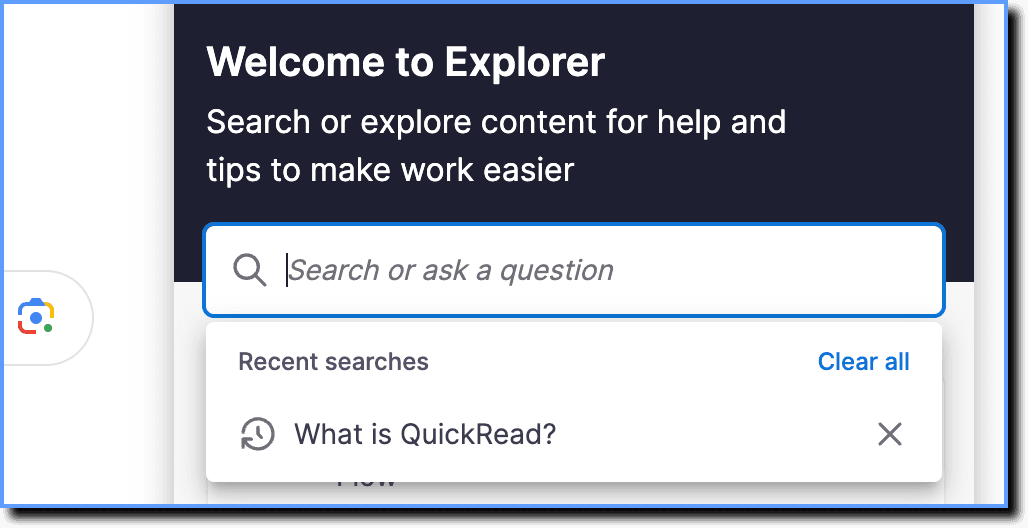
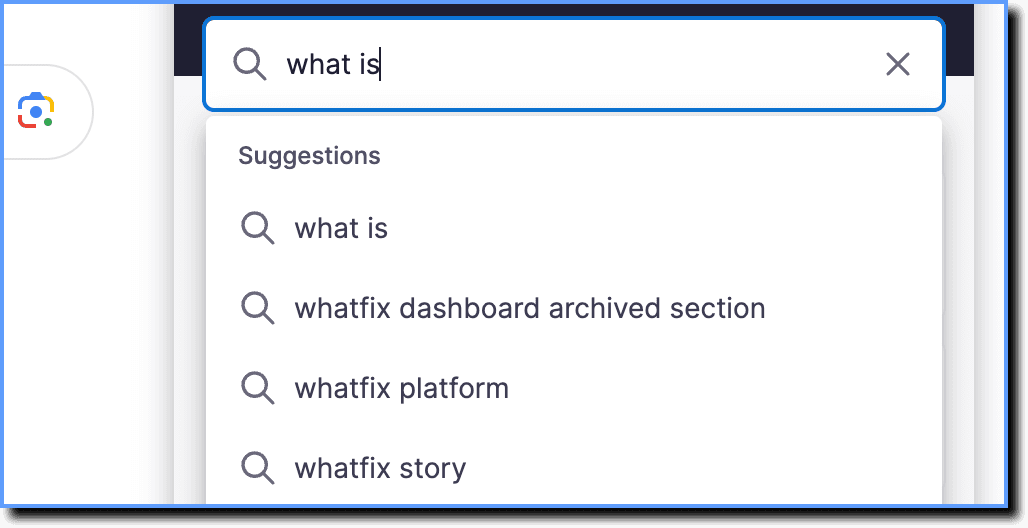
End users can search for content from the Explorer tab using the search bar. While using the search bar, end users can see the following:
- Their most recent searches on clicking the empty search bar.
- Search suggestions while typing.
Upon searching, the search results are listed in order of relevance to the search query. To understand how the relevance of a search result is determined, see How does search work?
If there is no relevant content for a search query, end users are presented with multiple support options that you can configure. 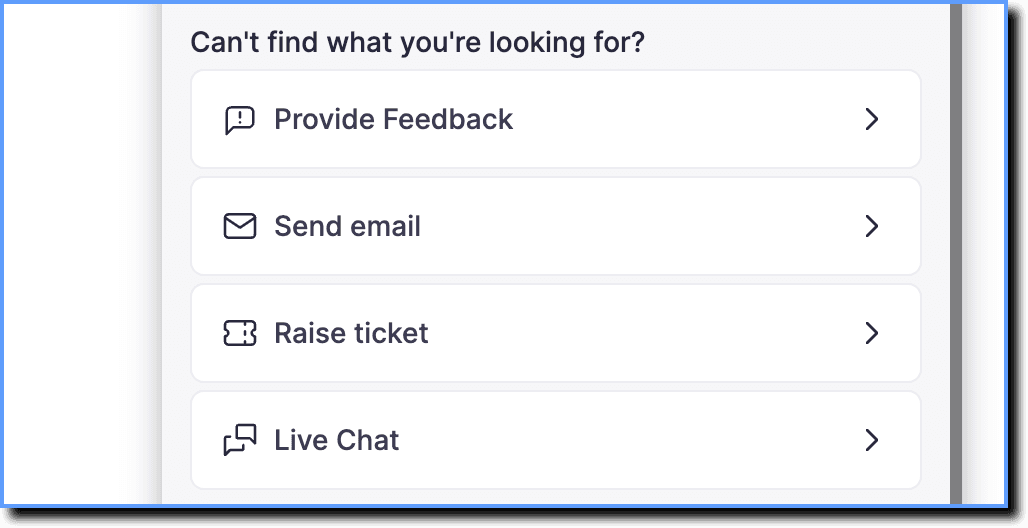
Whatfix enables you to configure what content shows and doesn't show in the search results of each segment. For more information, see Search Scope of a Self Help segment.