Create Explorer
Content listing in Explorer
Introduction
End users can view the content you've added to your Self Help segments in the Explorer component of DAP on OS.
The content that is part of the default listing of the segment is displayed in the Explorer's content listing.
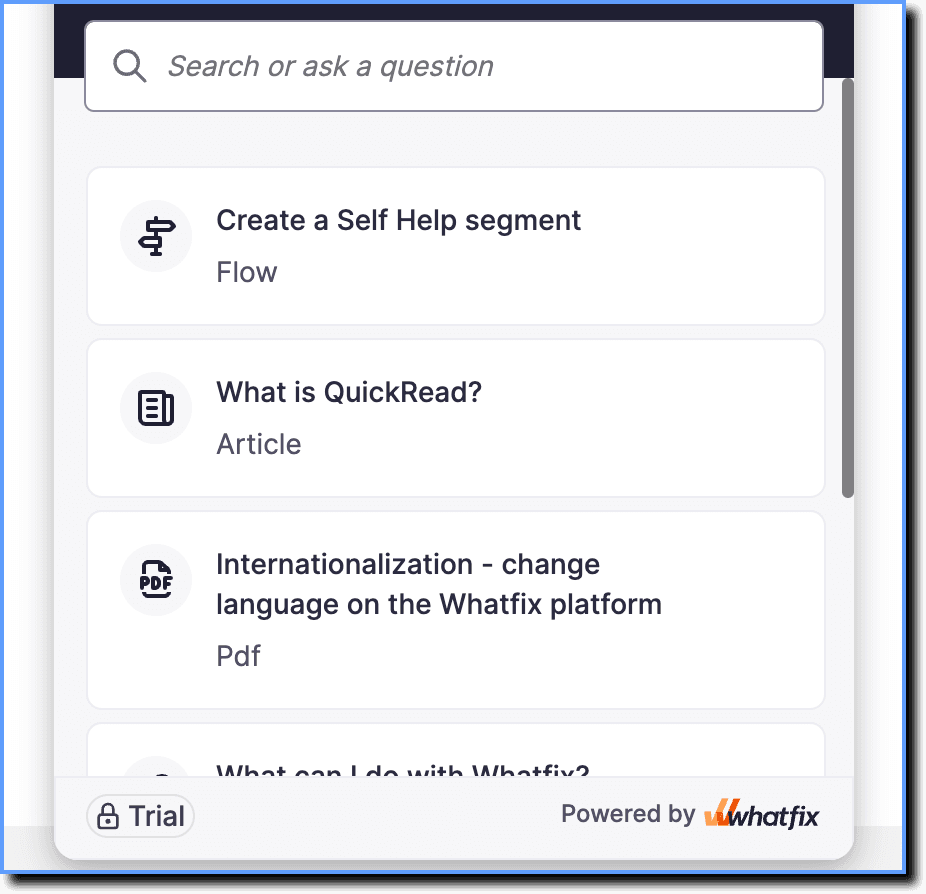
Overview
Types of content in Explorer
The following table lists all the content types you can show in Explorer, and how an end user would view them.
| Icon | Content Type | End-user experience |
|---|---|---|
 | Article | 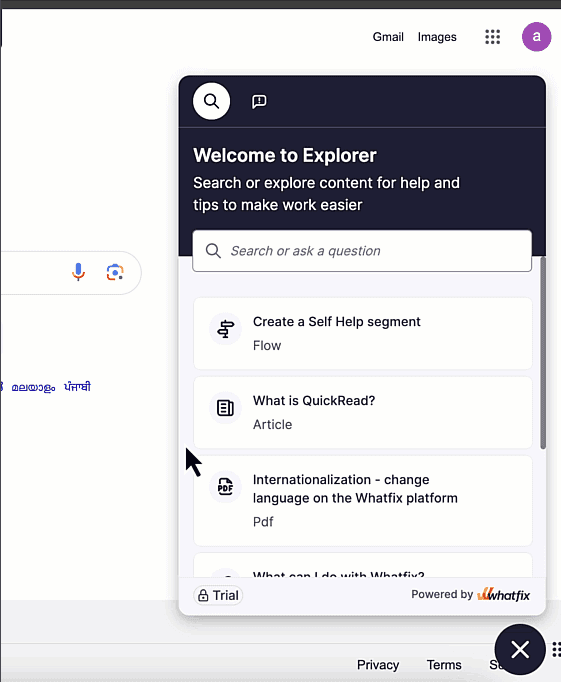 |
 | Video | 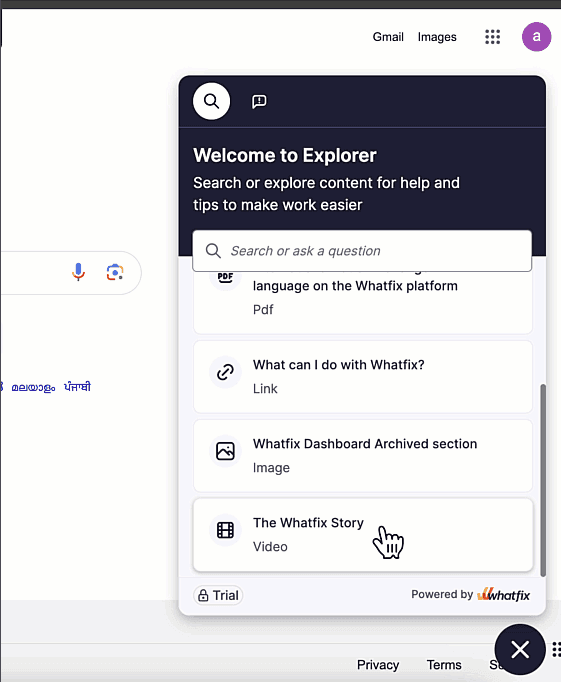 |
 | Image | 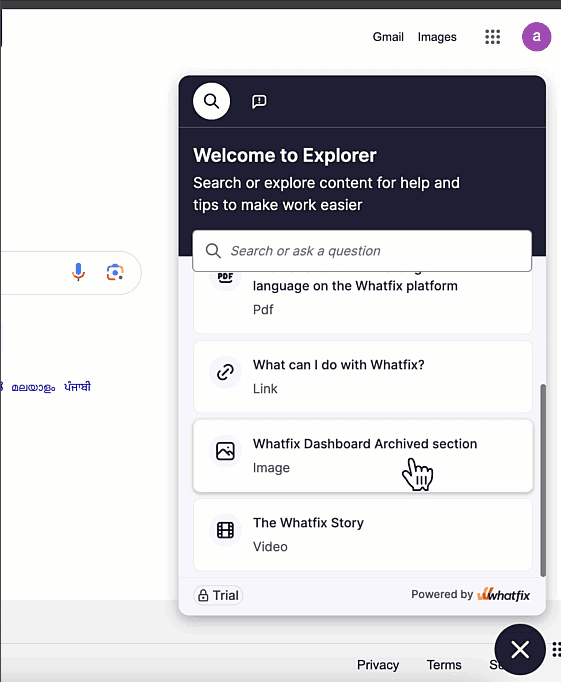 |
 | 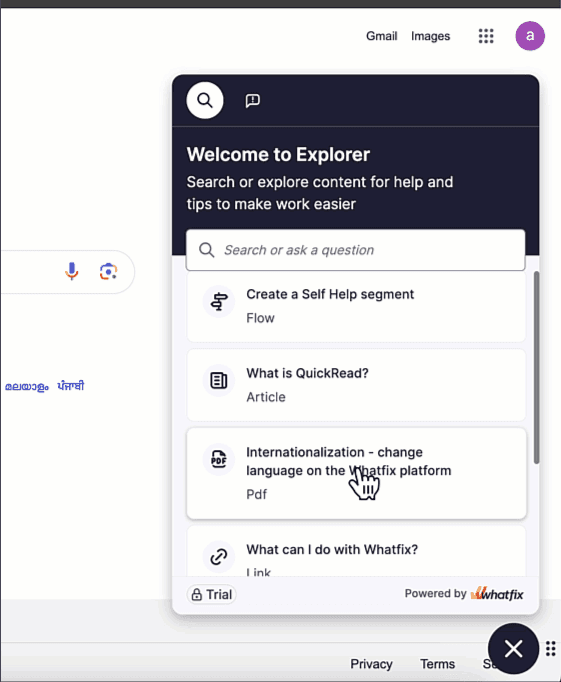 | |
 | Link or Repository Link | 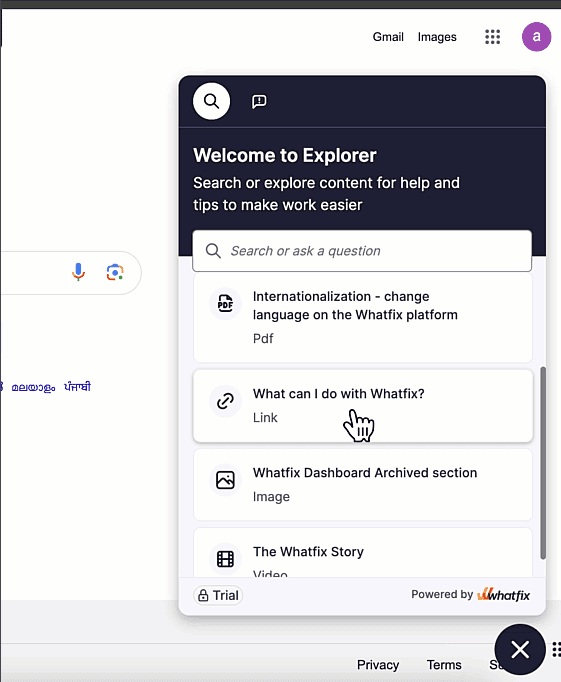 |
You can add or remove content from Explorer by editing the list of content in your Self Help segments. For more information, see Add or remove content from Explorer.