Whatfix Guidance Analytics for DAP on OS
Pop-up Analytics
With Pop-up Analytics, find the engagement of your end users with the Pop-ups on your application.
Use the following steps to access Pop-up Analytics:
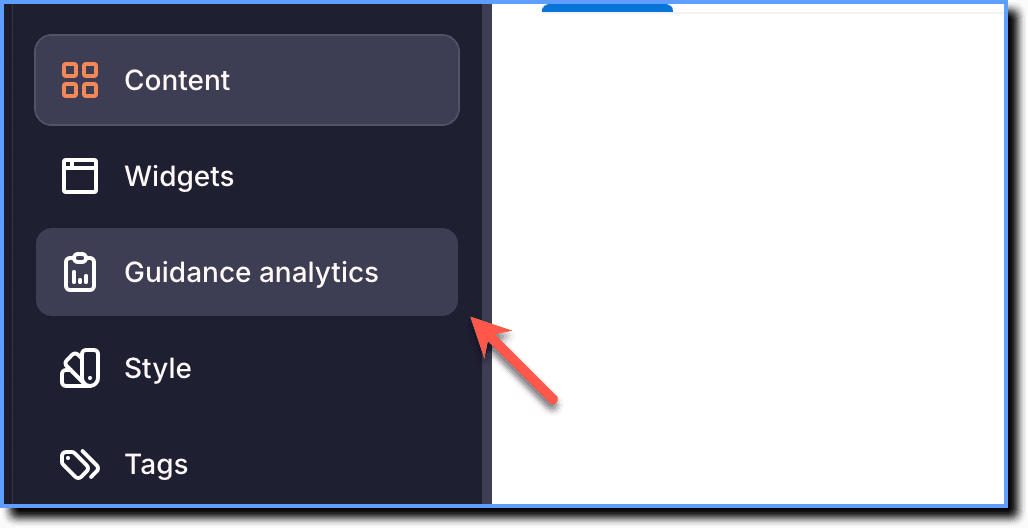
- On the Whatfix Guidance dashboard, click Guidance analytics.
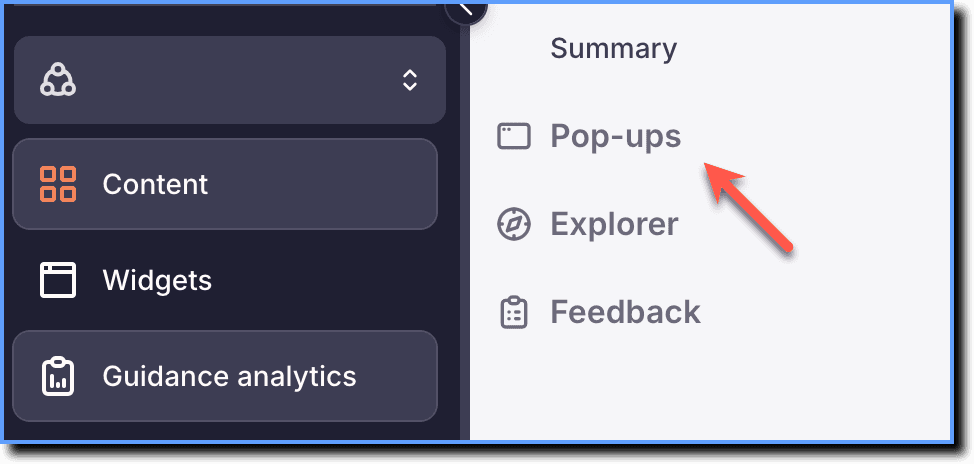
- Click Pop-ups.
The Pop-up Analytics page displays the following information:
| Column | Description |
|---|---|
| Total Pop-ups Shown | The number of times a Pop-up was shown to the end users. If users click the Skip button on the Pop-up, then it is only considered as shown. |
| Total Pop-ups Engaged | The number of times users interacted with the Pop-up by clicking the buttons (except skip), link, close icon, sliding through the slides in the carousel, and more. If the Pop-up doesn’t have a close icon or button, then No. of Time Engaged value is equal to No. of Times Shown. |