Custom Repository
Add Repository Content to Self Help
DAP on OS enables you to add repository content to a Self Help widget using tags.
When you associate a tag to a repository, Whatfix adds the tag to the entire content fetched from the repository and also to the content added later.
Although all the content fetched has a default tag attached to it, in some cases you might want to add another tag to the entire content.
Use the following steps to add tags:
-
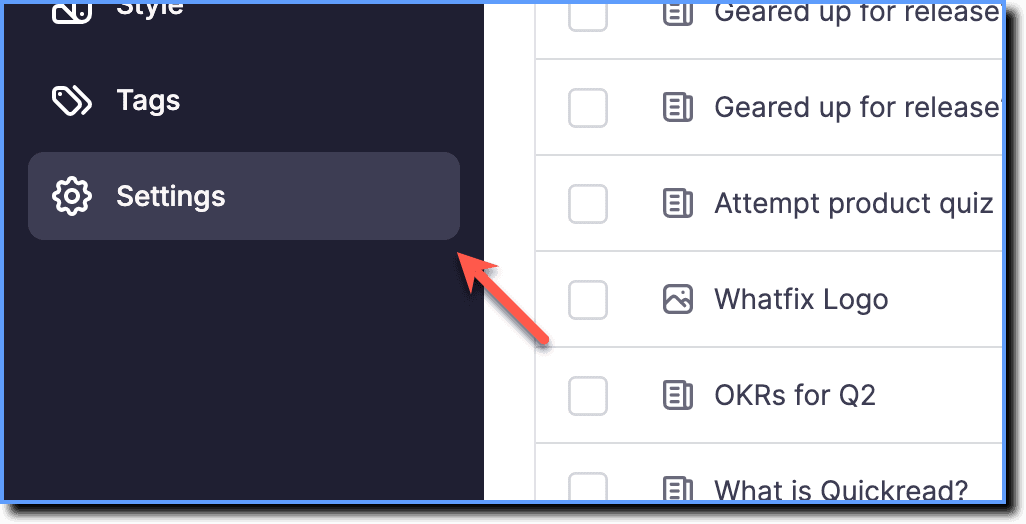
On the Whatfix DAP on OS dashboard, click Settings.
-
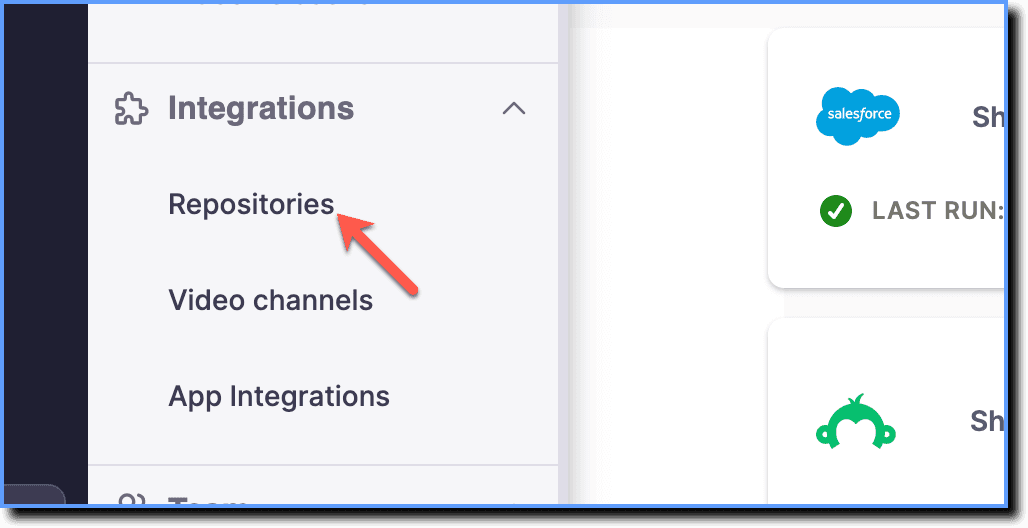
Click Repositories.
-
In the Integrated Repositories section, go to the application to which you want to add the tag.
-
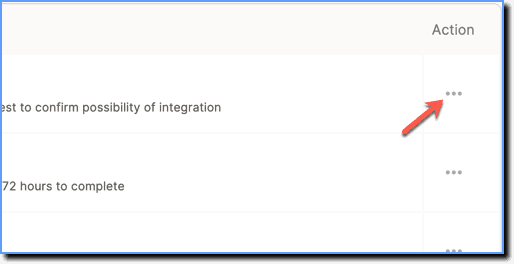
Under Actions, click the more icon.
-
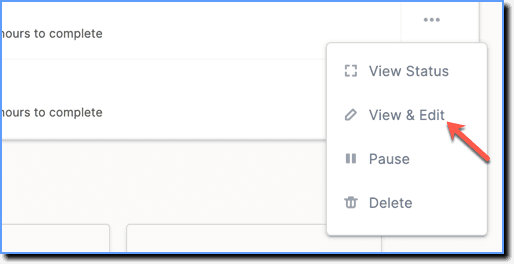
Click View & Edit.
-
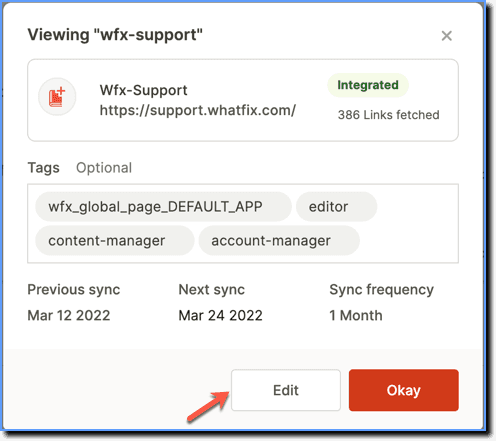
On the pop-up, click Edit.
-
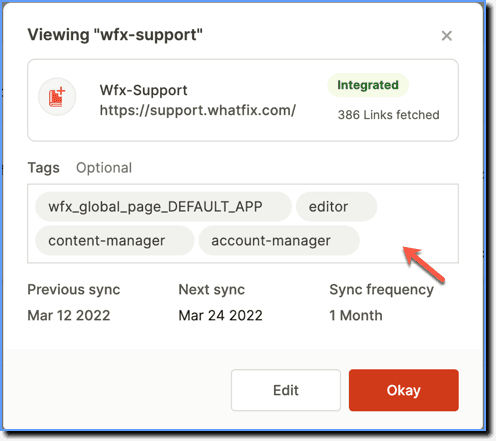
Click the tag section and select a tag from the list of tags available or manually enter the tag that you want to add.
-
Click Save.
Once you have associated a tag to the repository, you can use the tag to add Repository content to the widget.