Segmentation
Using AND and OR inside the widget segments
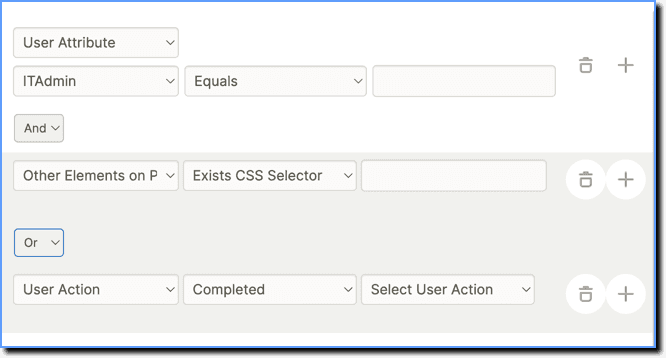
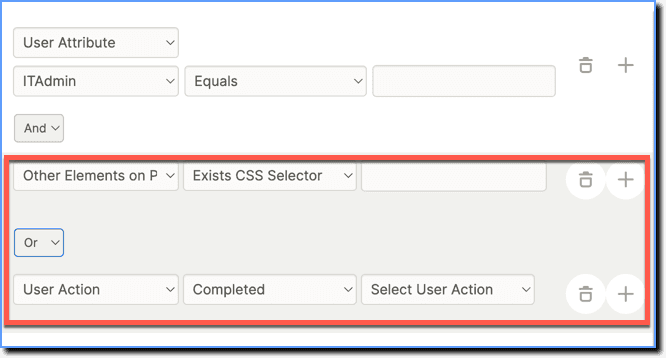
While setting up segments for your widgets, use the AND/OR settings for conditions. You can use these conditions in combination as well.
AND: When you want every single one of your conditions to be evaluated, use the AND operator.
OR: When you want any one of your conditions to be evaluated, use the OR operator.
- Visibility Rule conditions support both AND and OR operations.
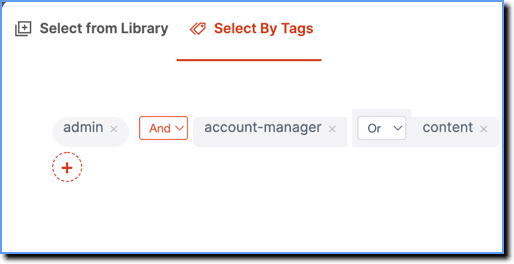
- Select By Tags also supports the AND/OR operations.
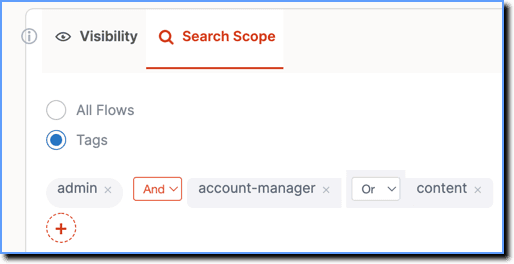
- Search Scope by Tags also supports the AND/OR operations.
-
Use the following steps to use this setup:
- On the Whatfix Guidance dashboard, click Widgets.
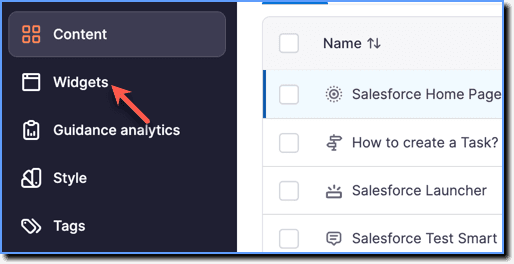
- Click All widgets.
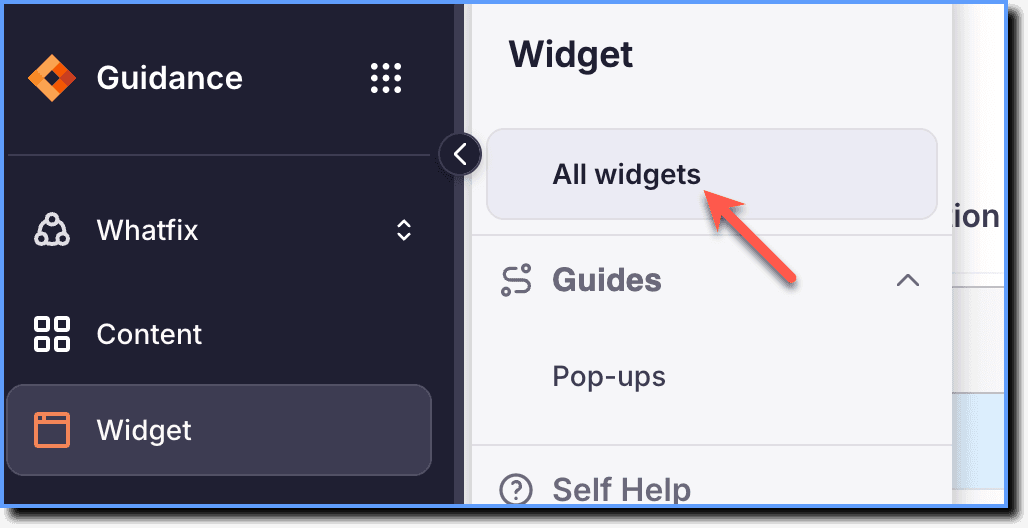
- On the Whatfix Guidance dashboard, click Widgets.
Info:
- AND acts as a delimiter.
- The parentheses between these conditions are denoted by the light grey background.
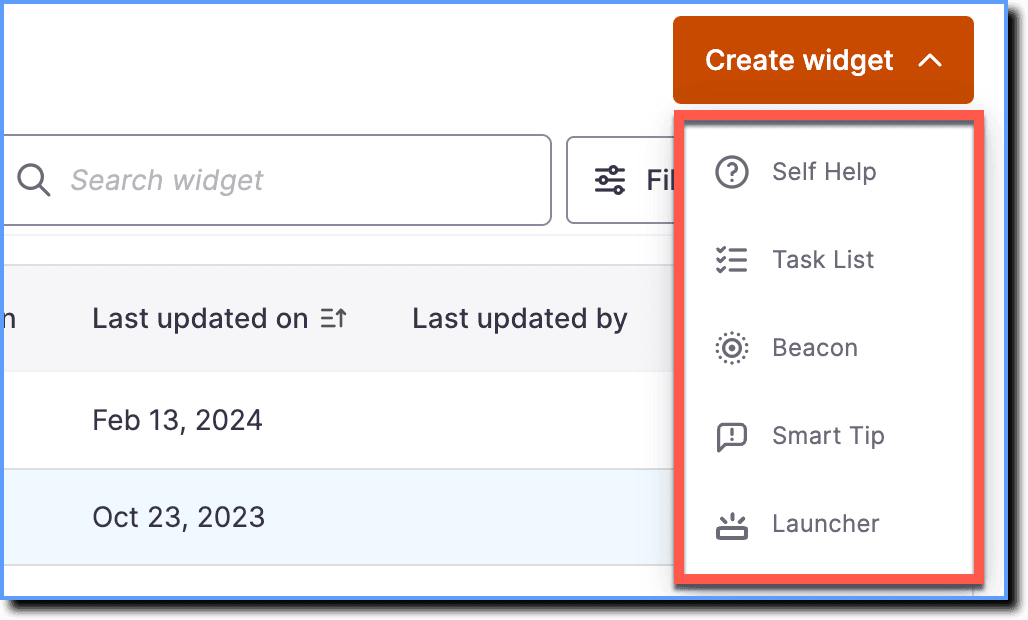
- Select the widget you want to create.
- Configure your segmentation and use the conditions for Visibility Rules and for selecting tags.