Cohorts
Export list of users in a Cohort
Consider that you want to run an email or SMS campaign to users who have not been active on your application in the past 30 days by integrating with a third-party tool. Create a Cohort with the respective rules and then download the Cohort with the list of inactive users and add it to the third-party tool to run the campaign.
Use the following steps to export a Cohort:
-
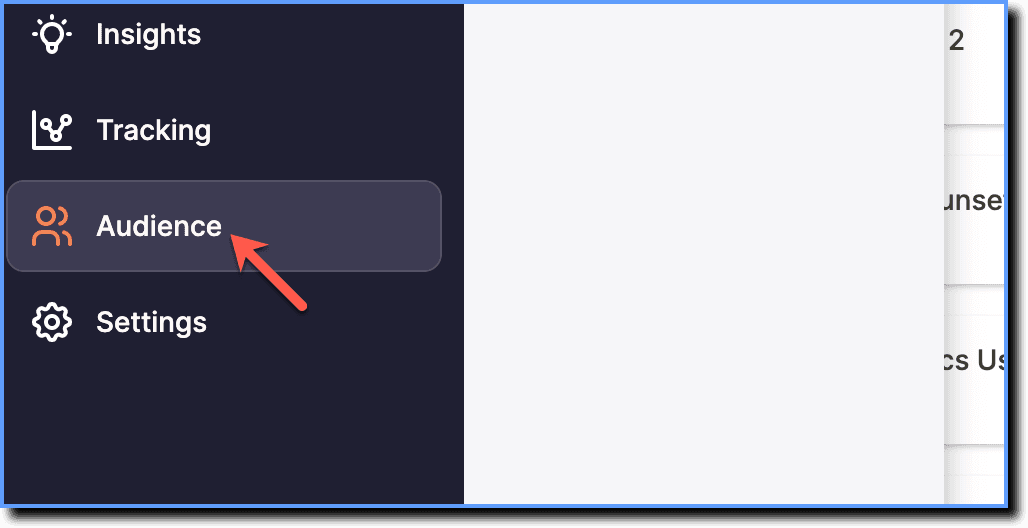
On the Whatfix Analytics dashboard, click Audience.
-
Click Cohorts.

-
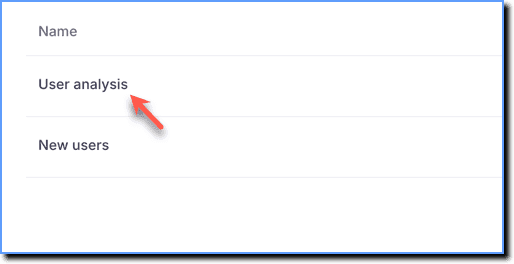
Click the Cohort that you want to export.
-
Scroll down to the Users in this cohort section, and then click Export data.

Info:
- An email with the ZIP file is sent to your email ID.
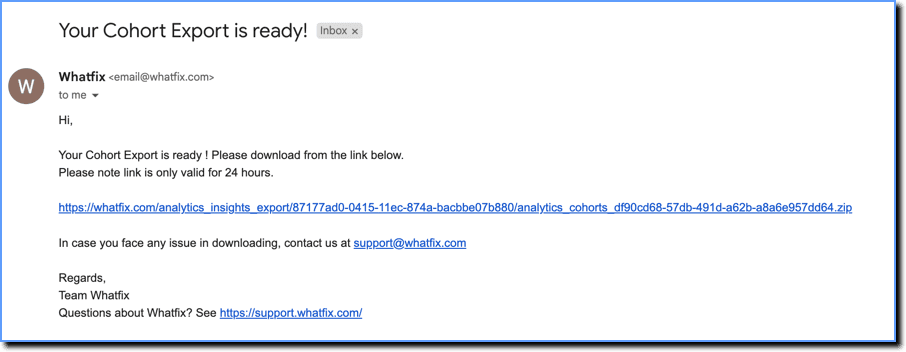
- Download the ZIP file and extract the CSV file from it.
Note:
- Here's how a sample Cohort Export looks like.
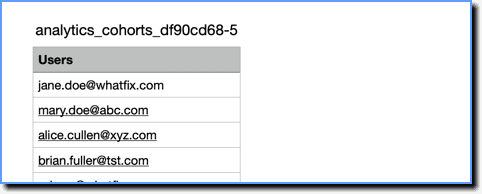
- The export contains the User IDs of all the users who are part of the Cohort.