Funnels
Edit Funnels
After creating Funnels, you can edit the Funnel steps to add a new step in the process and rearrange the Funnel steps like User Actions and Page View.
Use the following steps to edit Funnels:
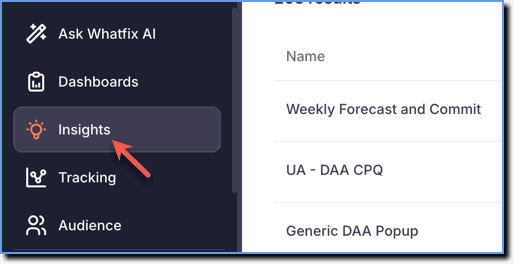
- On the Whatfix Analytics dashboard, click Insights.
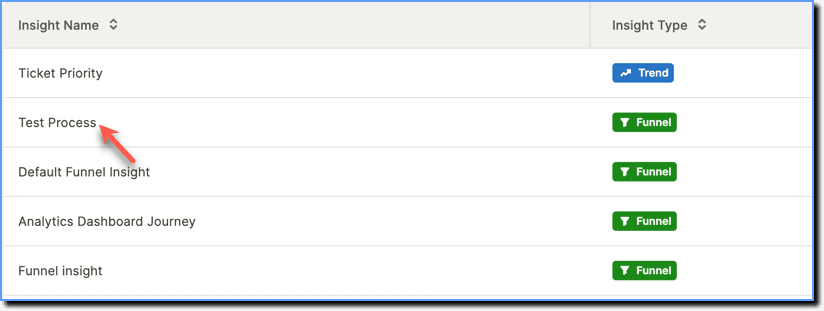
- Select the Funnel Insight you want to edit.
your title goes here
To edit the Funnel steps and/or Funnel filter, click the expand icon to expand the Event Setup section.
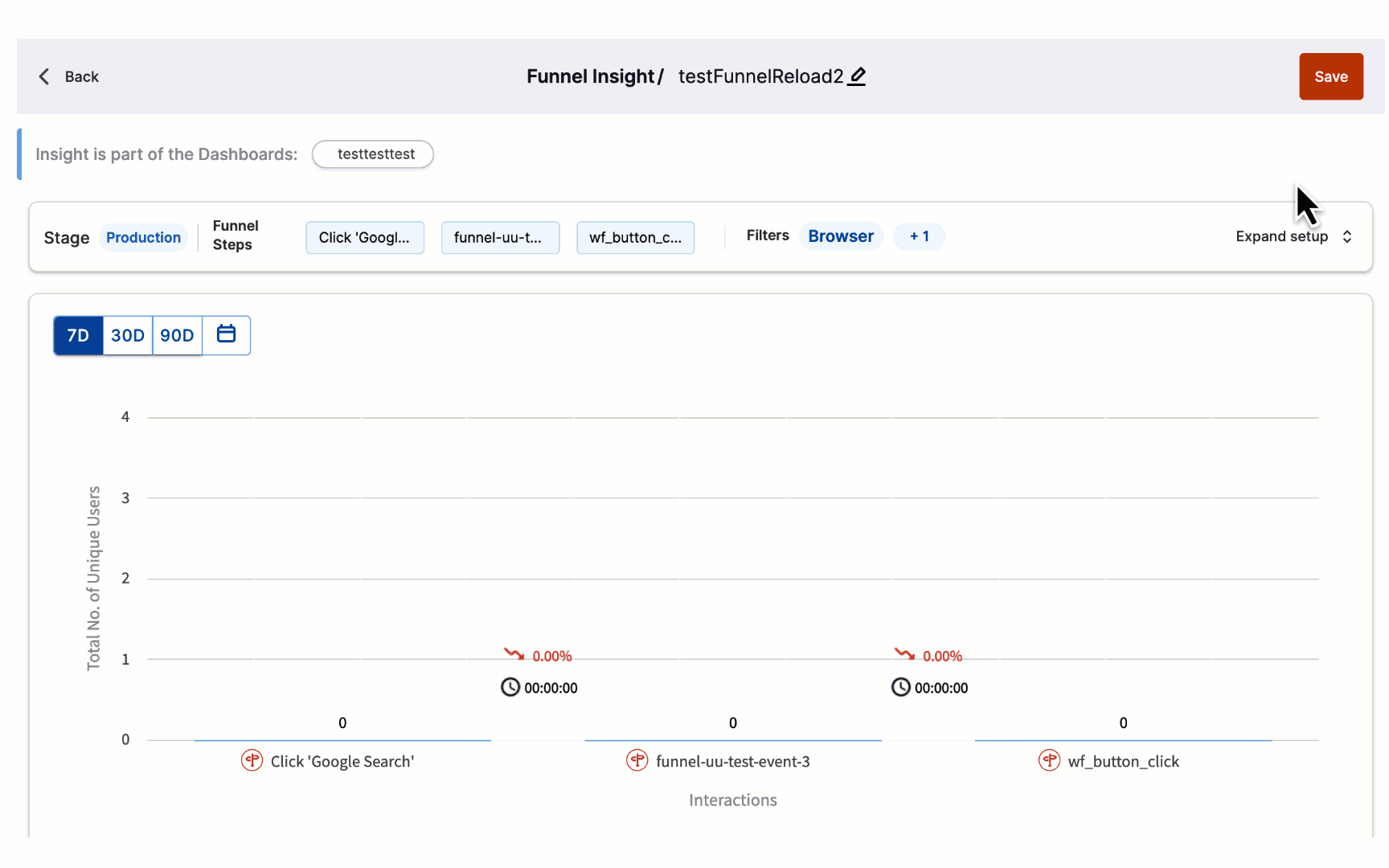
- You can perform the following actions on your Funnels:
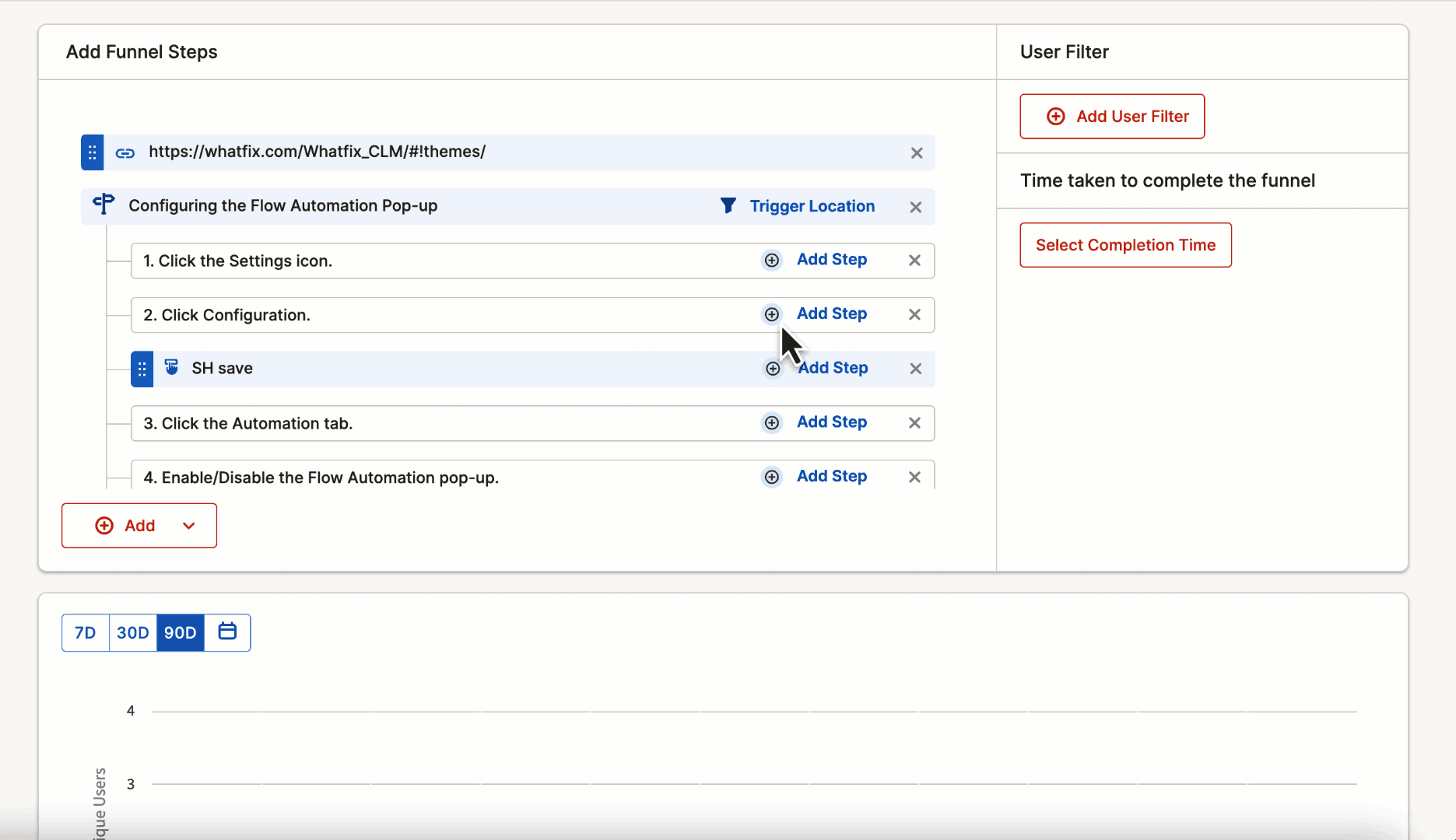
- Add new Funnel Steps: You can add User Actions and Page View between the Flow steps you have added as part of your Funnels. You can add a Funnel step above or below an existing step.
- Rearrange Funnel Steps: You can rearrange User Actions and Page View.
Here's a GIF that shows you how to add a new Funnel step and rearrange a Funnel step.
- Click Save.