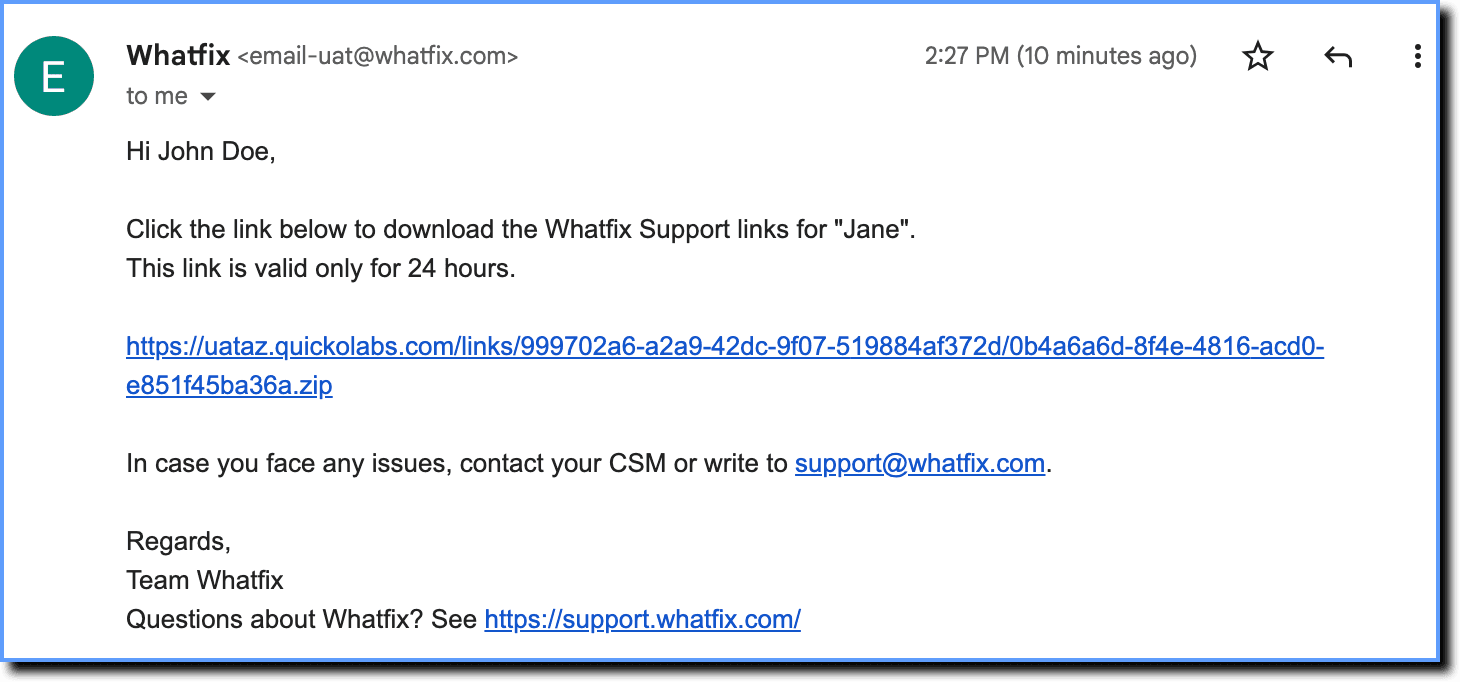
Whatfix Links
Download a Flow as a Link
Whatfix Desktop enables you to download Flows as Links. These links can be used as static content. The downloaded links will redirect you to the live Flows.
Use the following steps to download a Flow as a link:
-
On the Whatfix Guidance dashboard, click Content.

-
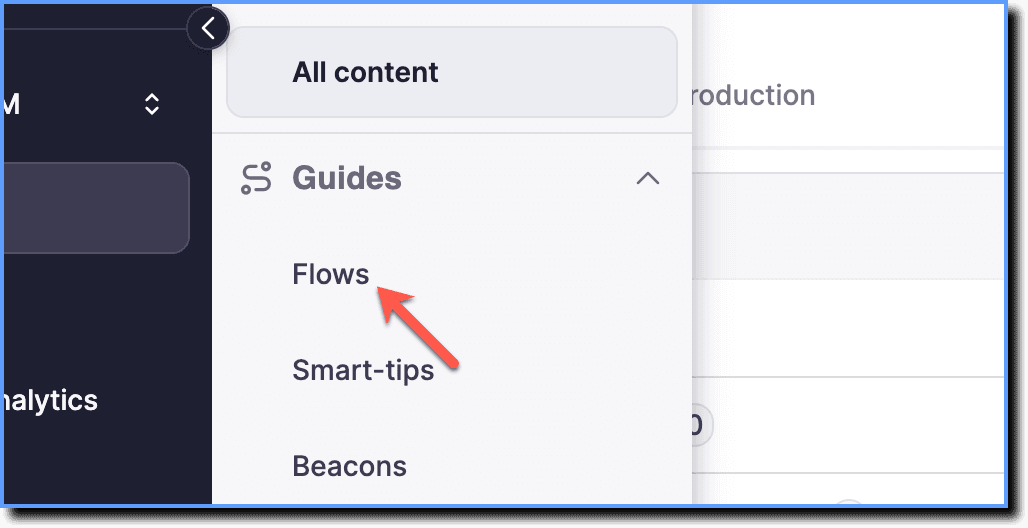
Click Flows.
-
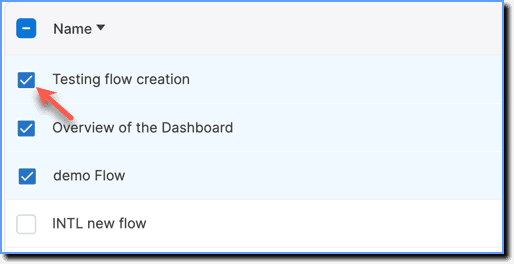
Select the required Flows.
-
Click Share.

-
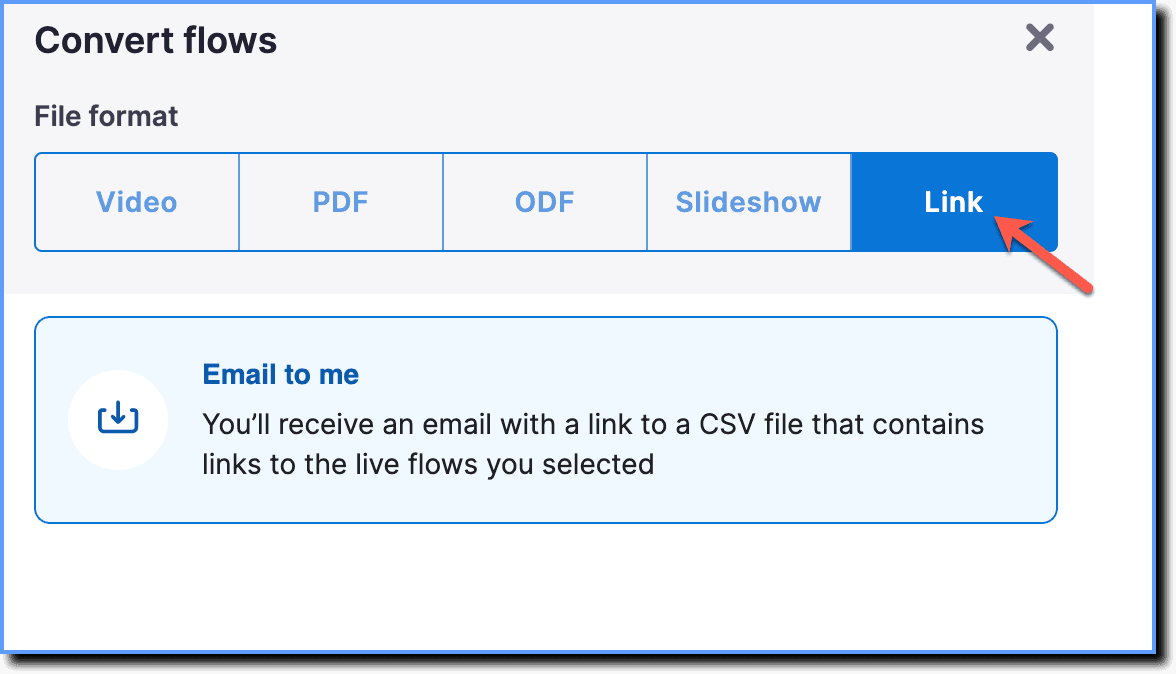
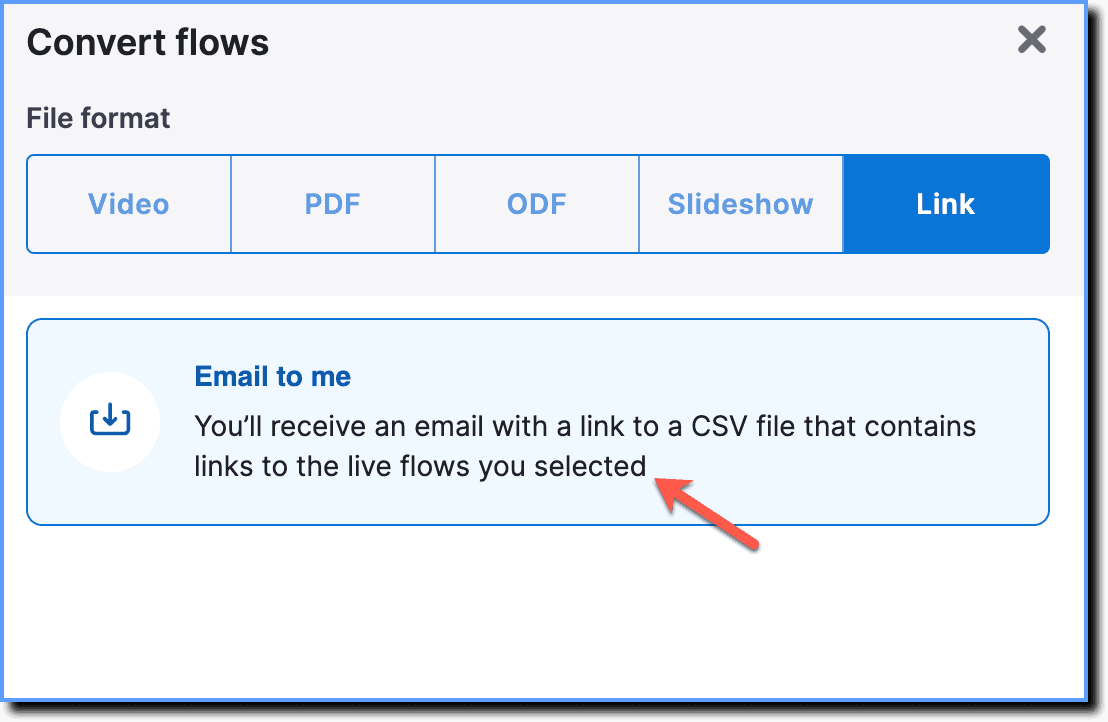
Select Link.
-
Click Email to me.
-
Click Next.
-
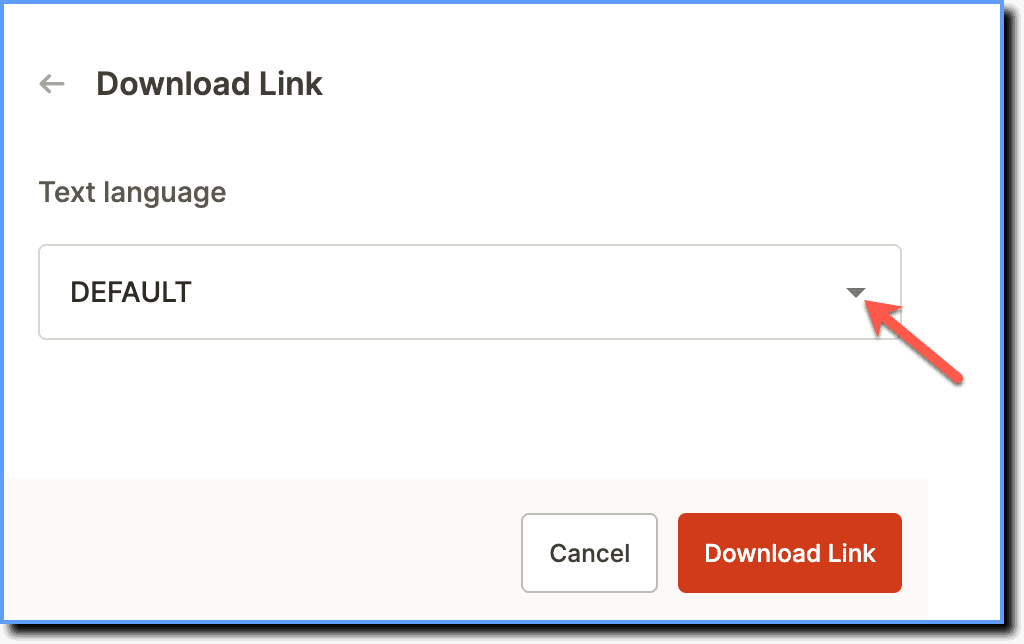
If you're using multiple languages, use the dropdown to select the language you want to download the video in.
-
Click Download Link.
your title goes here
An email with a .zip link is sent to the registered email address.