Whatfix Slideshows
Add a Slideshow as a link to your Dashboard
Whatfix enables you to convert Flows to Slideshows and add them as links to your Whatfix Desktop Dashboard. You can then insert this link in other Whatfix content and widgets such as Self Help and Task List.
Use the following steps to add a Flow as a Slideshow:
- On the Whatfix Guidance dashboard, click Content.

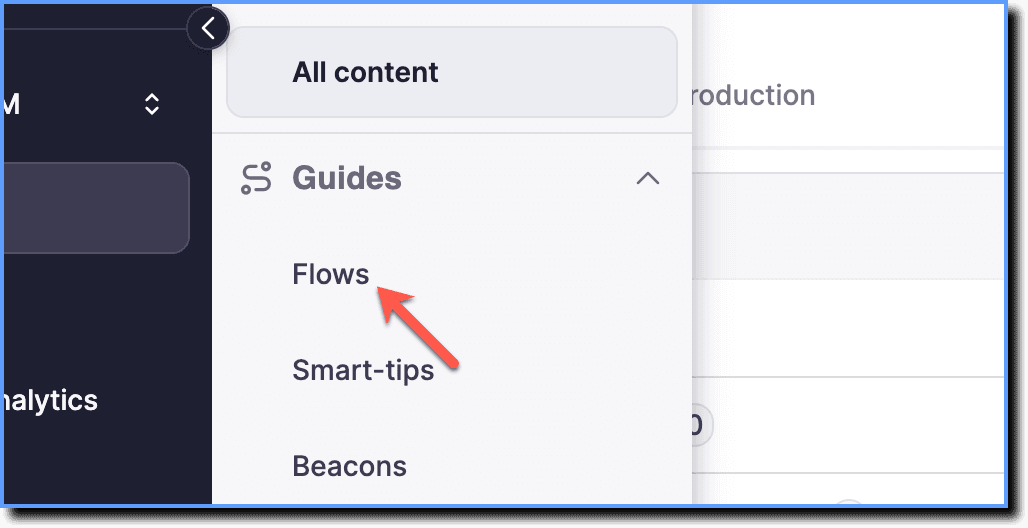
- Click Flows.
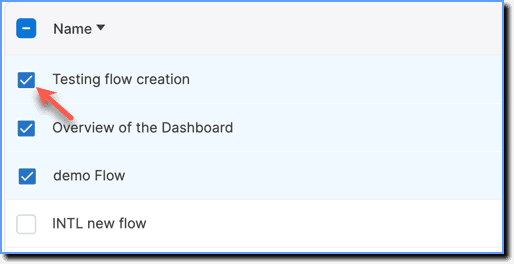
- Select the required Flows.
- Click Share.

Note:
You can share up to 10 Flows at a time.
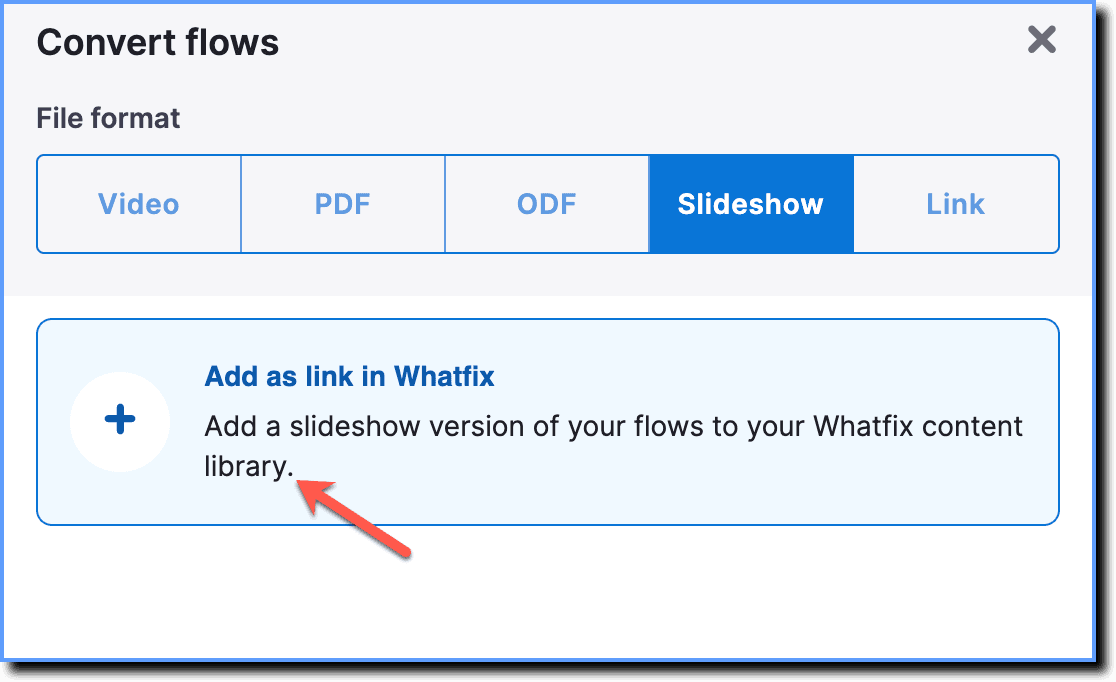
- Choose the Slideshow option.
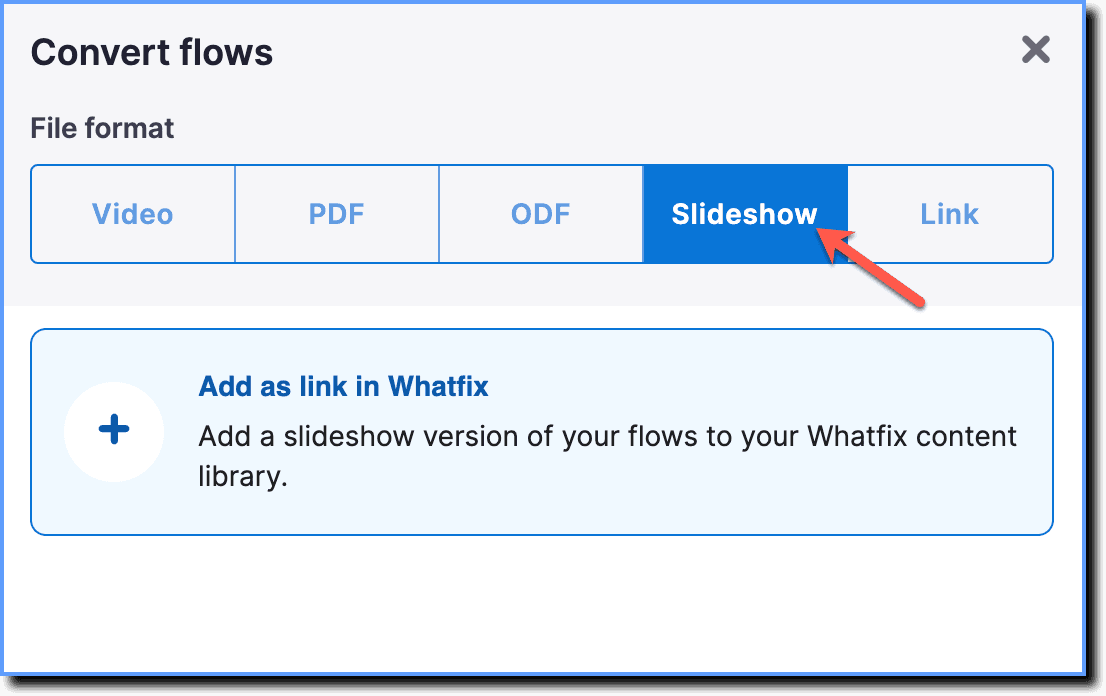
- Click Add as link in Whatfix.
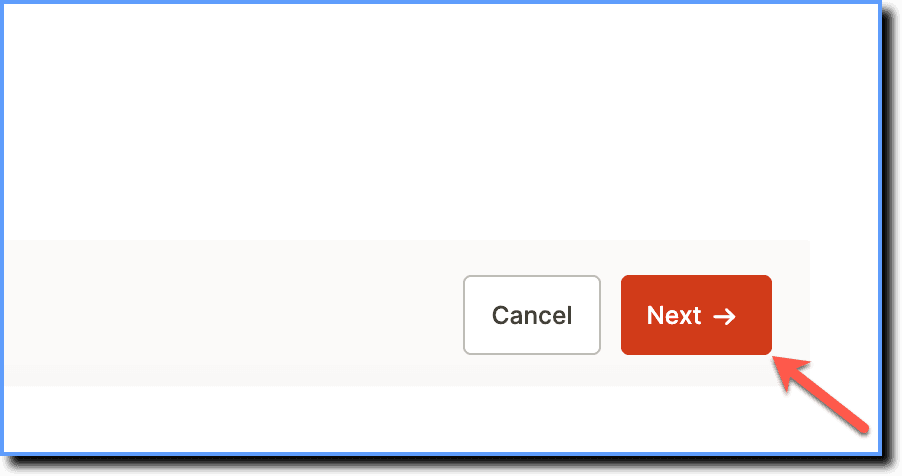
- Click Next.
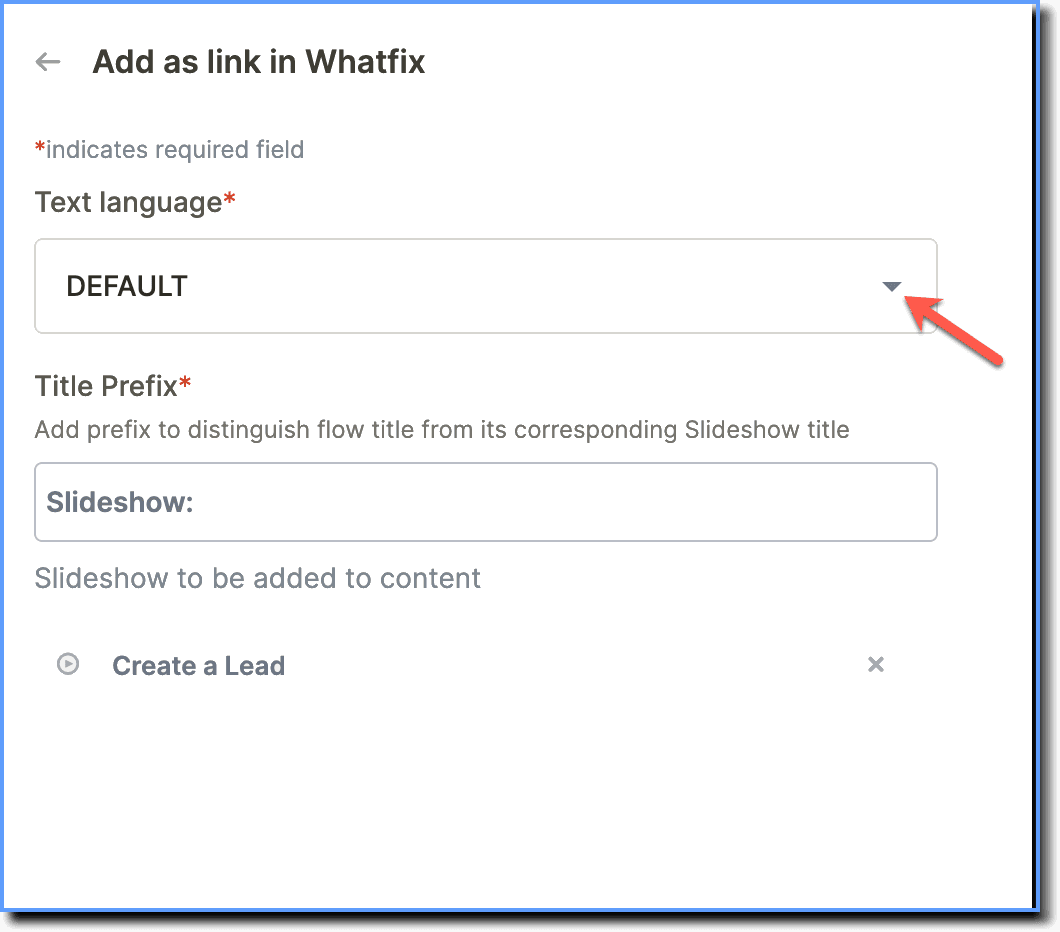
- In the pop-up, select the language in which you want to add the Flows to your Dashboard.
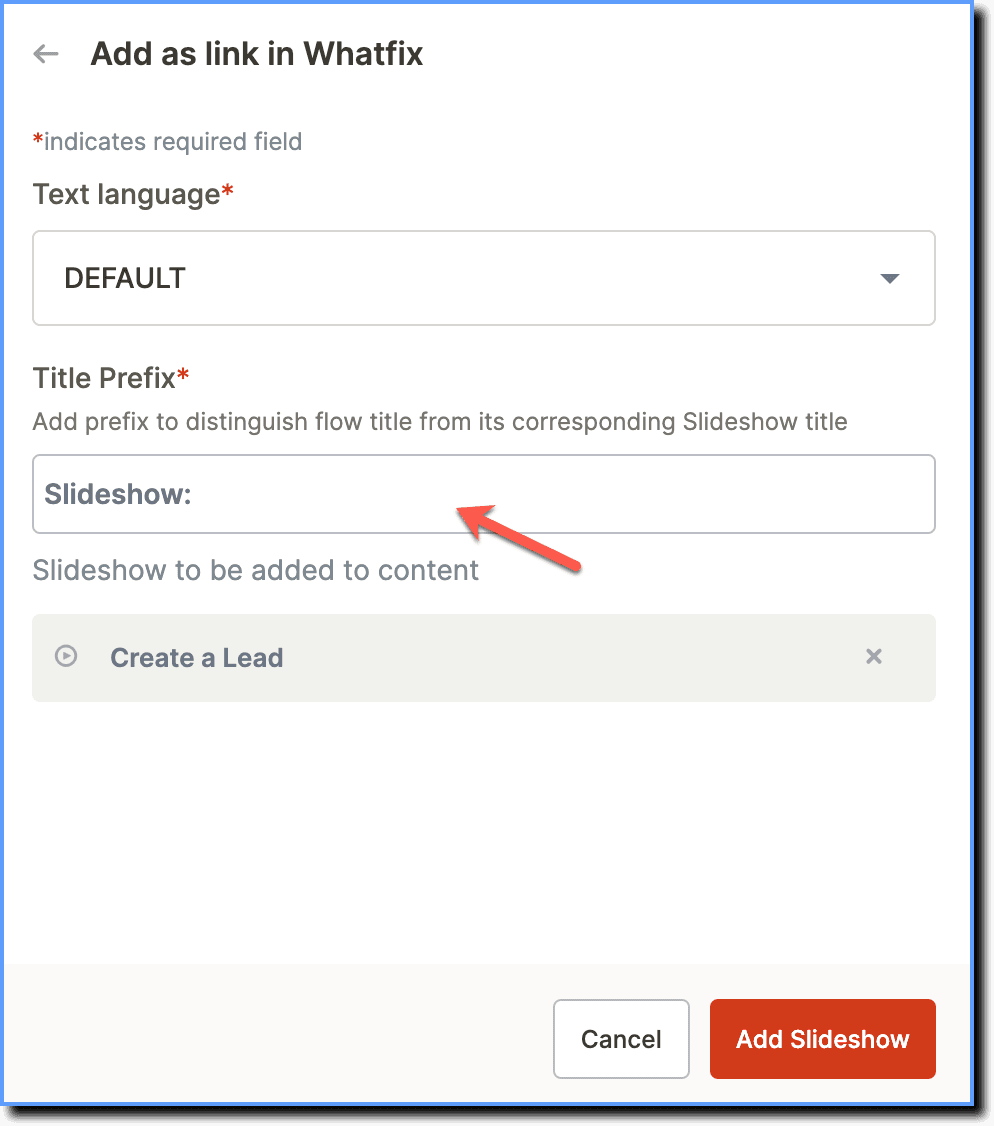
- Enter a title prefix.
your title goes here
The prefix title distinguishes Flow title from its Slideshow title.
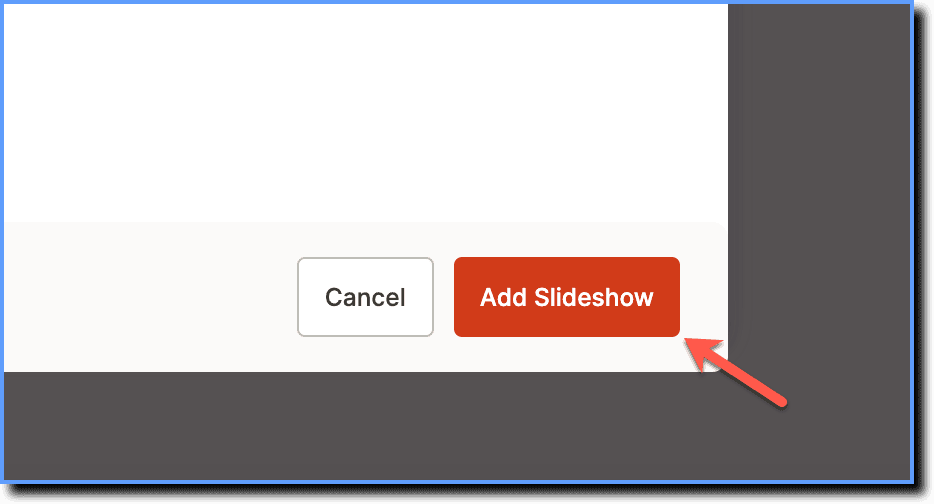
- Click Add Slideshow.
your title goes here
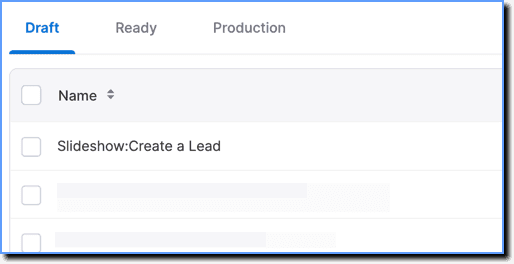
You can view the Slideshow as a link on the Desktop Dashboard in the Draft stage.