Whatfix Videos
Add a Flow as a Video to your Dashboard
Whatfix enables you to add your Flows as videos on the Dashboard. Any Flow on the Whatfix Dashboard can be added as a video on your Whatfix Dashboard, and you can then insert this video in your Whatfix content such as Pop-ups, Self Help, and more.
your title goes here
You can only add Flows in the Production stage as a video to your Dashboard.
Use the following steps to add a Flow as a Video:
-
On the Whatfix Guidance dashboard, click Content.

-
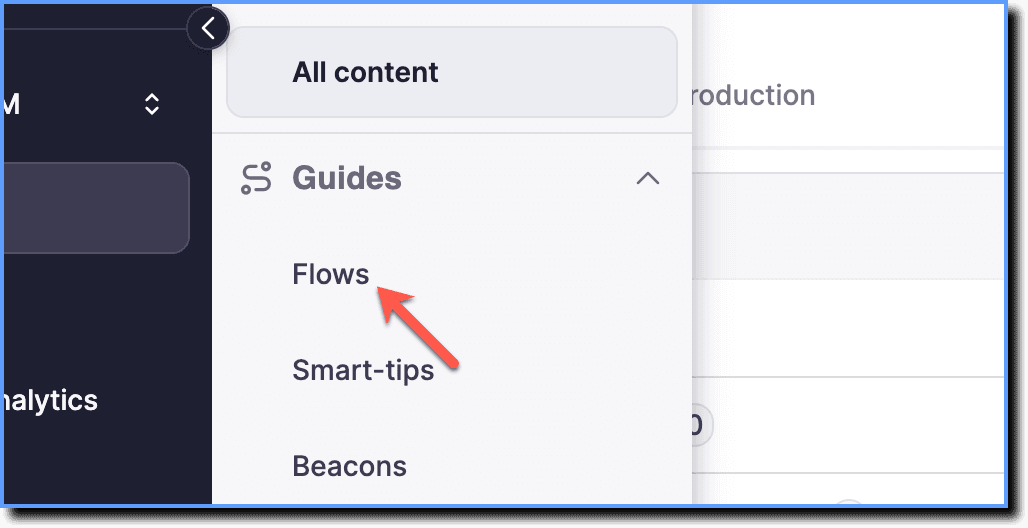
Click Flows.
-
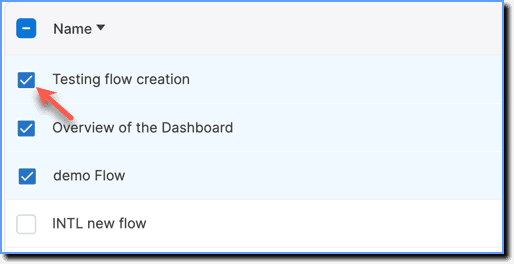
Select the Flows you want to share.
Note:
You can share up to 10 Flows at a time.
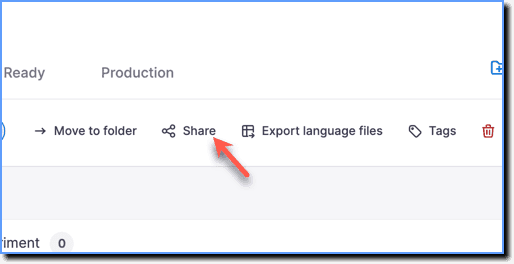
- Click the Share icon.
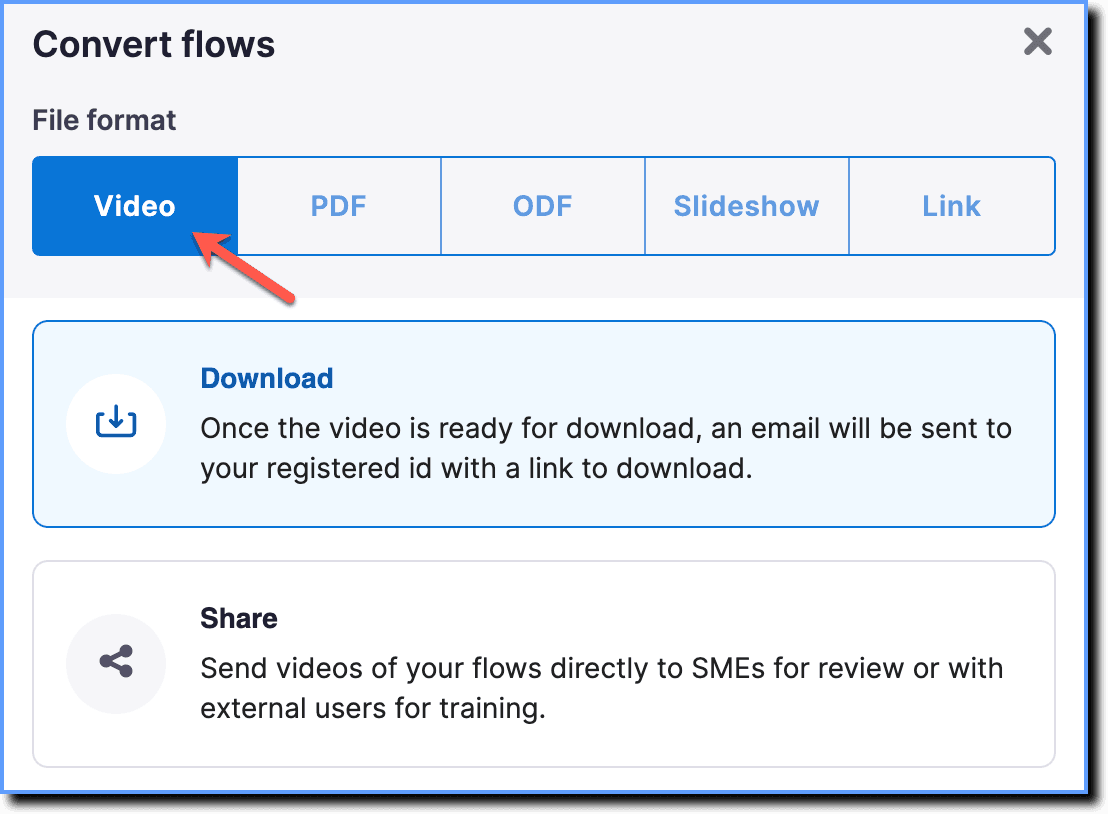
- Choose the Video option.
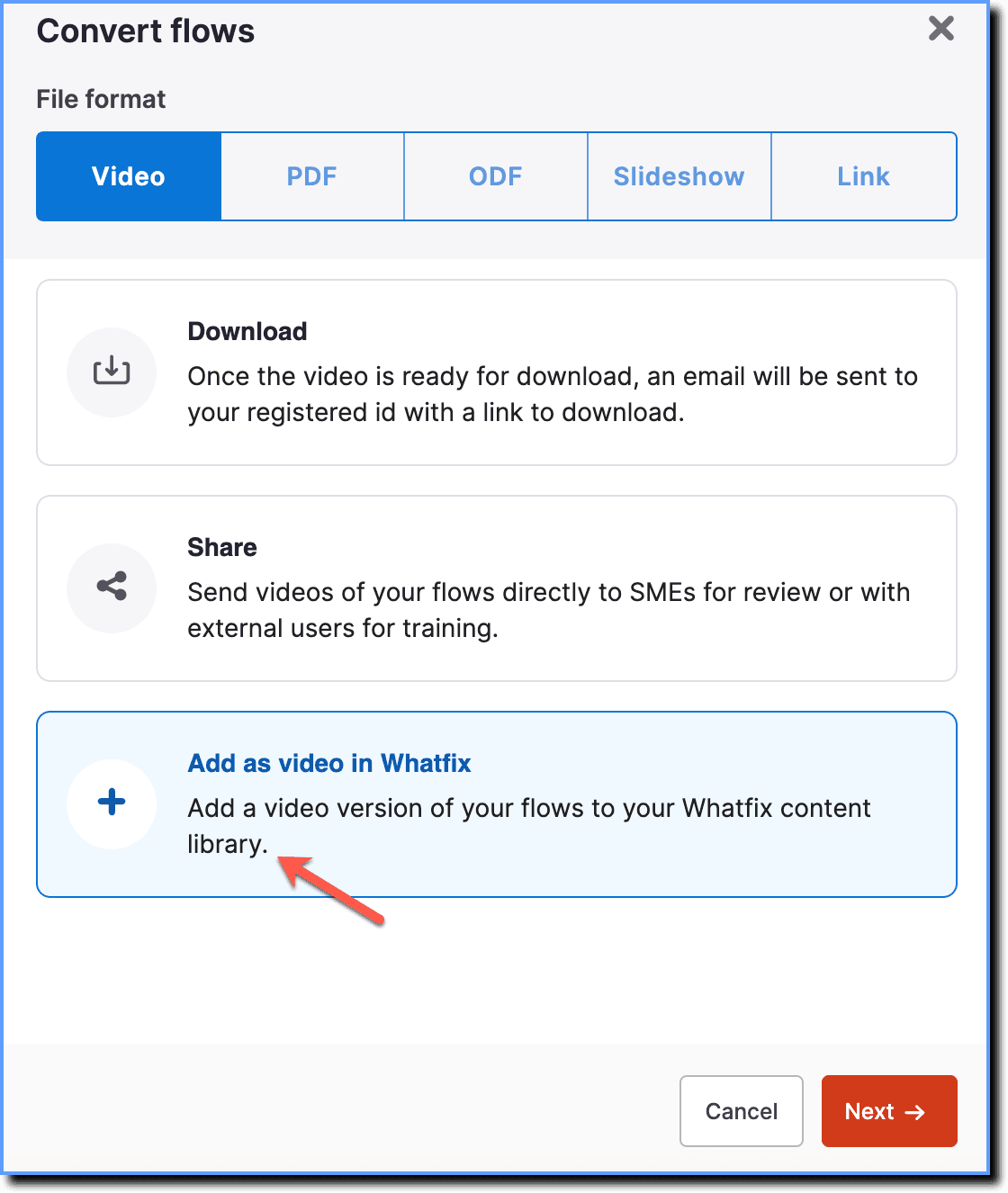
- Click Add as video in Whatfix.
- Click Next.
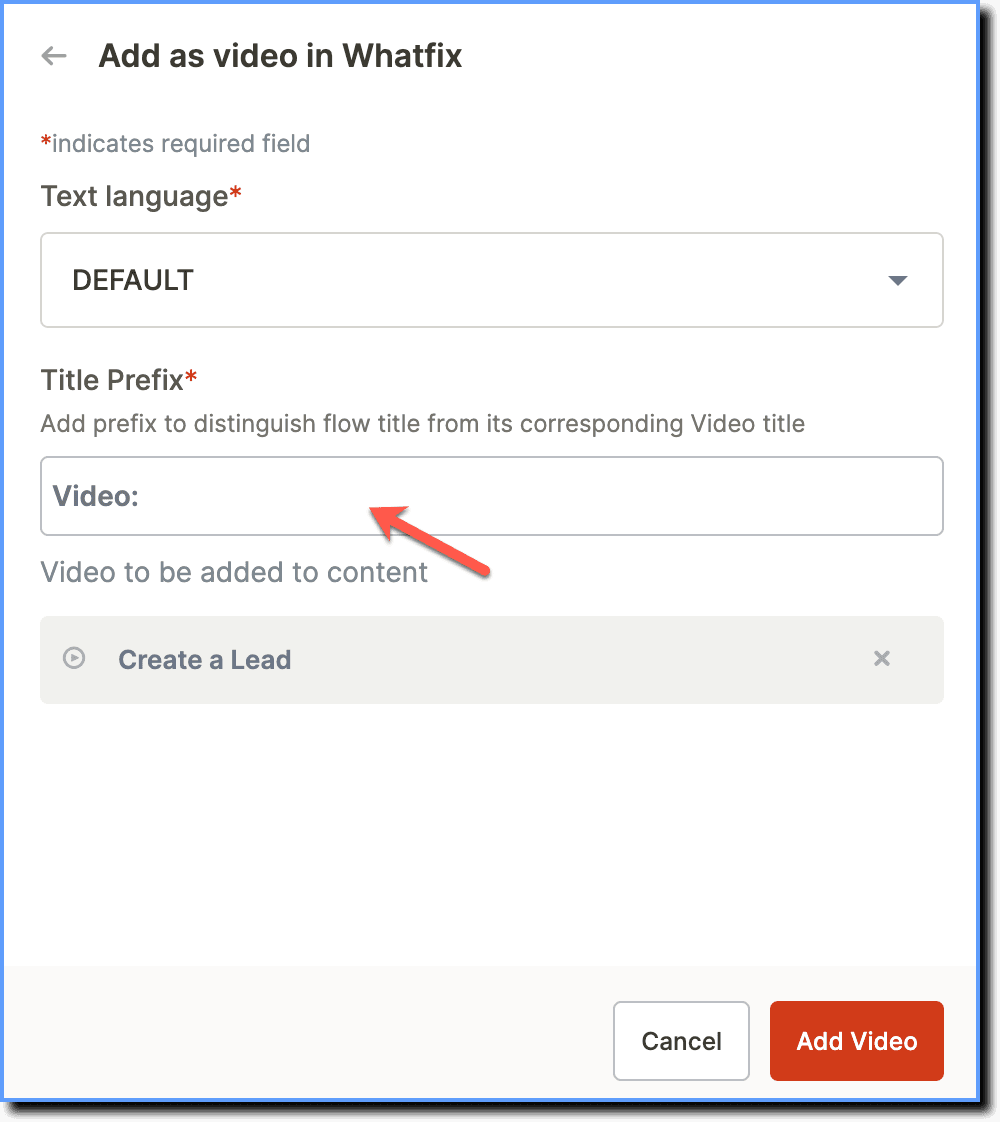
- In the pop-up, select the language in which you want to share the Flows.
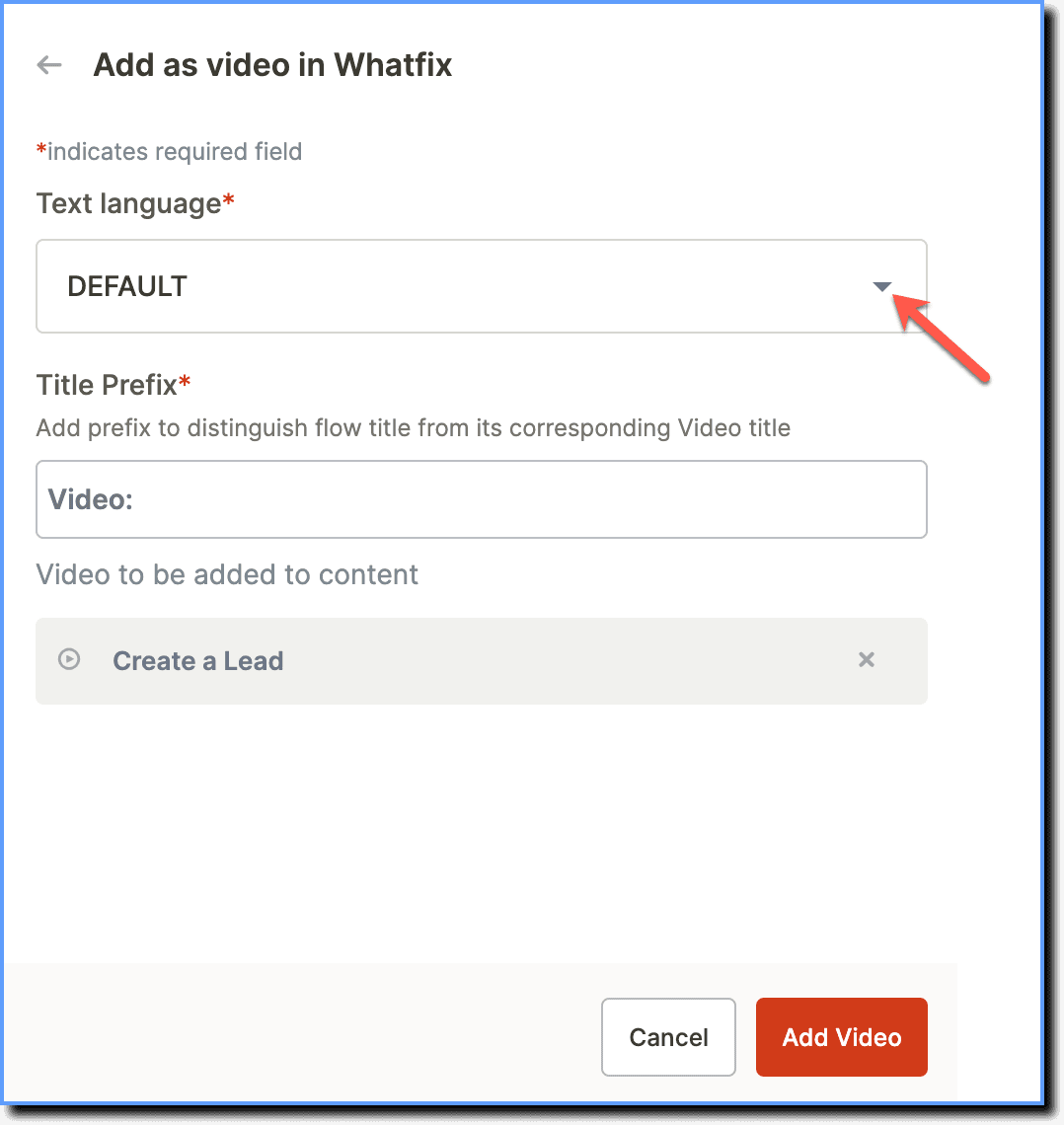
- Enter a Title Prefix.
your title goes here
The prefix title distinguishes Flow title from its Video title.
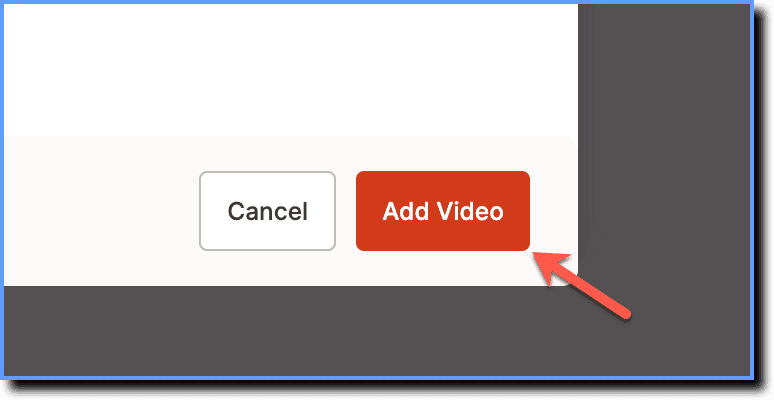
- Click Add Video.
your title goes here
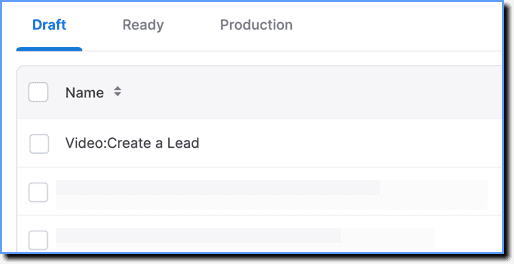
You can view the video on the Dashboard in the Draft stage.