Configure Whatfix Desktop Content
Access Advanced Customization
Whatfix enables you to perform most tasks on the Whatfix user interface. For tasks that are not as frequently used, use certain snippets of code to perform advanced actions. Each action can be enabled by copying the respective code into the Advanced Customization window as explained below.
Use the following steps to access Advanced Customization:
-
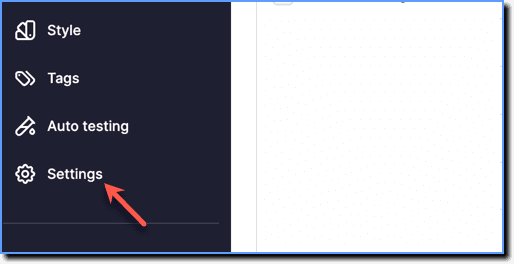
On the Whatfix Guidance dashboard, click Settings.
-
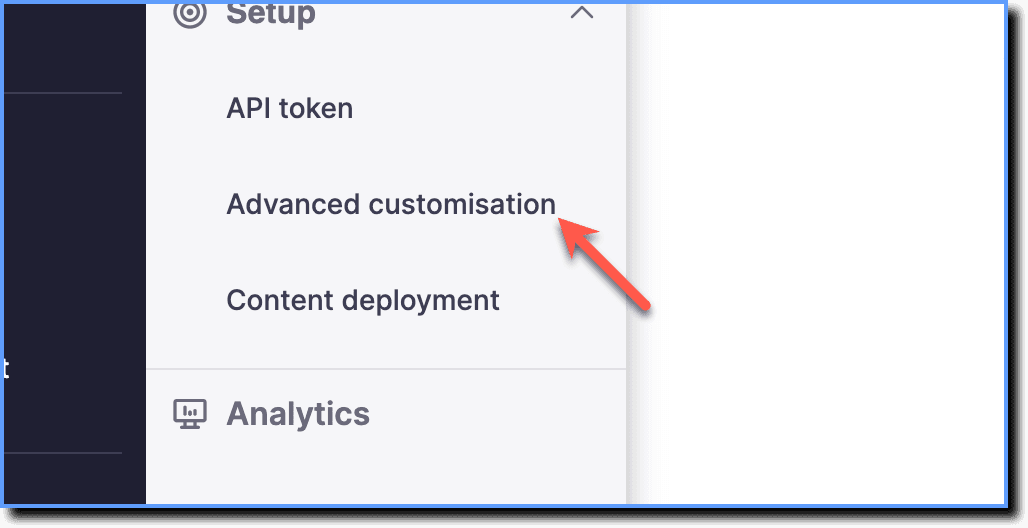
Click Advanced customisation.
-
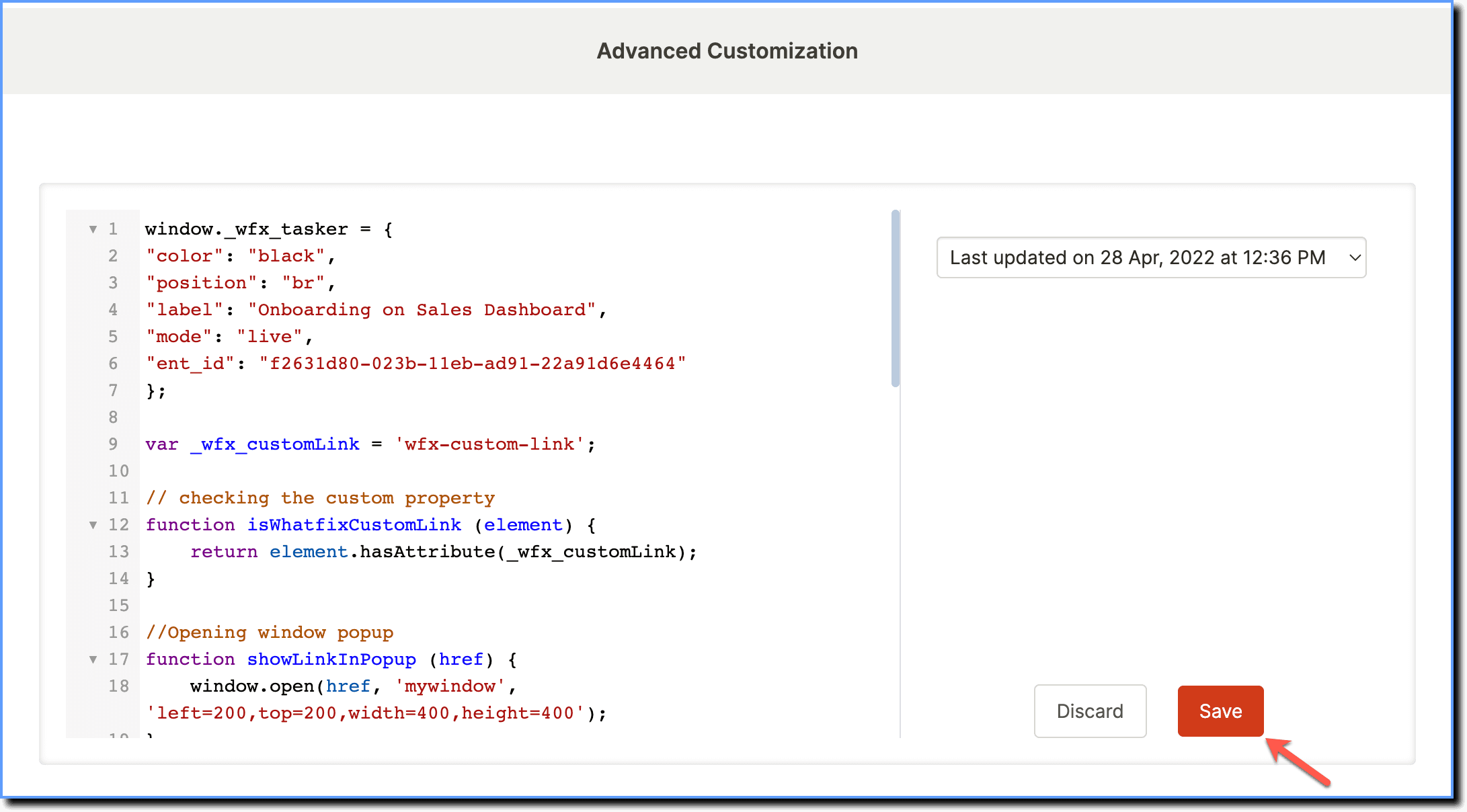
Advanced users can write their own code snippet for the desired action, paste it in the window, and then click the Save button.