User lists (Static Cohorts)
Delete a User list (Static Cohorts)
Whatfix enables you to delete a User list that is no longer required for analysis. A deleted User list cannot be restored.
Use the following steps to delete a User list:
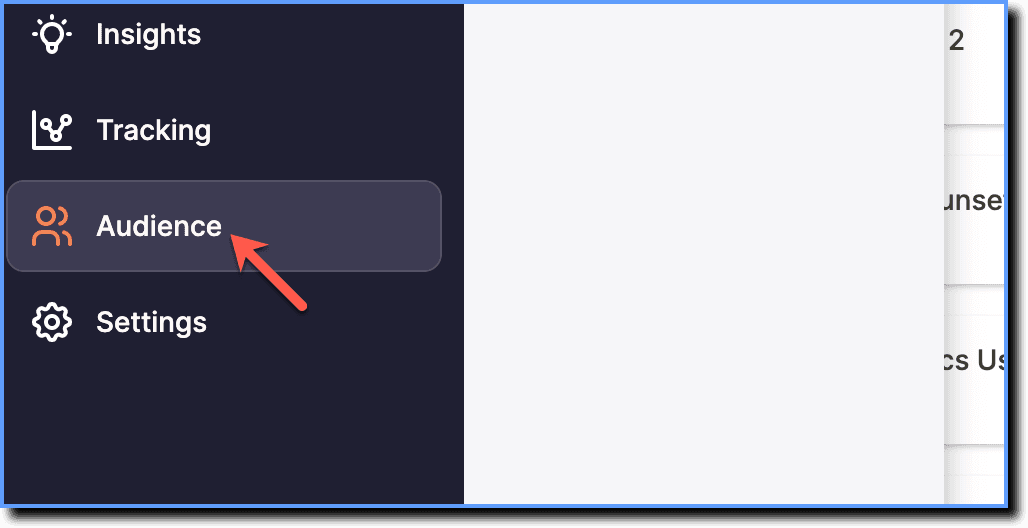
- On the Whatfix Analytics dashboard, click Audience.
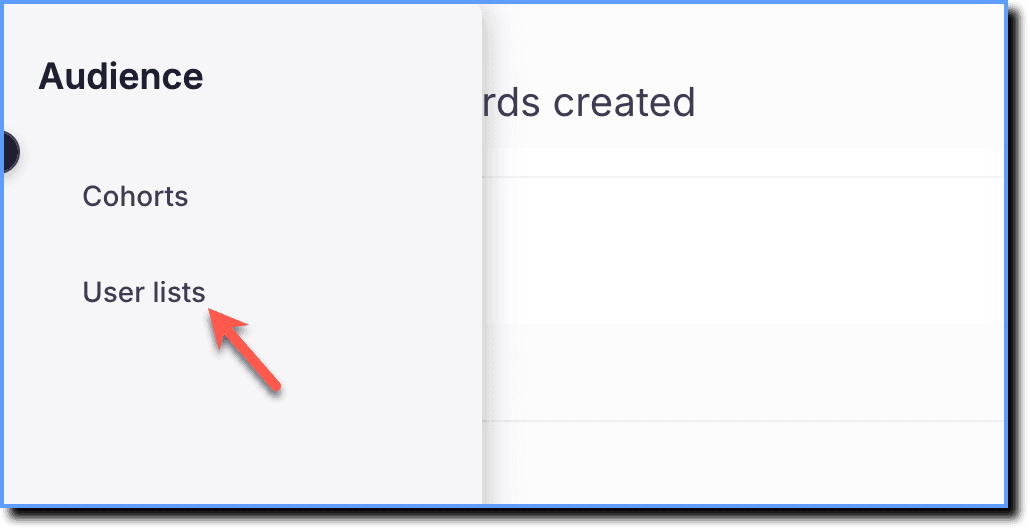
 2. Click User lists.
- Hover your cursor over the User list you want to delete, and then click the More icon.
 2. Click Delete.
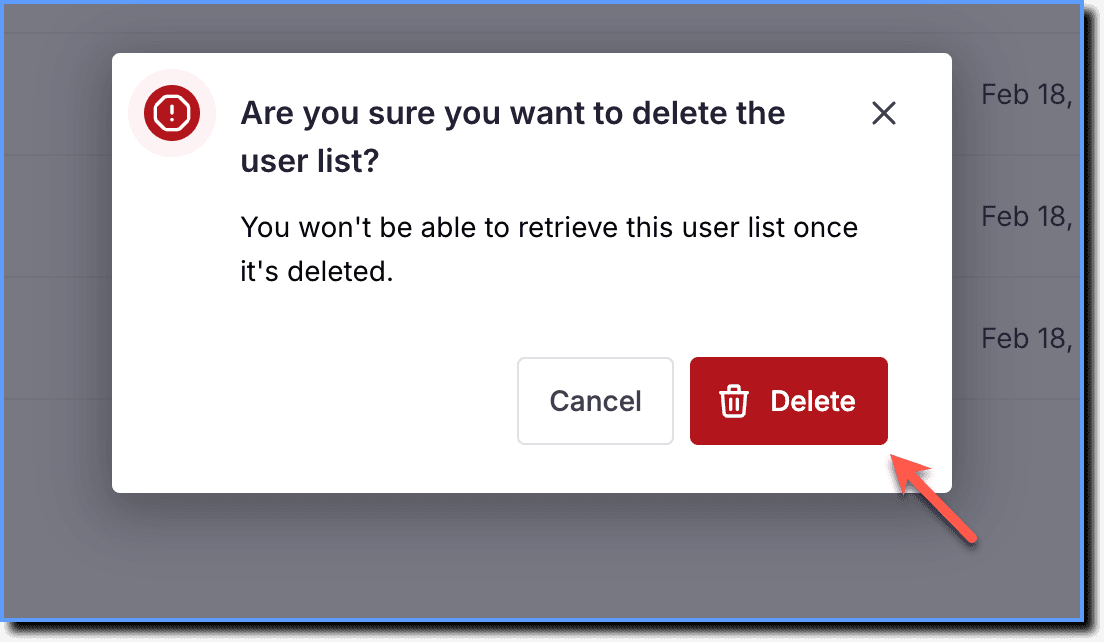
 3. In the confirmation dialog box, click Delete.
- A User List cannot be deleted if it is being used in Content, Widgets, Insights, or Cohorts. Remove the User List first to proceed with deletion.
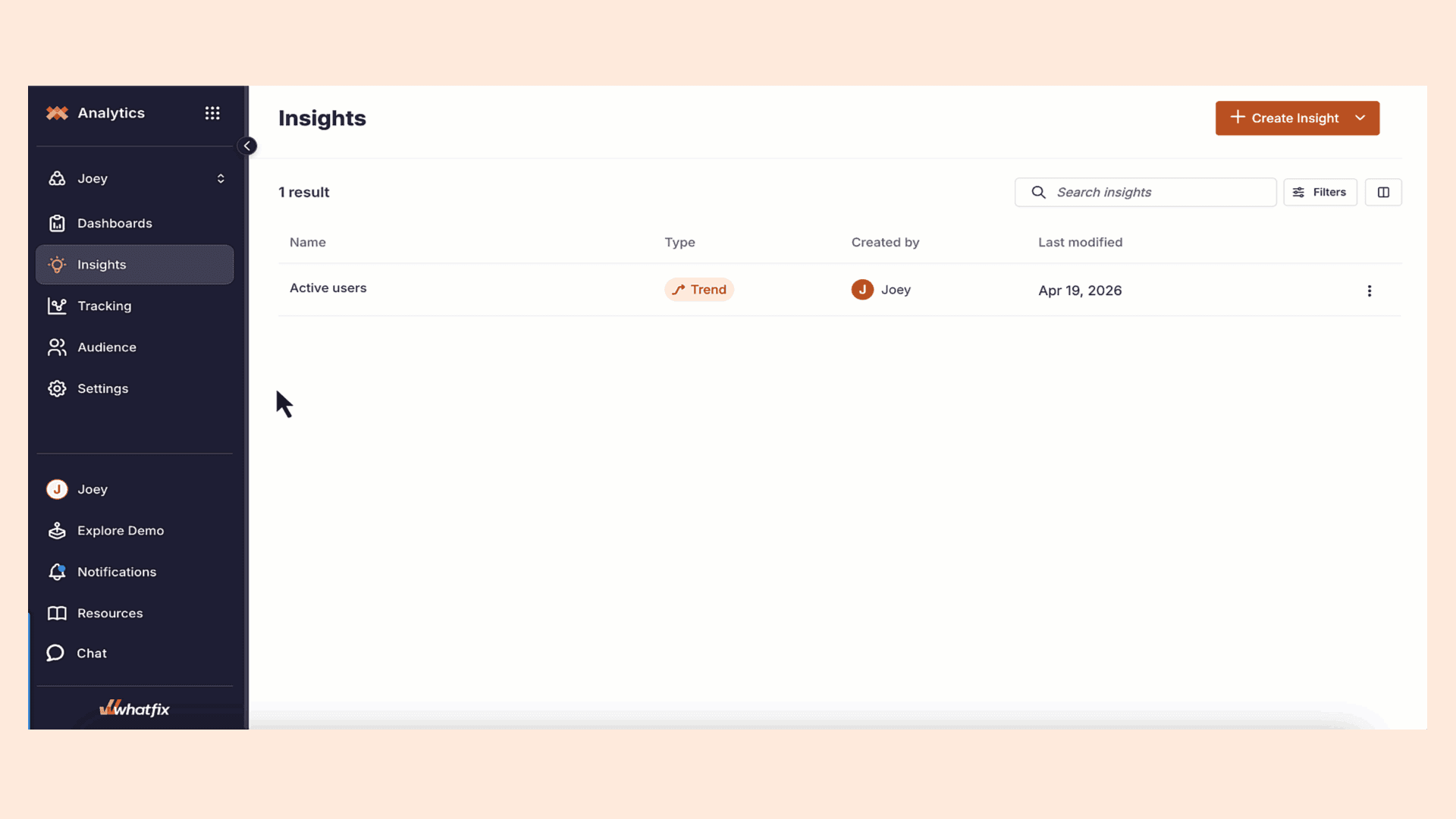
- If you’ve used the User list to be deleted in a Cohort, Whatfix displays the following error message during the deletion process.

- Delete the User list rule in the Cohort before deleting the User list. For more information, see Delete a rule in a Cohort.