Cohorts
Delete a rule in a Cohort
Whatfix enables you to delete rules you've added to a Cohort at any time. You may want to delete rules that are not relevant to your analysis anymore.
Use the following steps to delete a rule in a Cohort:
-
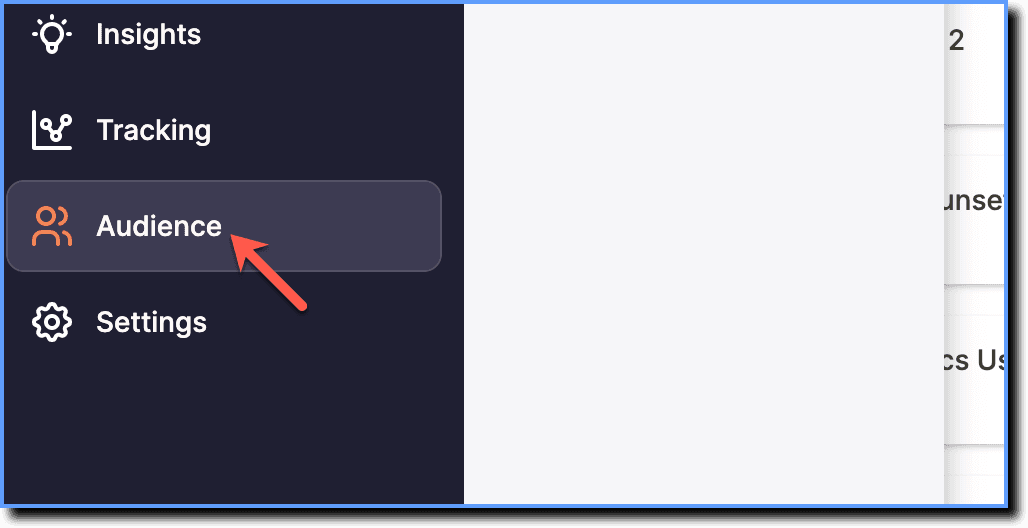
On the Whatfix Analytics dashboard, click Audience.
-
Click Cohorts.

-
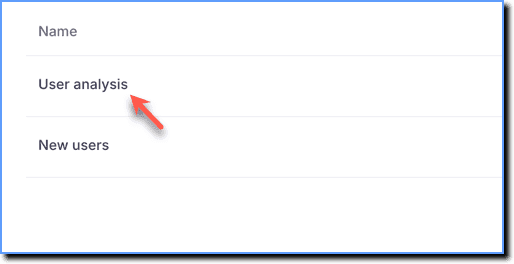
Click the Cohort in which you want to delete a rule.
-
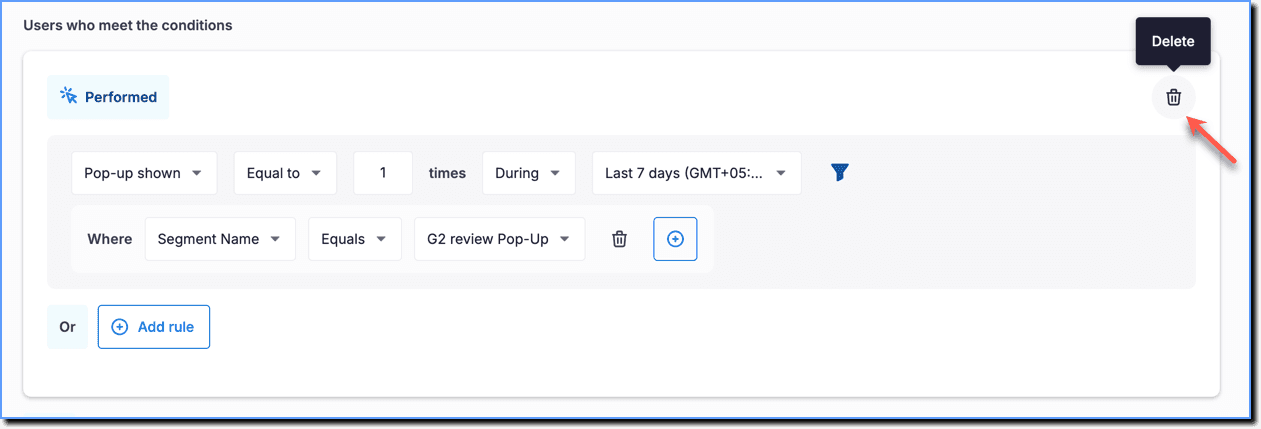
Go to the rule you want to delete, and then click the Delete icon.
Info:
After deleting a rule in a cohort, refresh the Cohort to see the updated number of users. 
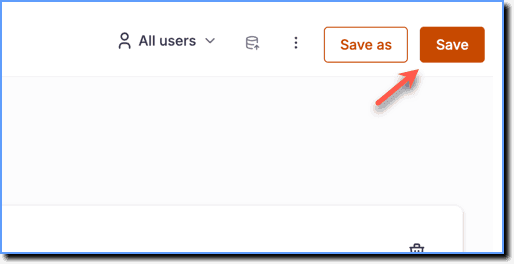
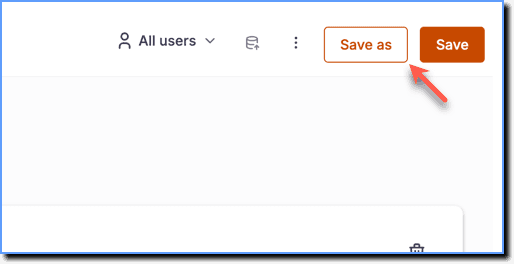
- Click Save.
Info:
- Click Save as to save the changes made to the existing Cohort as a new Cohort.
- You cannot delete a rule in a Cohort created from a Funnel Insight.