Cohorts
Delete a Cohort
Whatfix enables you to delete a Cohort which you no longer require.
Use the following steps to delete a Cohort:
-
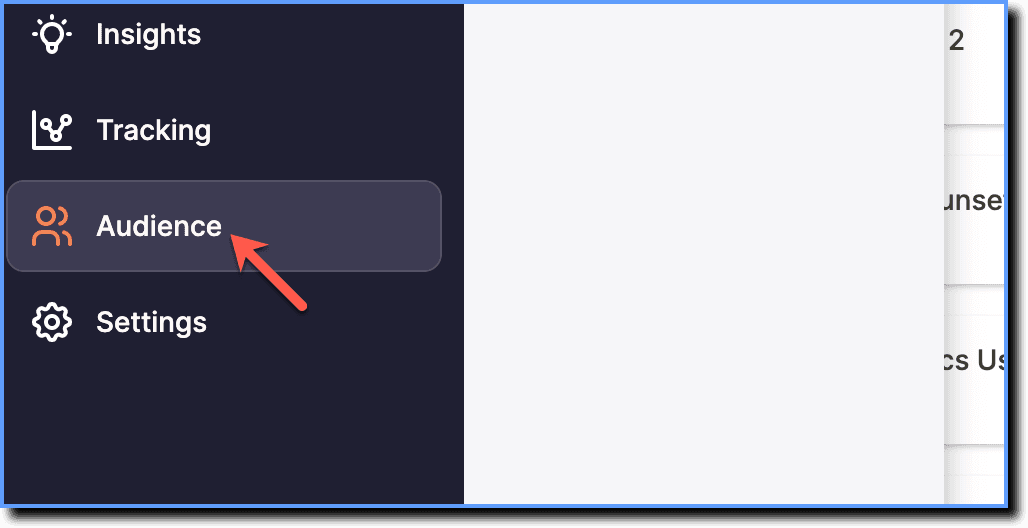
On the Whatfix Analytics dashboard, click Audience.
-
Click Cohorts.

-
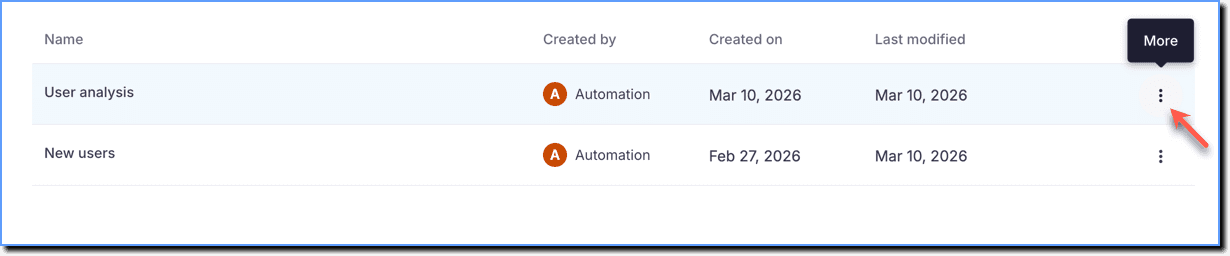
Hover your cursor over the Cohort that you want to delete, and then click the More icon.
-
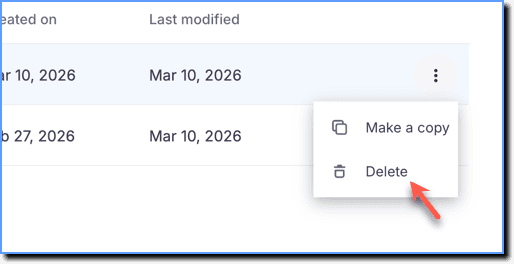
Click Delete.
-
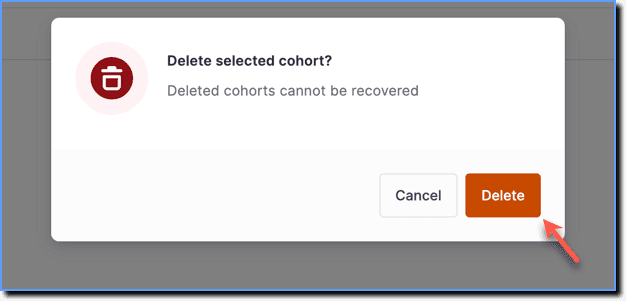
On the dialog box, click Delete.
Note:
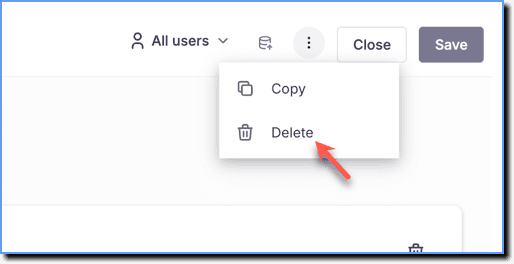
Alternatively, inside the Cohort --> click the More icon --> click Delete.